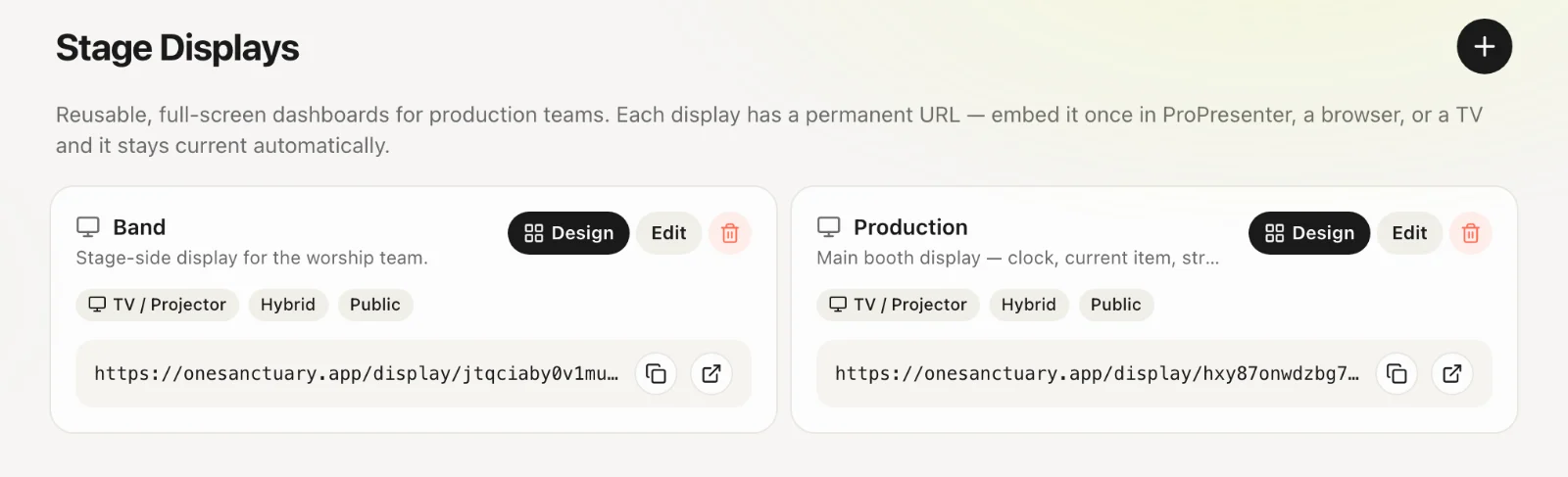
Setting up a stage display
Show the live service order on a stage or production screen.
4 min read · 4 steps
Create a channel
Stage Displays (admins) → create a Display Channel.
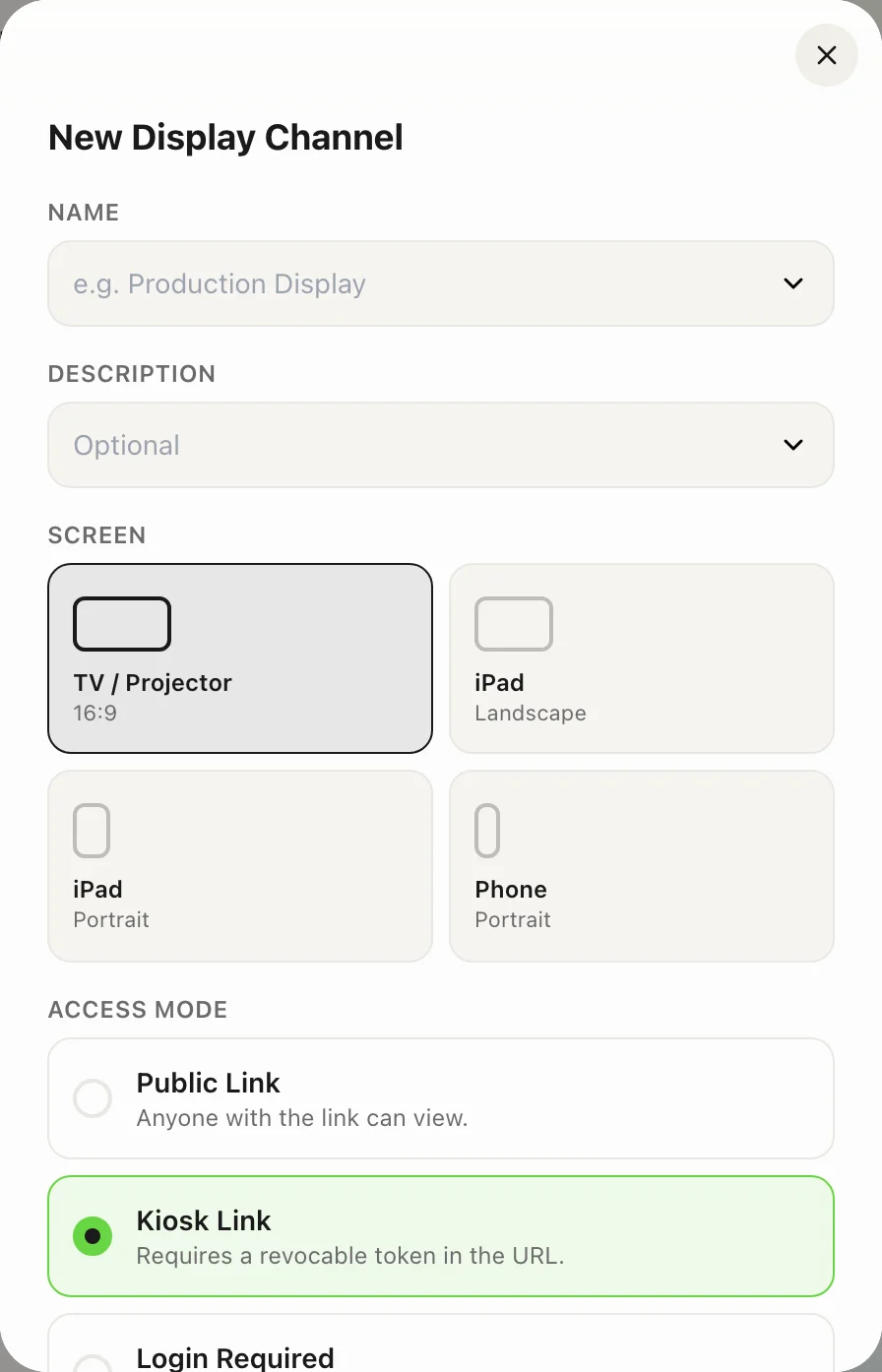
Access mode
Public, Login or Kiosk — depending on whether the screen is on a locked-down booth machine or a shared iPad.
Link the order
Manual, Automatic or Hybrid. Optionally pin a specific service order.
Open the URL
Open /display/your-slug on the stage screen. Use Go Live on the service order to drive it in real time.