Removing members
Remove someone from the church without deleting their personal login.
2 min read · 4 steps
Open the member
Teams → Members, tap the person.
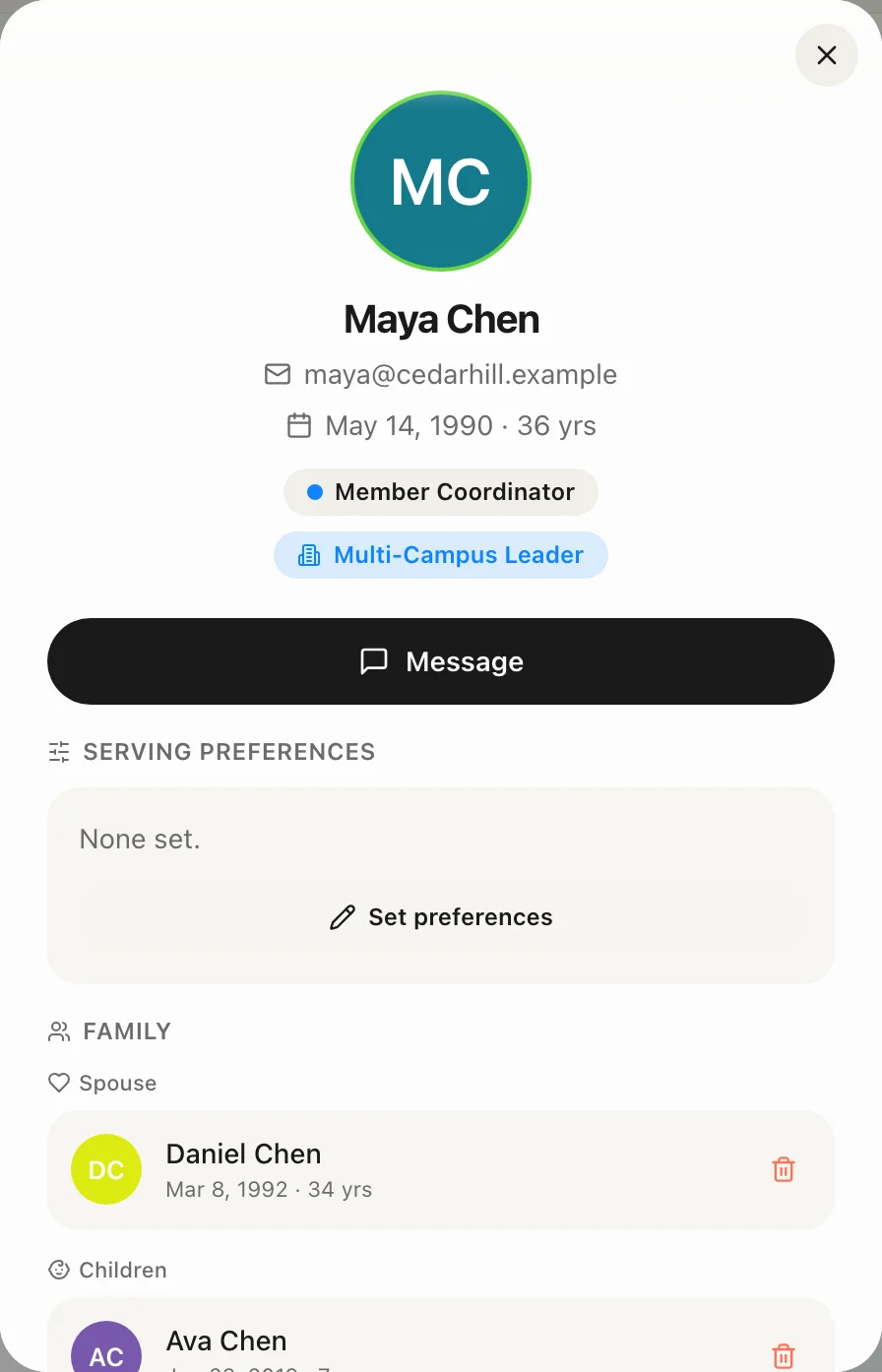
Remove them
Use the member actions to remove them from the church. They leave every team and future schedule assignments. Their Core profile remains (history, giving, forms) unless a Core admin later deletes or merges it.
Last primary admin
You cannot remove the only primary administrator — the church would have nobody who can invite, bill or approve. Promote someone else first, or contact support to close the church.
Deleting the login itself
That is Account deletion, done by the person (Profile → Delete account) or via the public Account Deletion page. It is not the same as leaving a church.