Creating a team
Set up a team with a chat, feature access, and members.
3 min read · 4 steps
Start creating
On the Teams tab, tap + (admins).
Name and identity
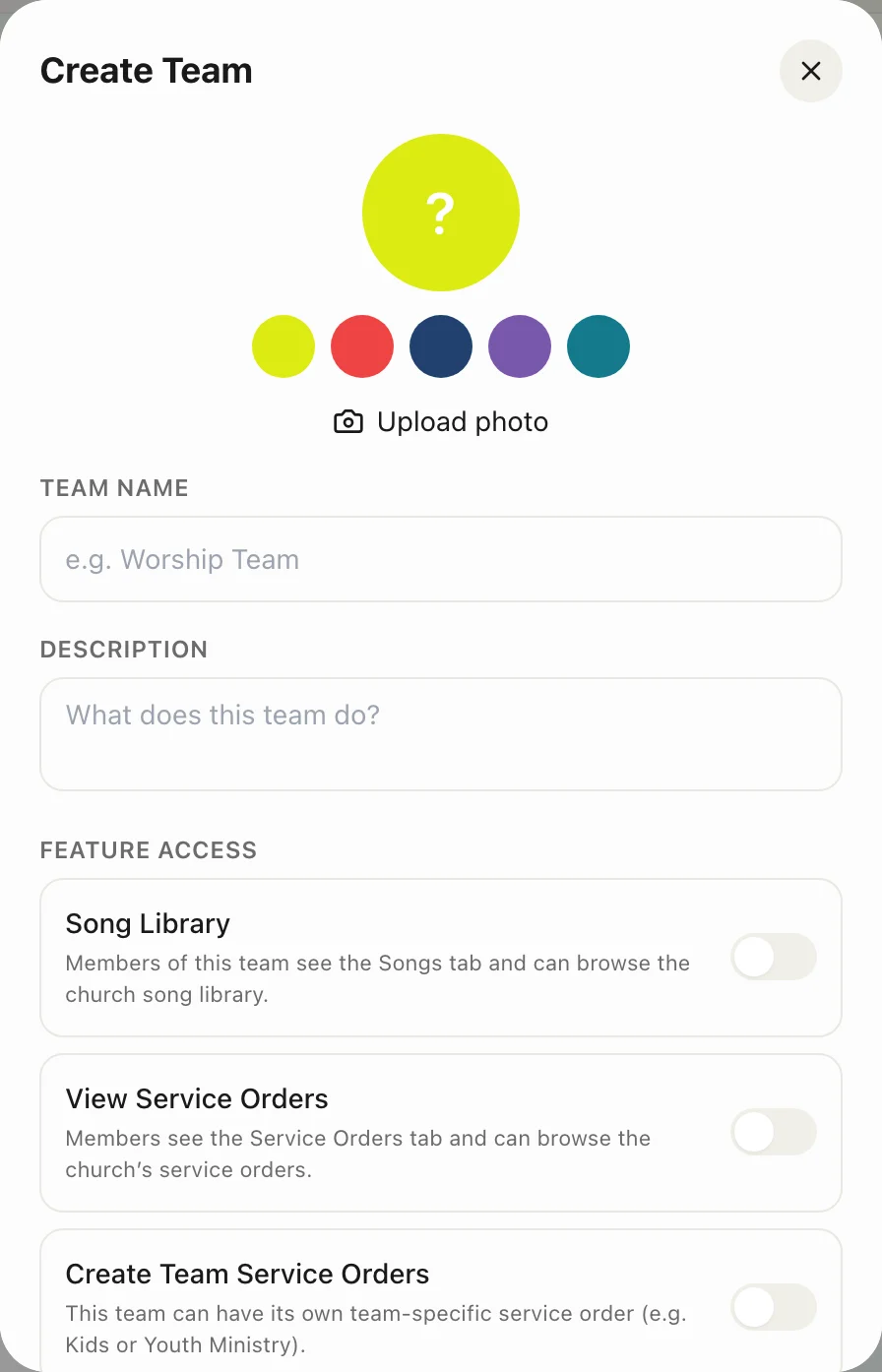
Enter a name and description, then pick an avatar or colour.
Feature access
Choose whether this team uses Songs, Service Orders, and who may create orders. A prayer team may need none of those.
Create, then add people
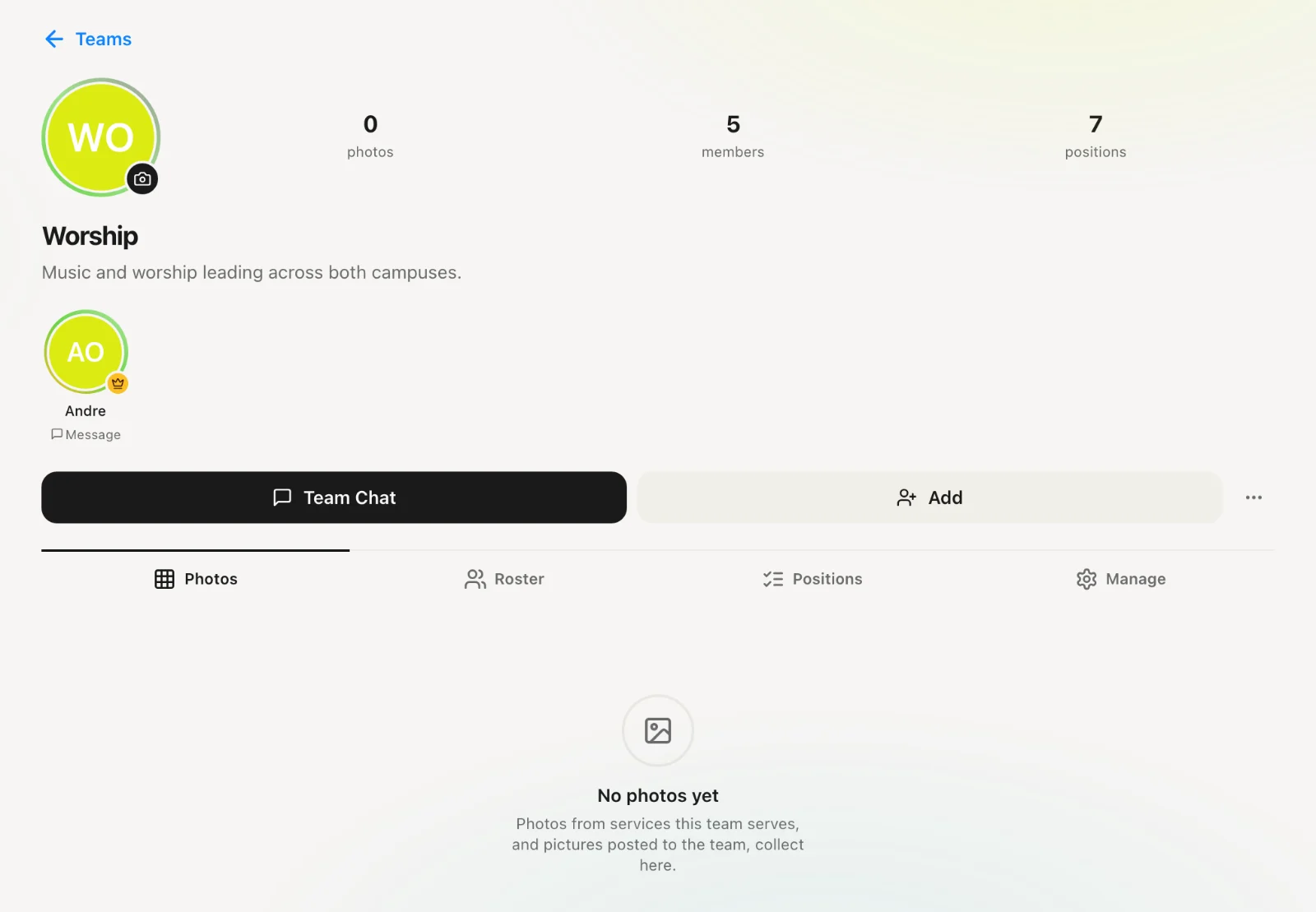
A team chat is created automatically. Open the team, add members, assign a leader (crown badge) and positions.