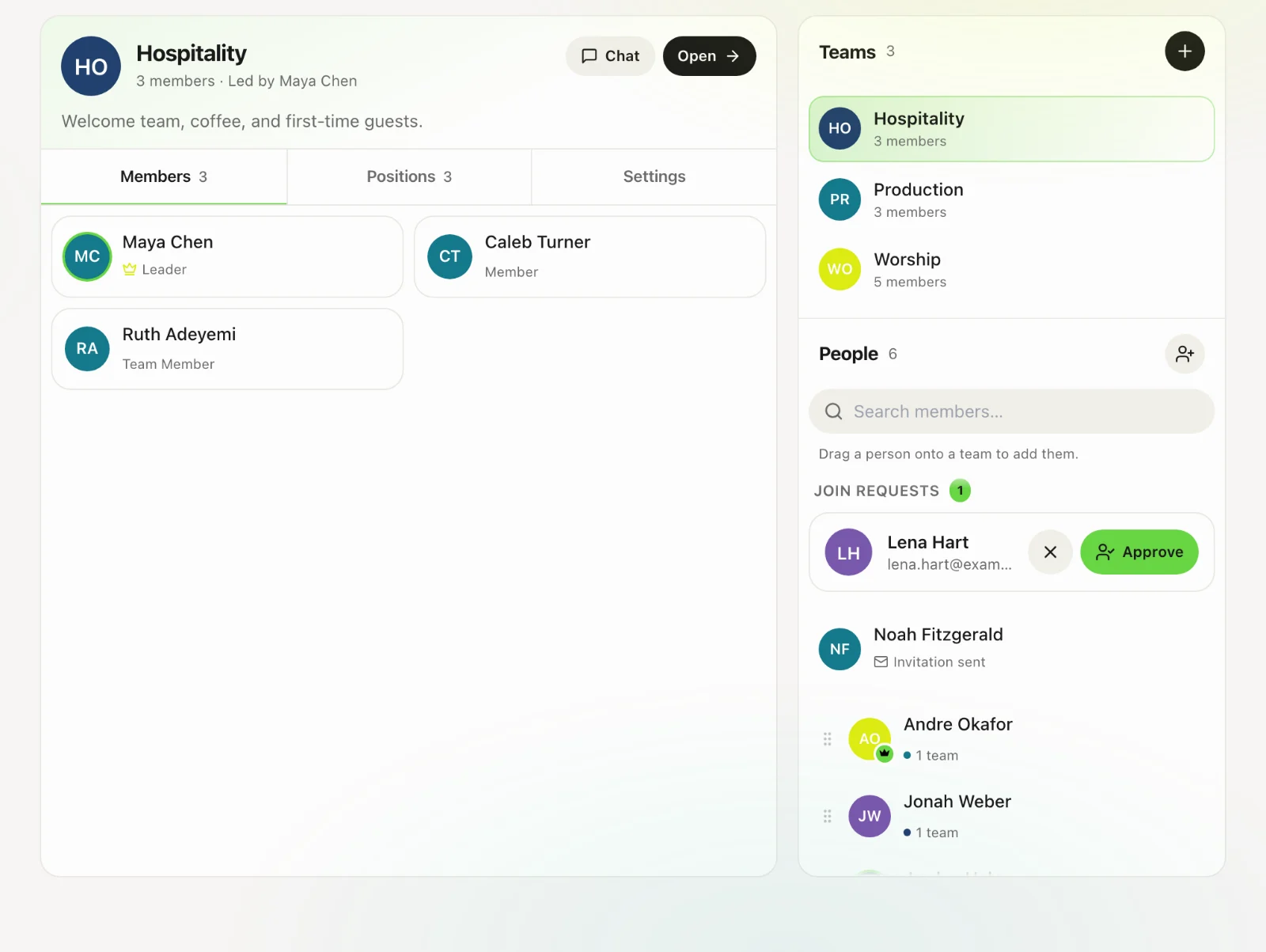
Onboarding new members
Invite people, share the church code, approve joiners, and put them on a team.
4 min read · 4 steps
Invite from Members
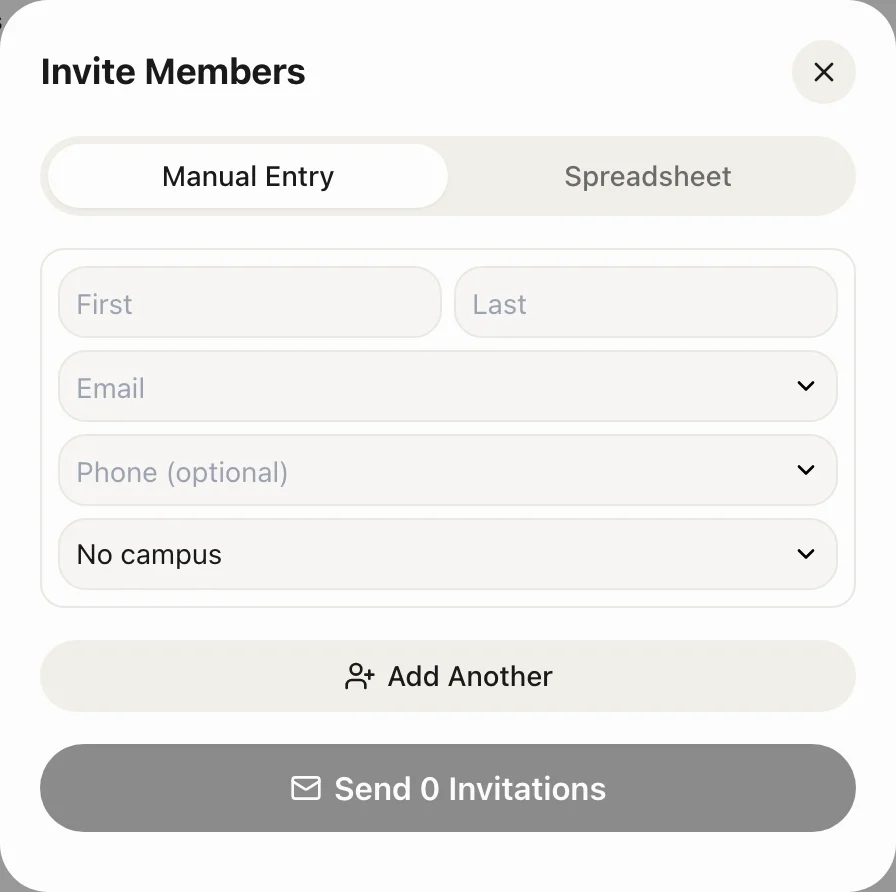
Go to Teams → Members (admins). Tap Invite Members. Enter name, email and campus. They receive an email with a join link. Invitations use a seat on your plan.
Or share the Church Code
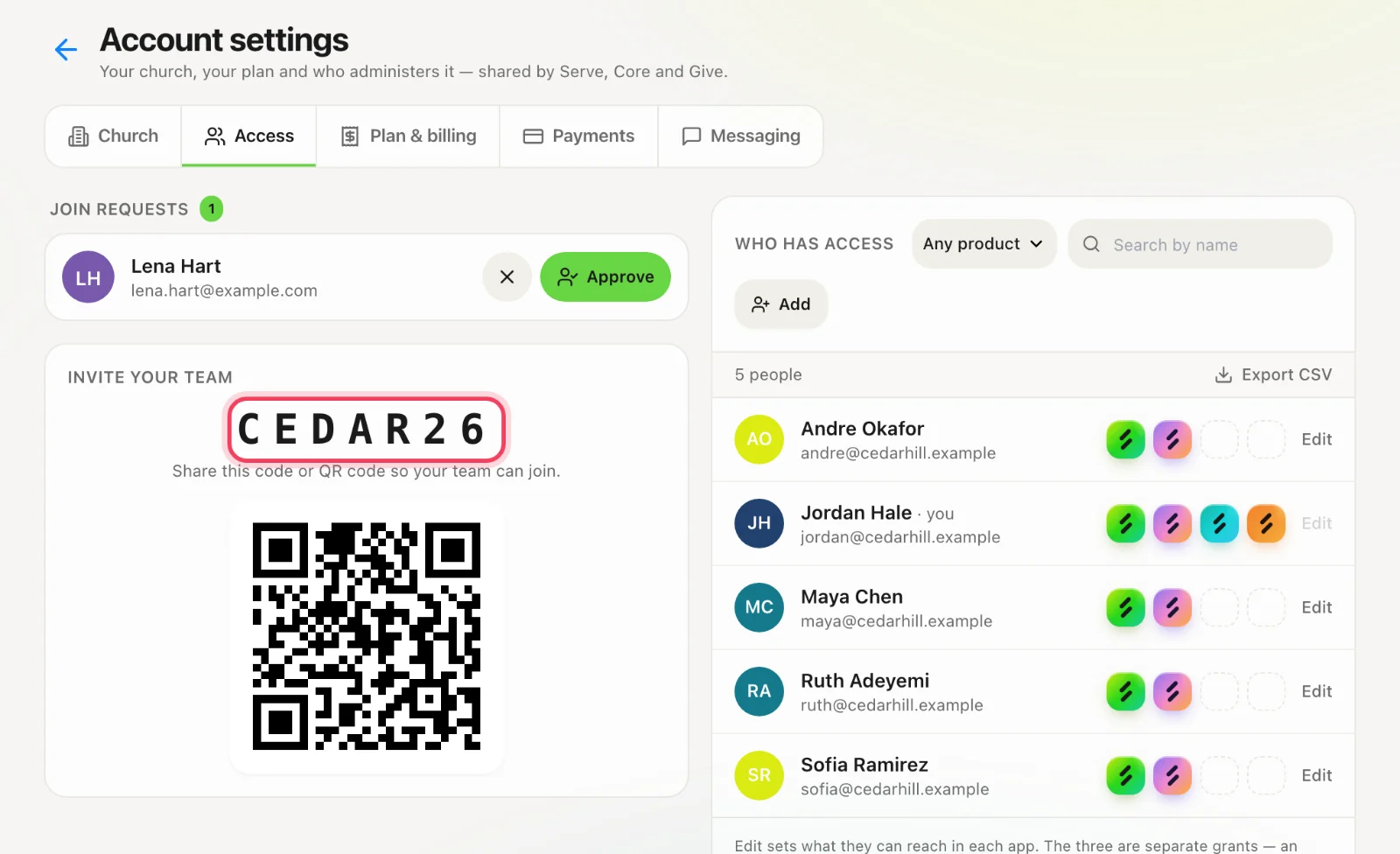
The 6-character code and QR live in Account settings → Access. A joiner is pending until you approve them. That is the right path for a volunteer who should not skip review.
Approve the request
You will get a notification. Open Members and approve. They become a team member with no Core or Give access.
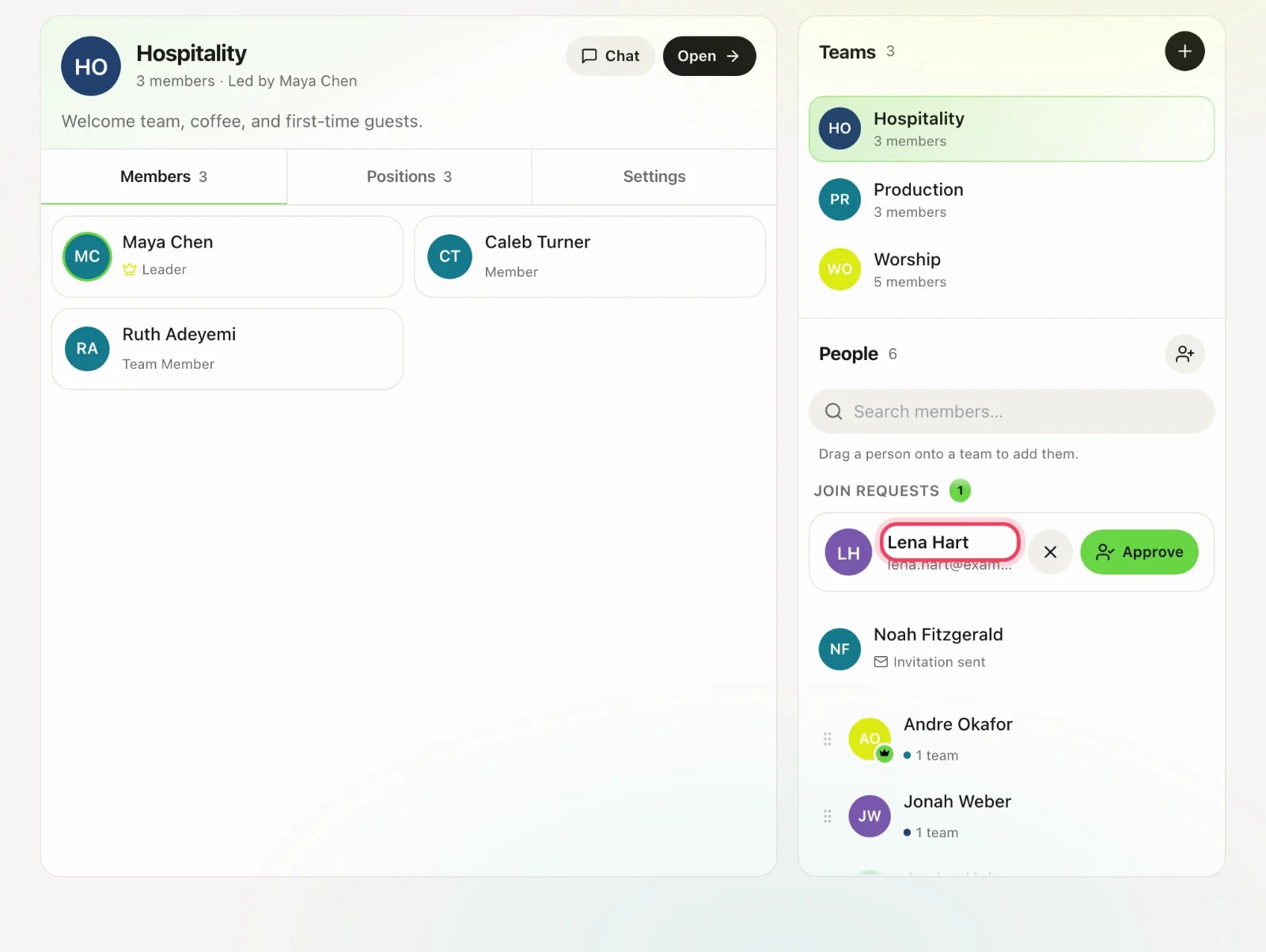
Put them on a team
Open the team, add the member, optionally make them a leader and give them positions. Until they are on a team they have a login and no rota.