Intro to Sanctuary Serve
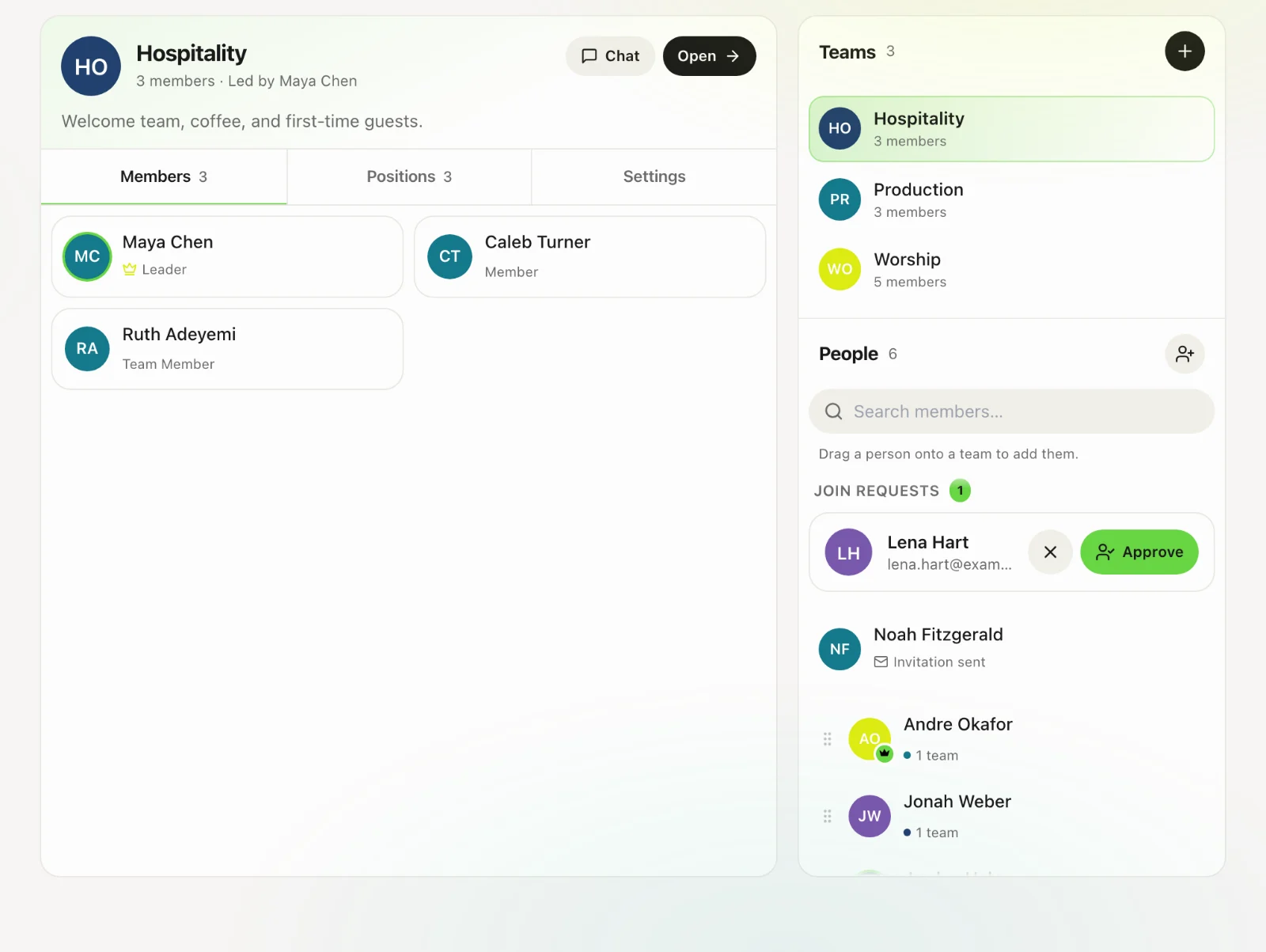
Teams, the rota, service orders, songs and stage displays.
5 min read · 4 steps
What Serve is for
Serve is how the Sunday (and midweek) machine runs: who is on, what the order of service is, which songs, and what the stage screen shows. The people it schedules are Core records.
Plans and the member limit
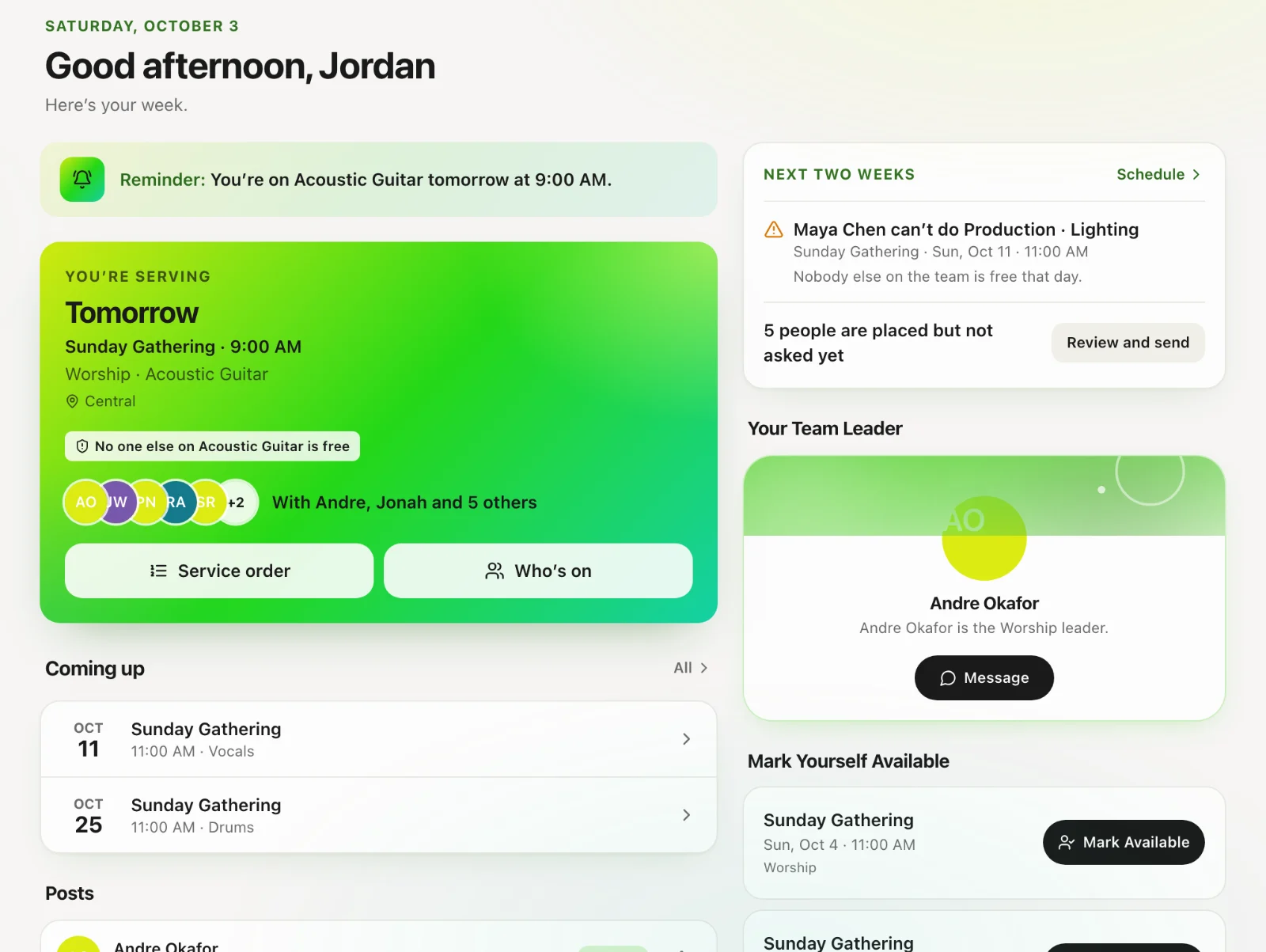
Each plan sets how many team members your church can have: 5 on Core, 50 on Essentials, 200 on Complete, and no limit on Multi-Site or Enterprise. Pending join requests count toward it. To change plan, open Account settings → Plan & billing on the website.
What volunteers see
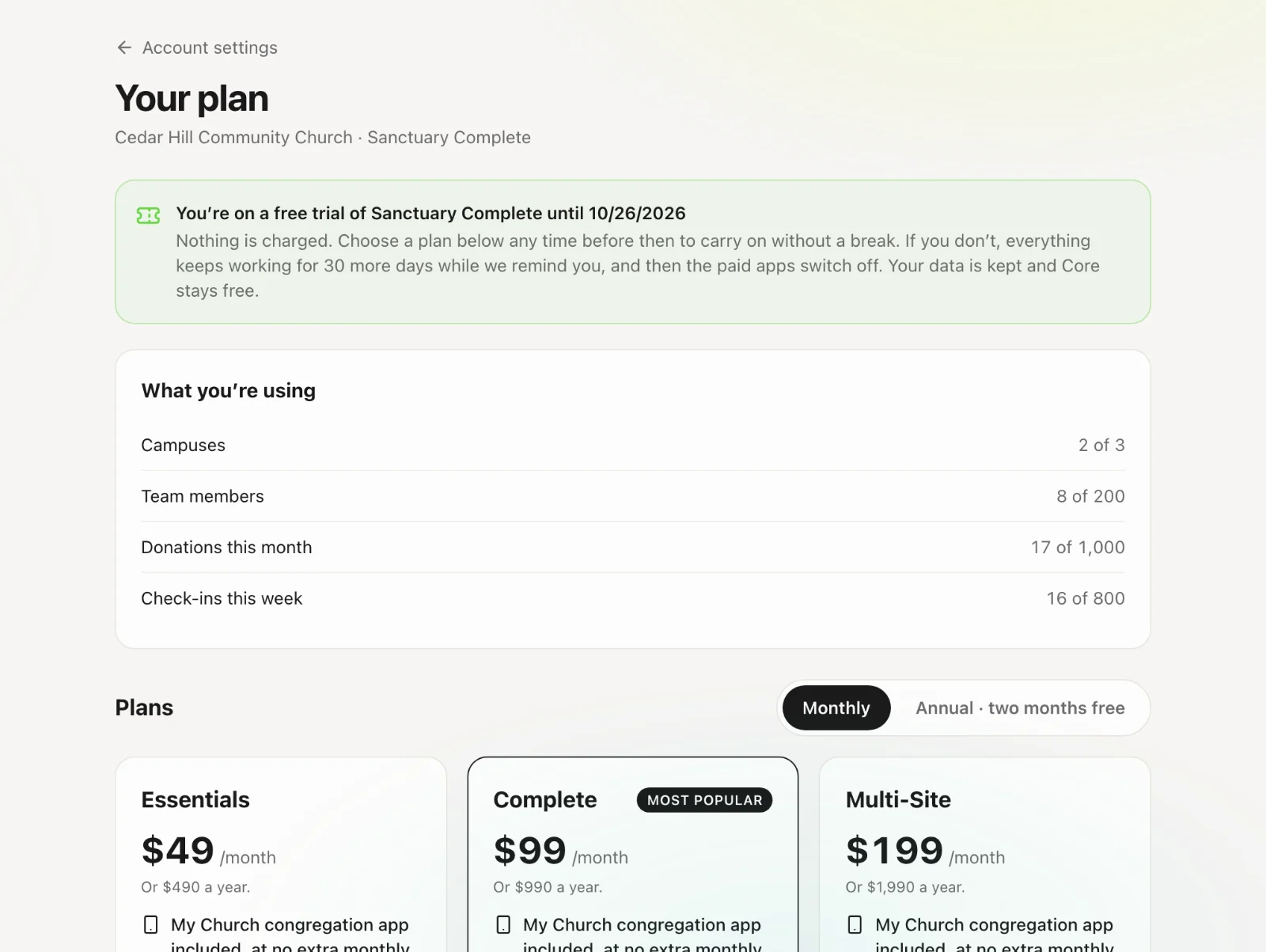
After they are approved, volunteers see their own teams, schedule requests, away dates and messages. They do not see the whole directory, billing, or other people’s giving.
The usual setup order
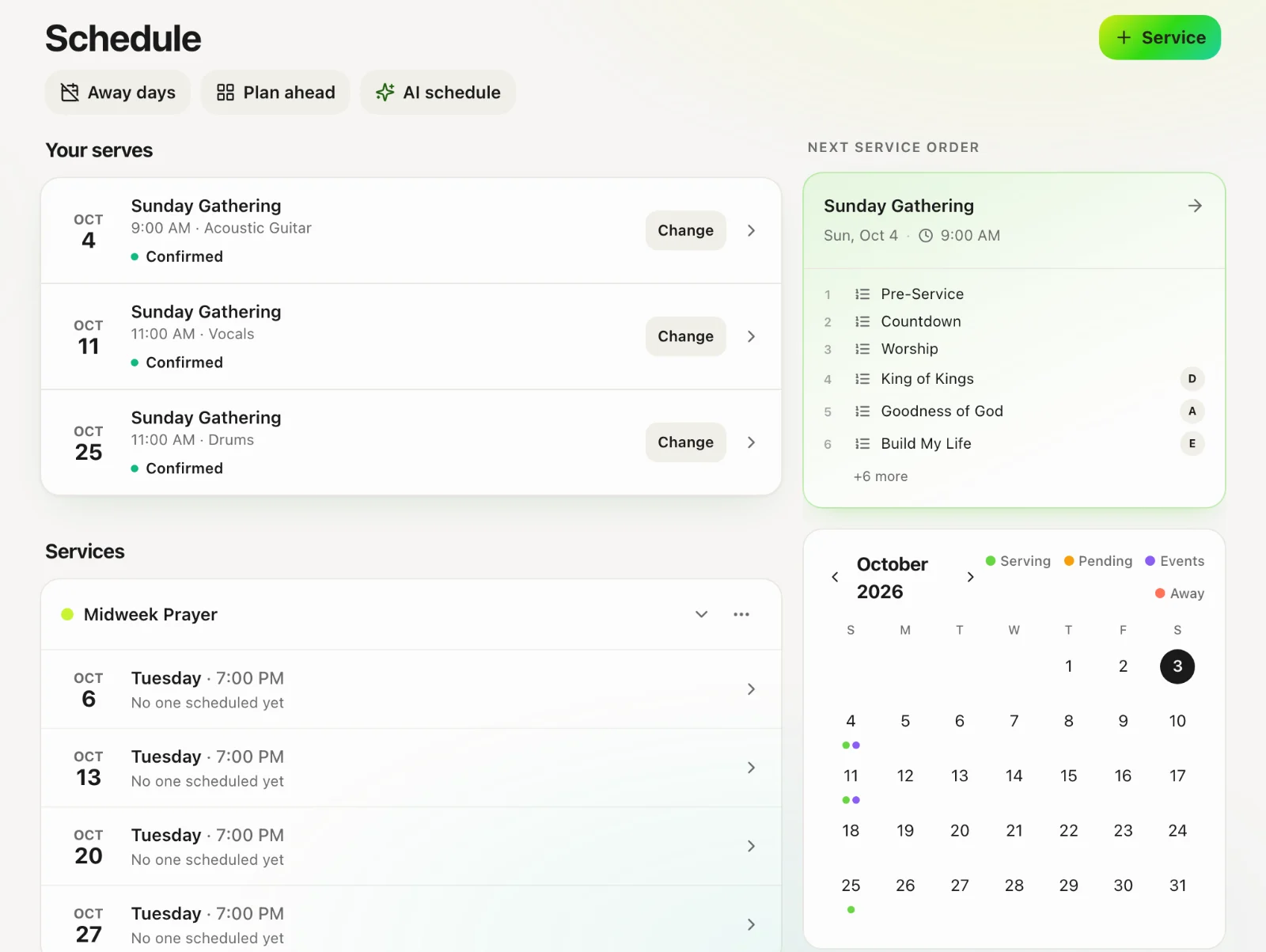
Create teams → add positions → invite or approve members → build a service and a service order → schedule on the Matrix → send a schedule drop. Songs and stage displays can wait until the first real service.