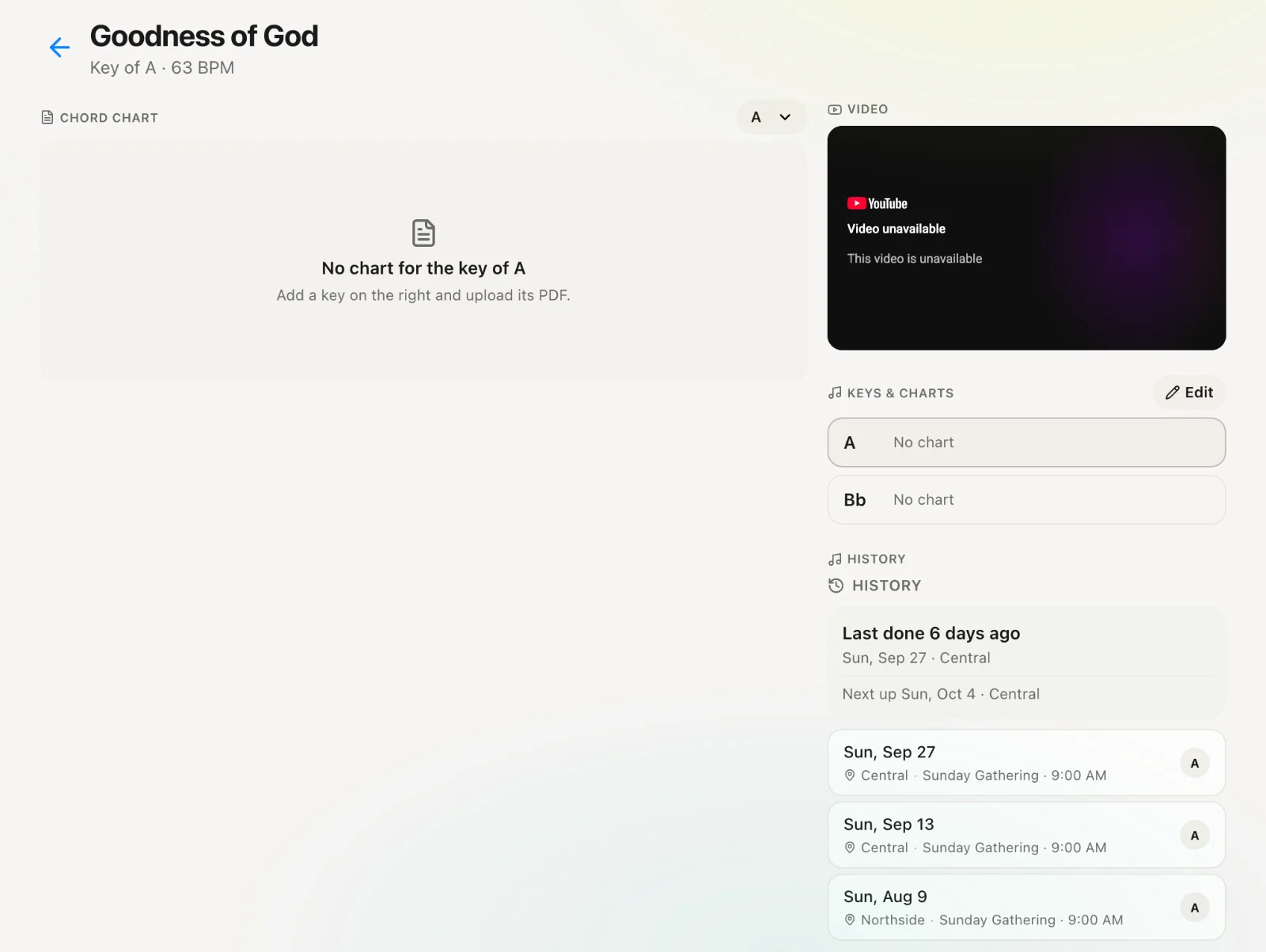
Adding a song
Put a song in the church library for orders and stacks.
2 min read · 3 steps
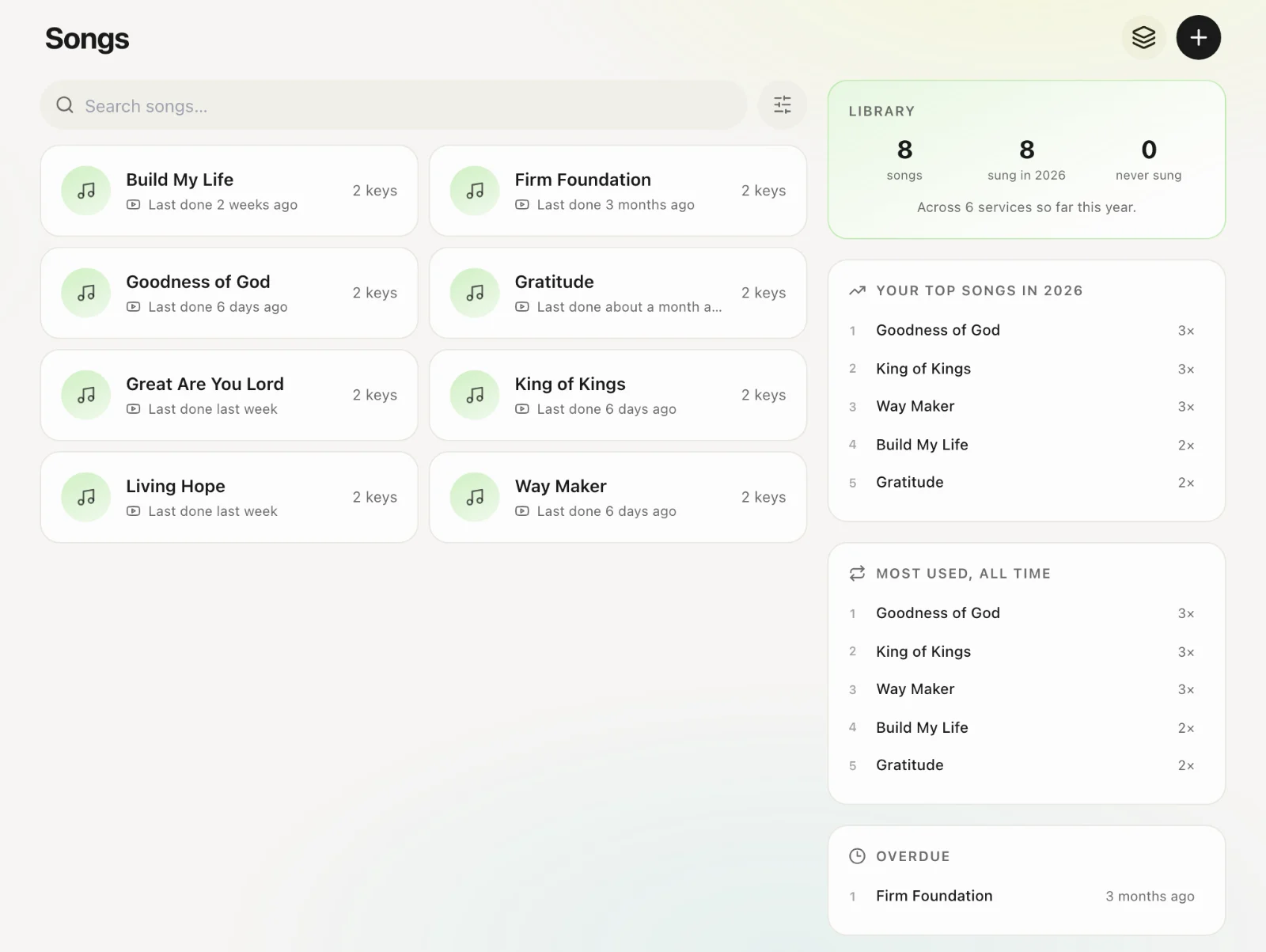
Open Songs
Songs in the navigation. This is the church-wide library, shared by teams that have Songs enabled.
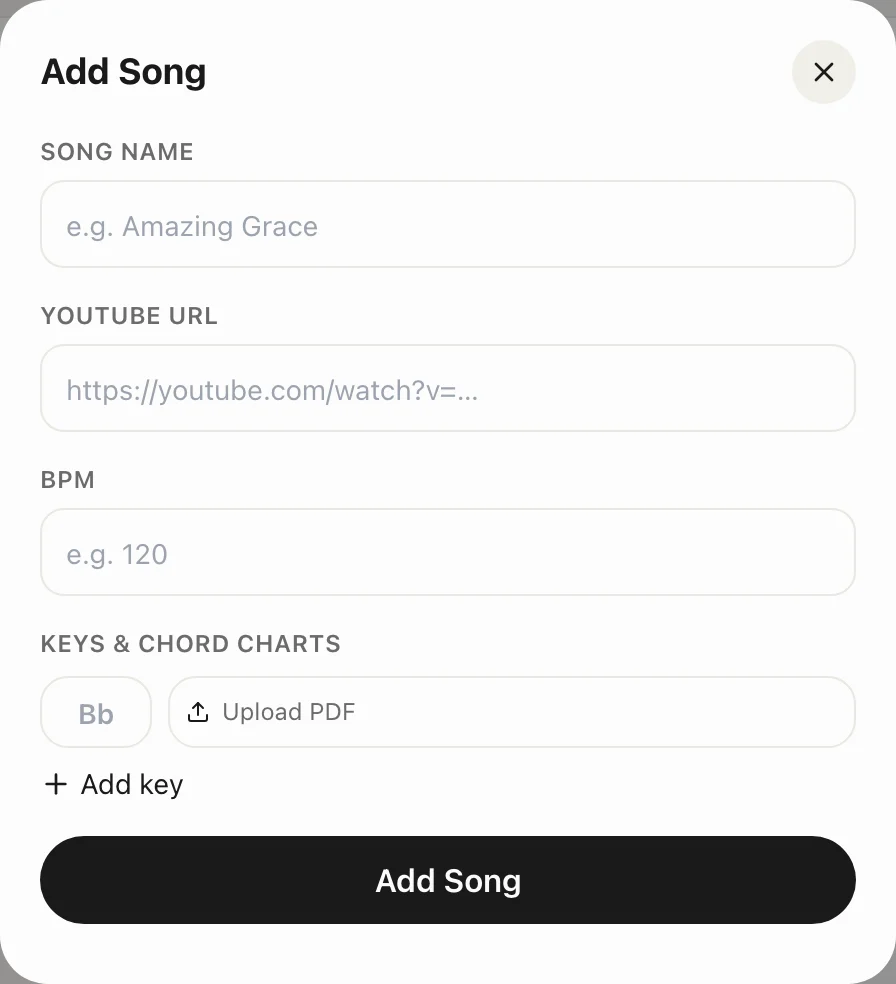
Create
Tap +. Title is required. Add original key, BPM, lyrics, notes, and files (chord charts, audio).
Save
The song can now go on a service order or into a song stack for reuse.