Accepting or declining a schedule request
What to do when a drop lands on your Serve page.
2 min read · 3 steps
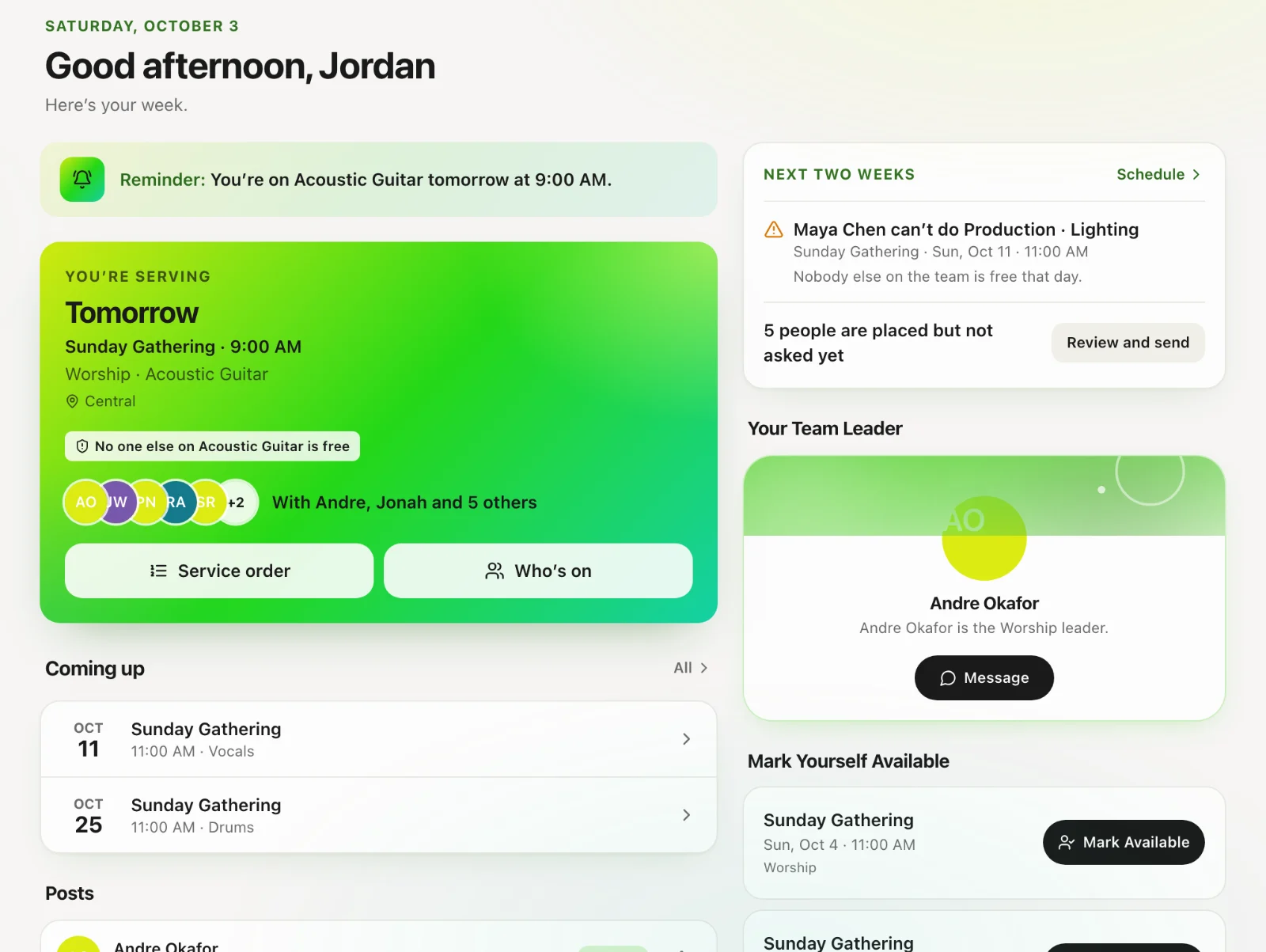
Find the request
Pending requests show on Serve and on the dashboard. You will also get a notification if your church has those on.
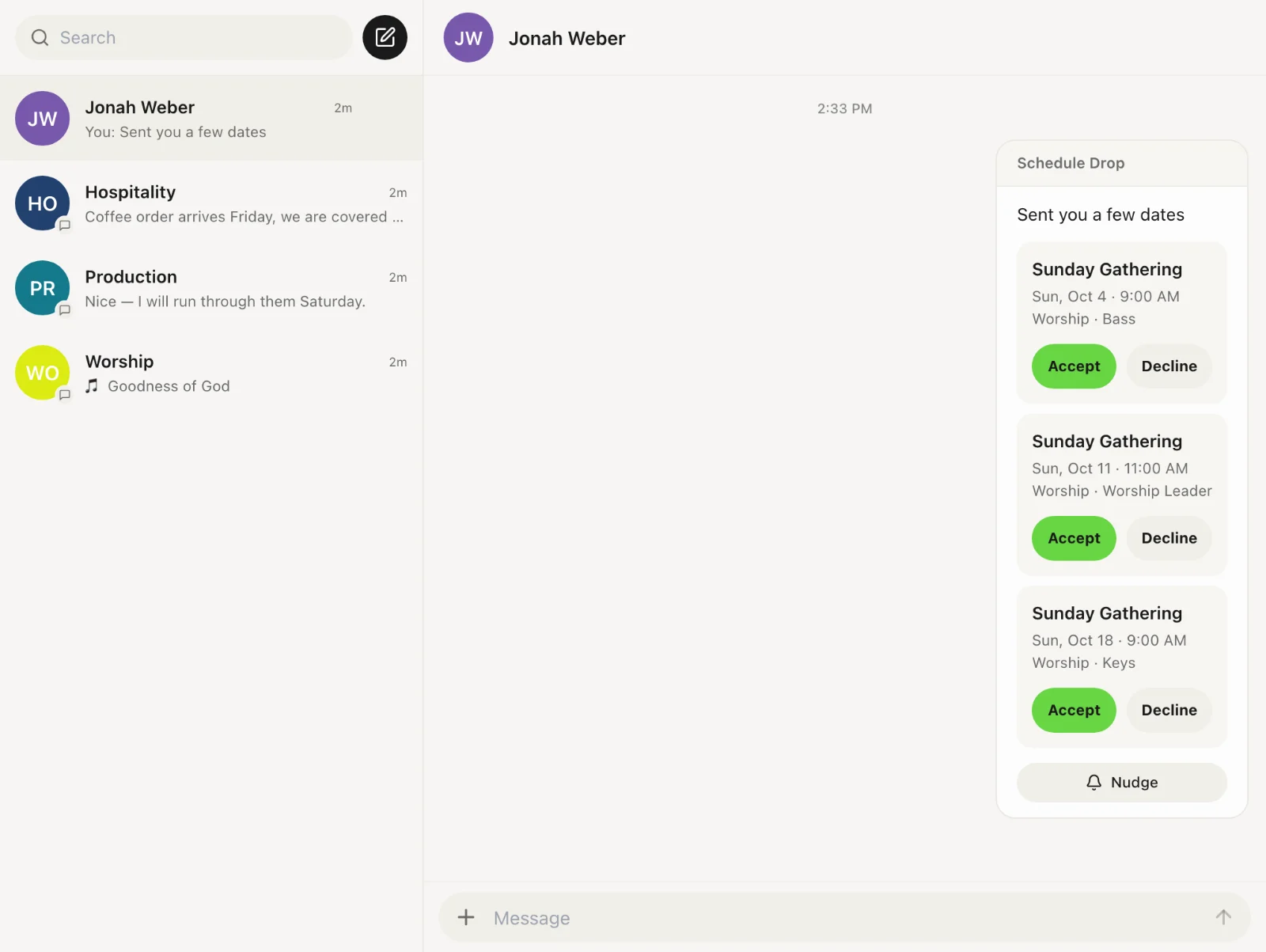
Accept or decline
Open the request and choose. Declining is better than ignoring — the scheduler sees the hole and can fill it.
If you are away
Add away dates before the next drop so you are not asked for dates you already know you cannot do.