Who can open Core
Grant viewer, editor or admin access. Membership of the church is not enough.
3 min read · 5 steps
Why this is locked
Core holds contact details for everyone, including children. There is no “everyone in the church can see the directory” switch. That is intentional.
Who can grant access
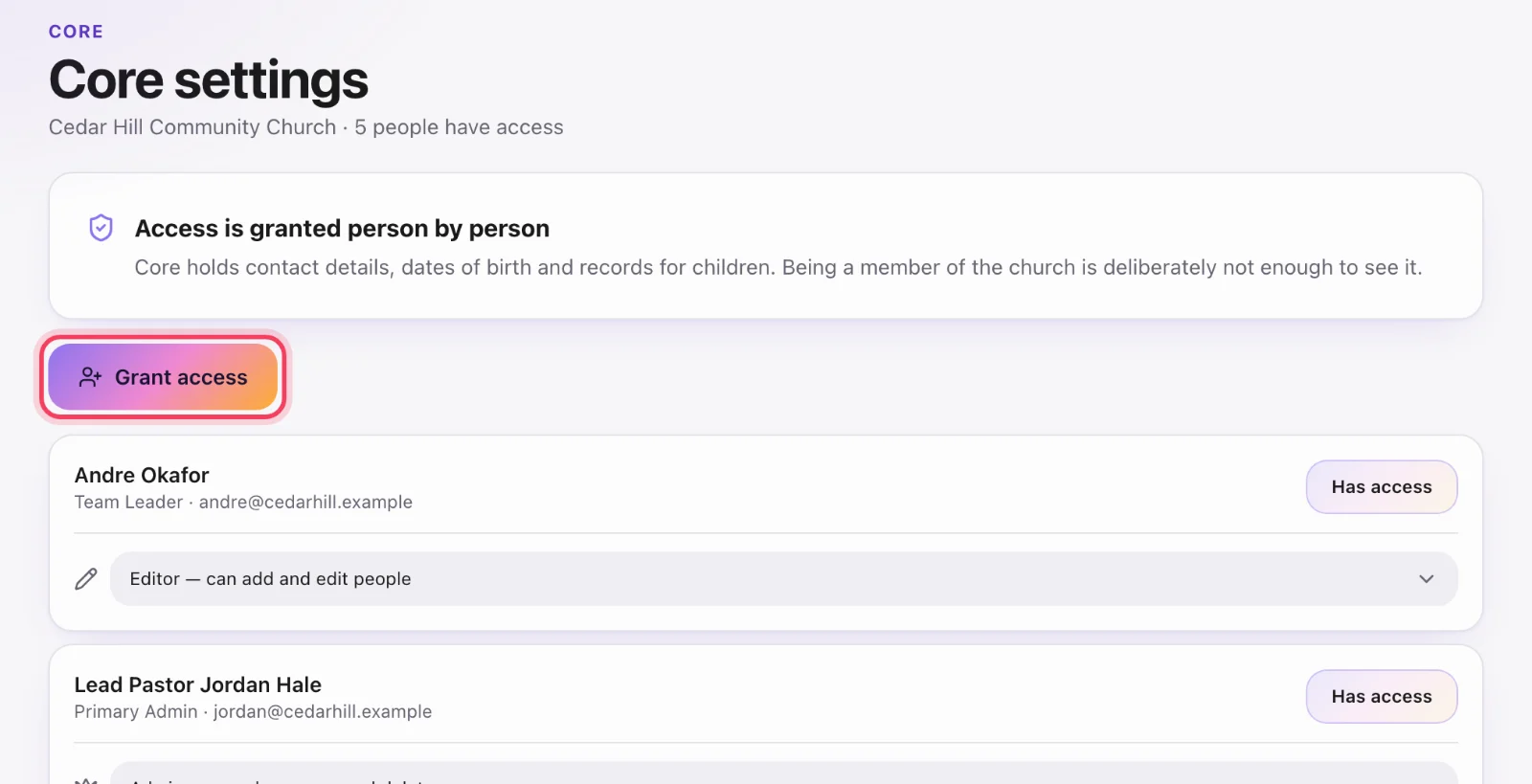
A church administrator (primary admin, administrator, member coordinator or campus coordinator) opens Core settings. That page lists people who already have access. Granting is a search, not a list of the whole church.
Grant and pick a role
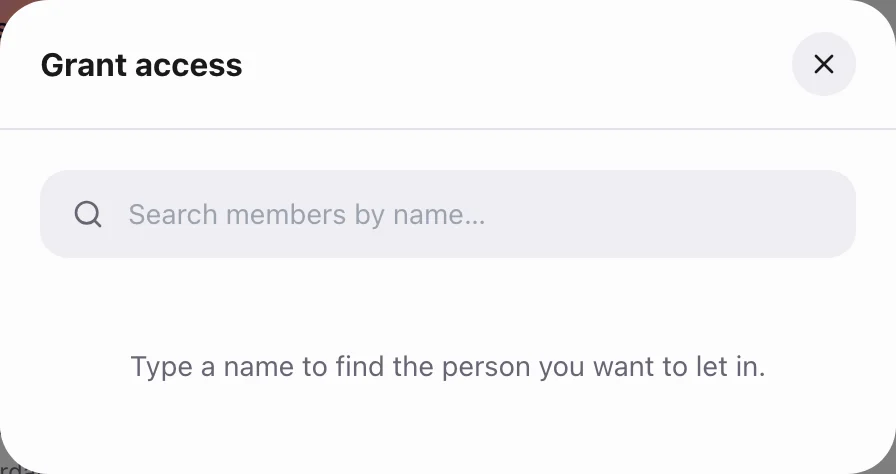
Tap Grant access, find the person, choose Viewer, Editor or Admin, and save. You can change the role later or revoke access. Revoking does not remove them from the church or from Serve.
I can see Serve but not Core
That is normal. Ask a church administrator to grant you Core. If you founded the church, you should already have Core admin — if you do not, something went wrong during setup; contact support with the church name.
The door is locked even if you type /core
The server refuses People, forms and the rest without the grant. A bookmark cannot bypass it.