Intro to Sanctuary Core
The church directory: people, families, forms, calendar, lists, tasks and mail.
6 min read · 5 steps
What Core is for
Core is the record of everyone connected to your church — members, attenders, visitors, children and (if you use it) businesses. One profile per person. Serve and Give read that same profile, so an address change in Core is the address on a tax statement and on a team roster.
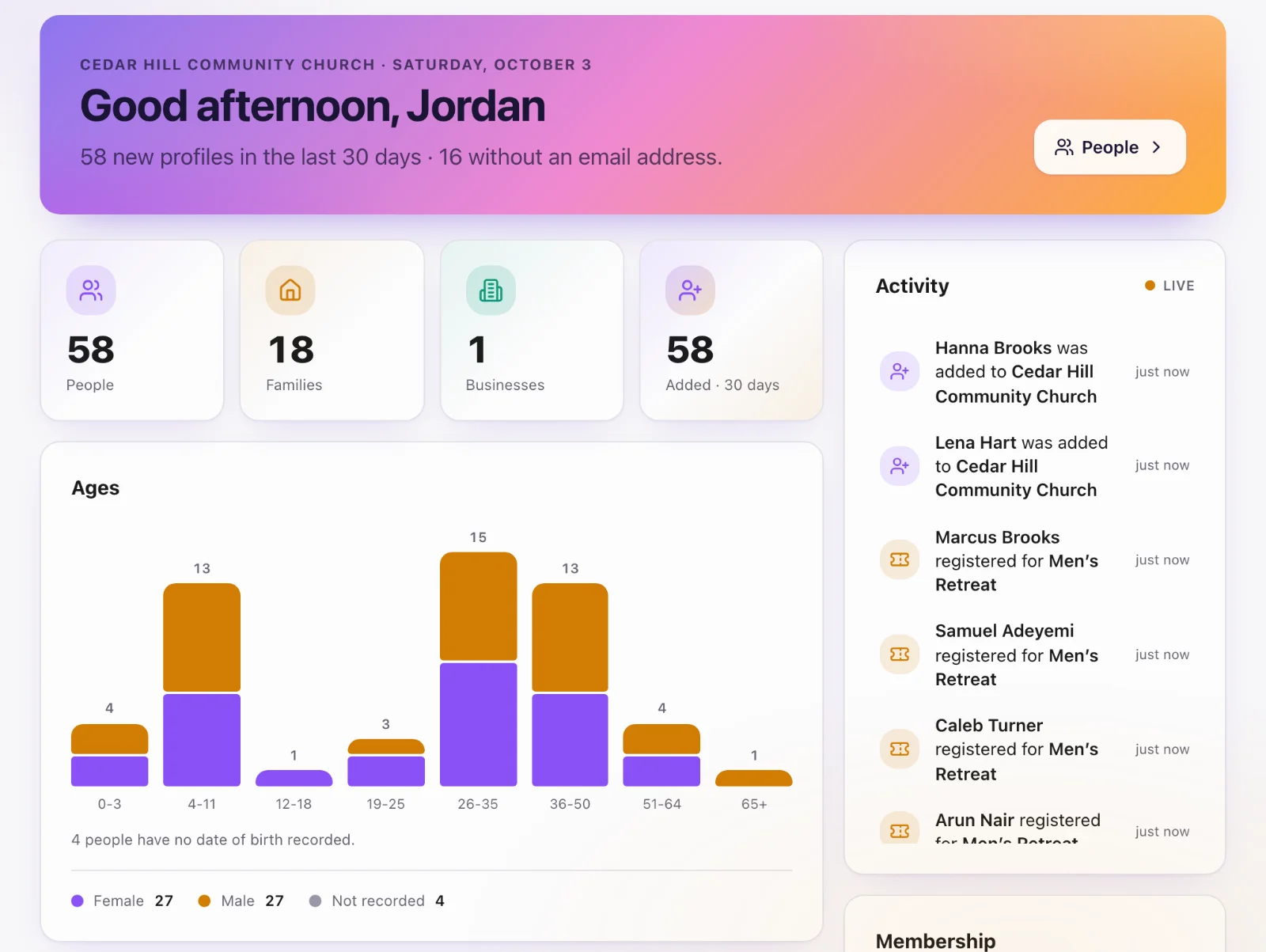
It is free, and access is not automatic
Core is included with every church and has no people cap. Opening it is a separate grant. Church membership alone cannot see home addresses, dates of birth or children’s records. A church administrator grants Core access per person under Core settings.
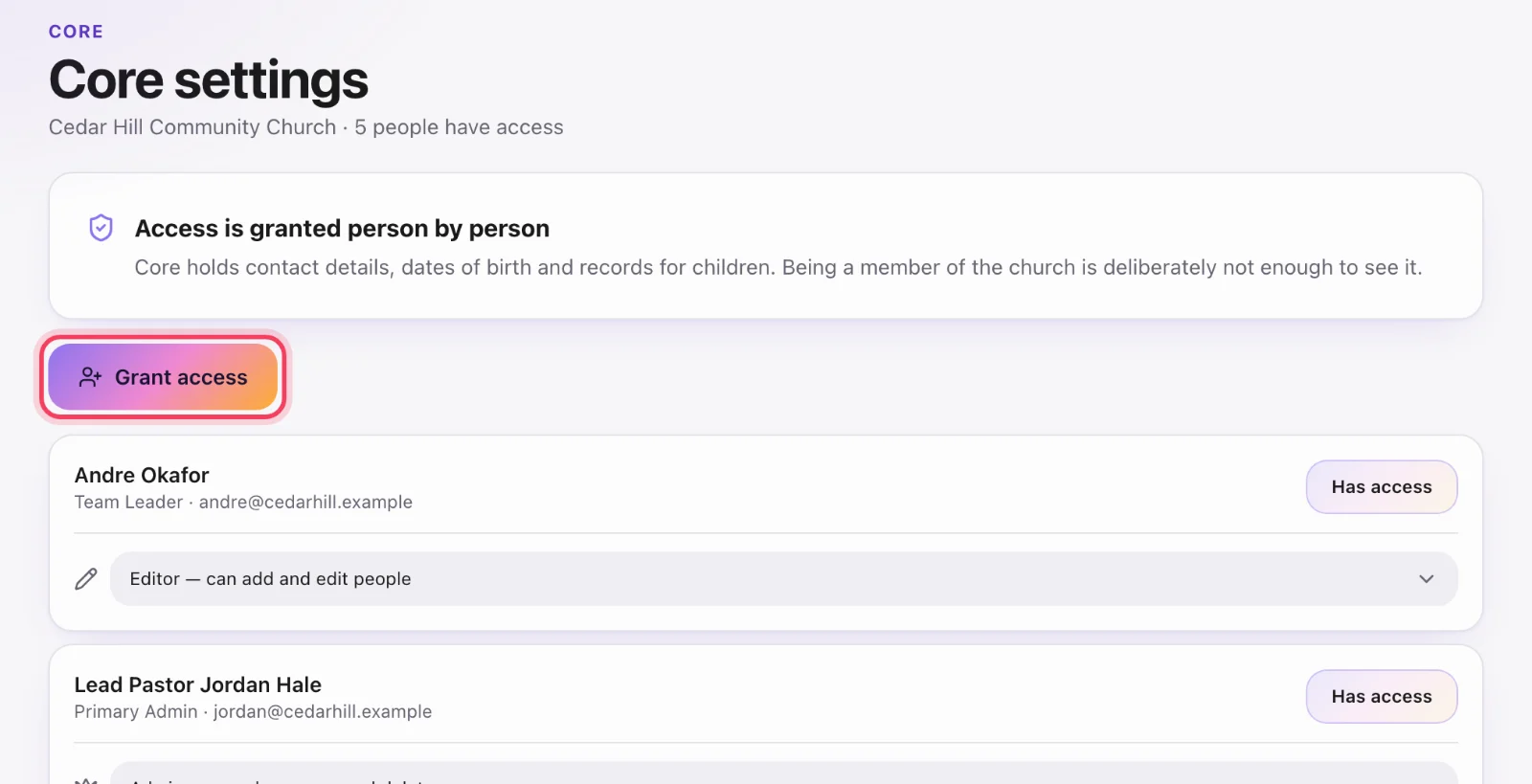
The three roles
Viewer can read. Editor can add and edit people. Admin can also merge duplicates, delete profiles and run Move to Sanctuary. Only a church administrator (primary admin or coordinator) can grant or change these — a Core admin manages people, not who else has the key.
What you will use most
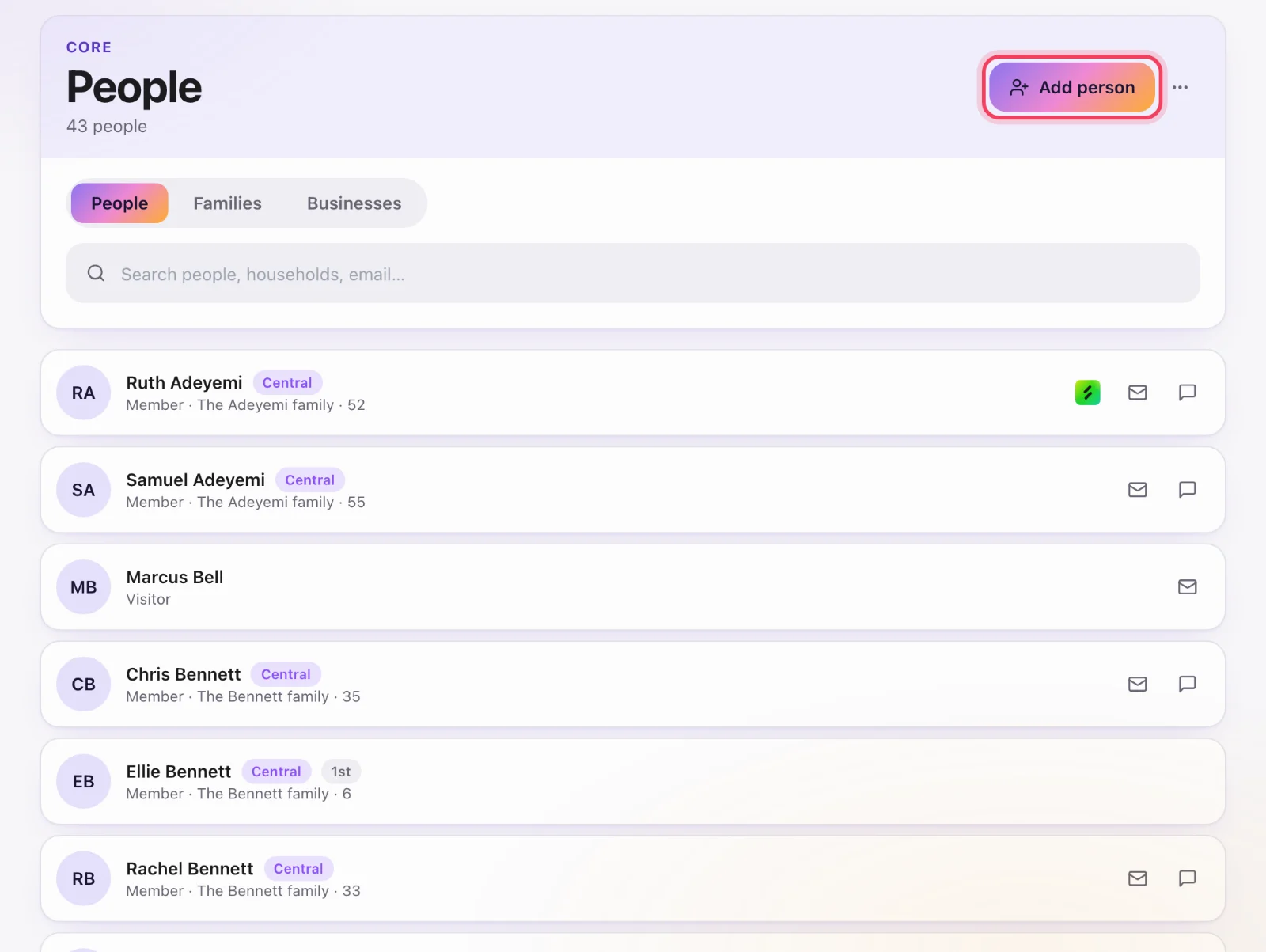
People, Families and Businesses are the directory. Forms create and update profiles when someone submits. Calendar and Registrations are events and sign-ups. Sheets are live lists (“new this year, no email”). Tasks are follow-up on a person. Email is designed mailings to a sheet. Print & Mail is printed letters. Places & Resources are rooms and equipment. People records is where you shape what a profile holds: custom fields, milestones and membership types.
Where to start
If you are setting Core up: grant access to the staff who should see the directory, then either add your first households or bring everyone across from your old system with Move to Sanctuary, then publish a guest-card form. If you already have people in Serve, they already have Core profiles — open People and you should see them.