Households and families
Keep people who share a home on one household, with a primary contact.
4 min read · 5 steps
What a household is
A household is the people at one address — adults, children, sometimes a grandparent. It is not the same as a Serve team or a small group. Check-Ins checks a family in together from it, and My Church shows each family its own household.
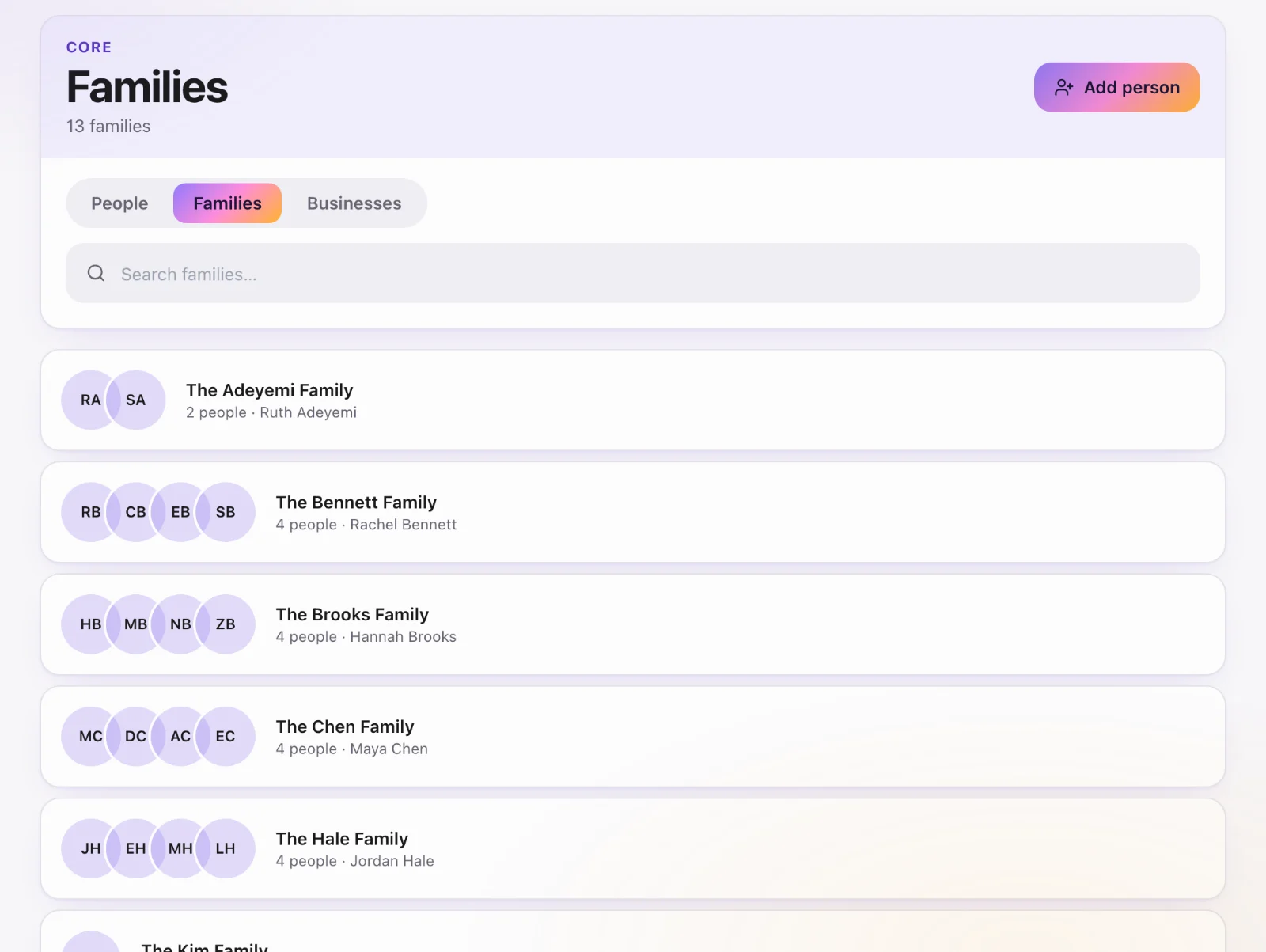
Open Families
Core → People, switch to the Families book. Each card is a household. Tap one to see who is in it and who the primary contact is.
Add someone to a household
From a person’s profile, set their household (or create a new one). Give them a household role: adult or child. One adult should be the primary contact — the person the church treats as the main contact for the home.
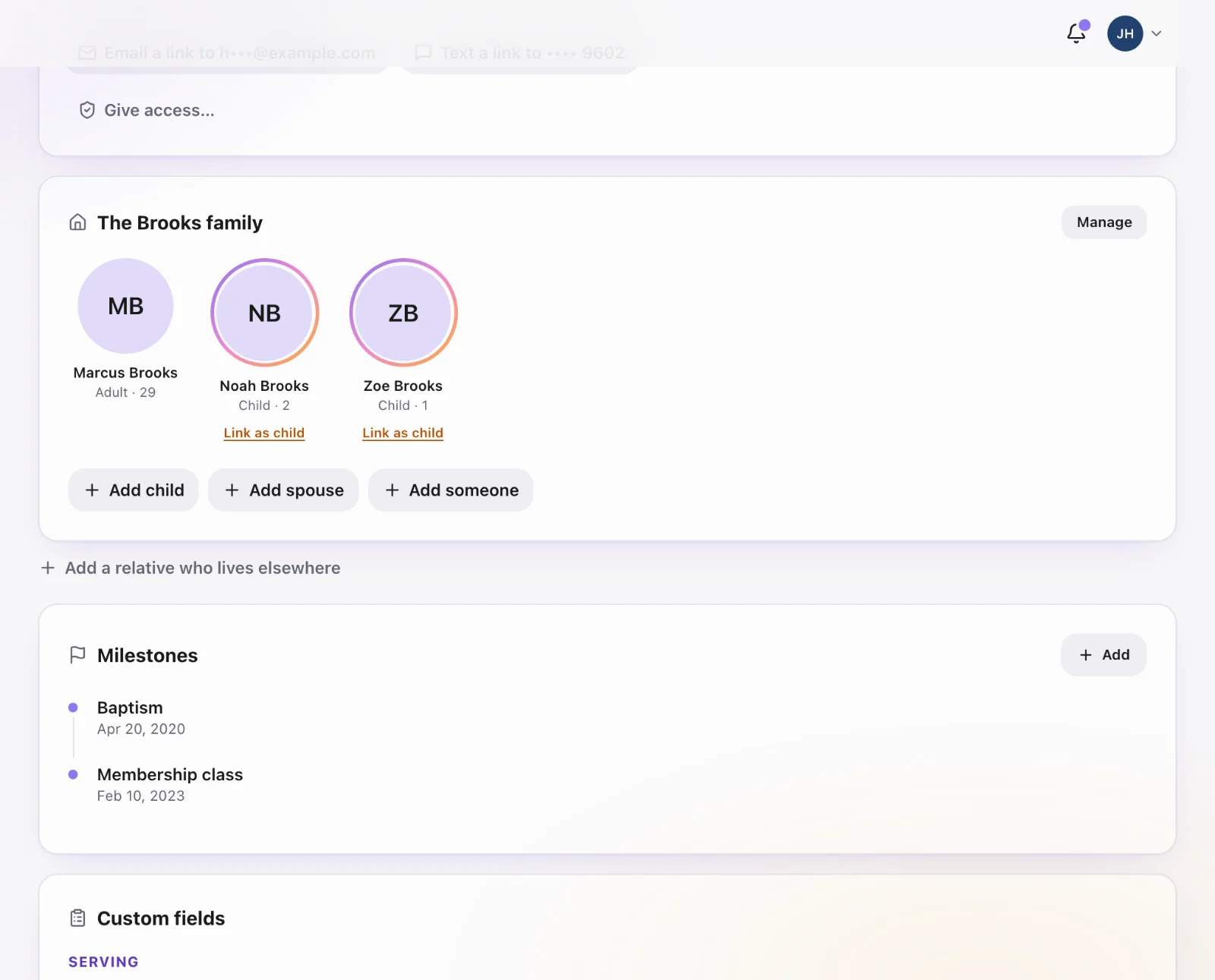
Blended names
If two surnames share a roof, the household can have its own name. If you leave it blank, Core uses the most common surname among the adults.
Moving out
Remove the person from the household; do not delete their profile. Their giving, forms and history stay on them.