Public forms and guest cards
Share a form with people who have never heard of Sanctuary.
3 min read · 4 steps
No account required
The public form at /f/… does not ask anyone to sign in. That is the point of a guest card.
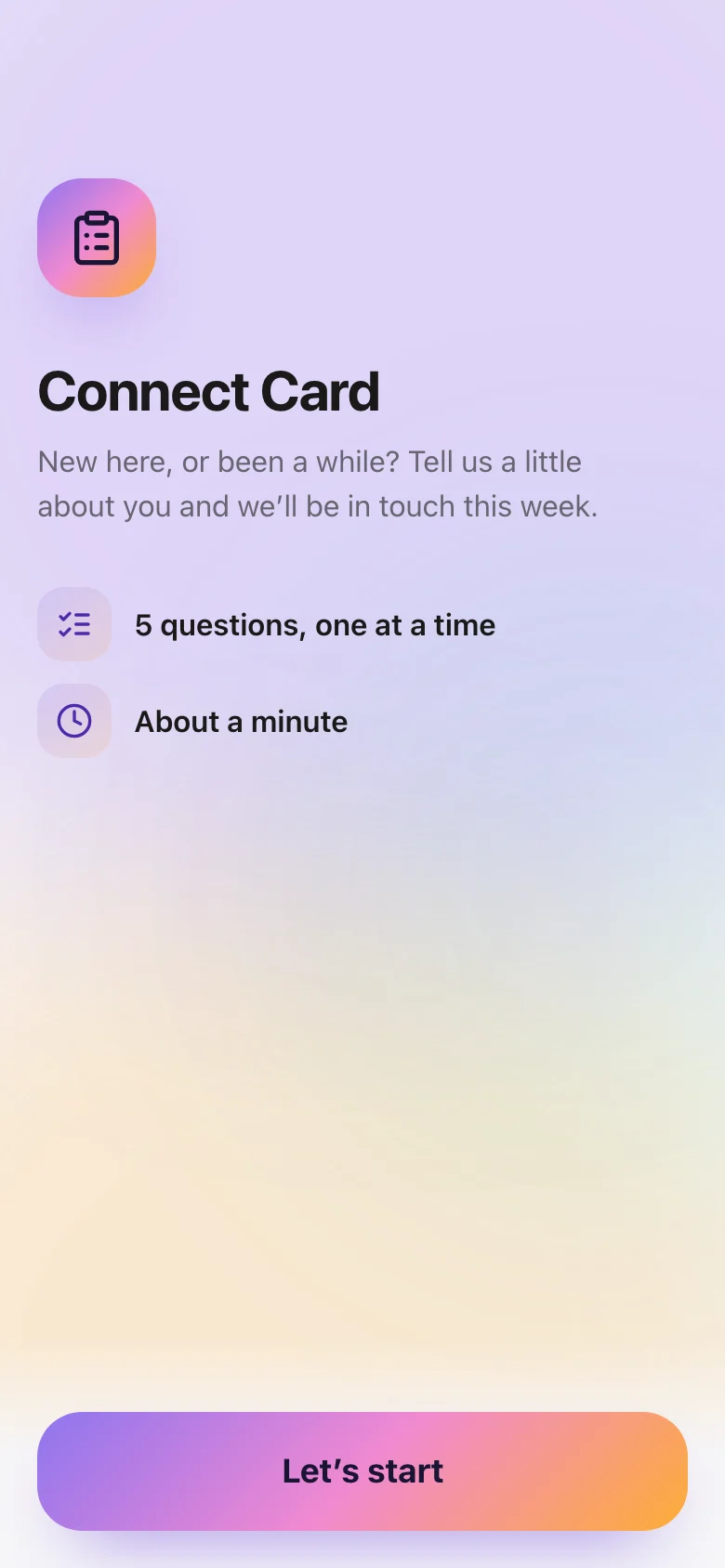
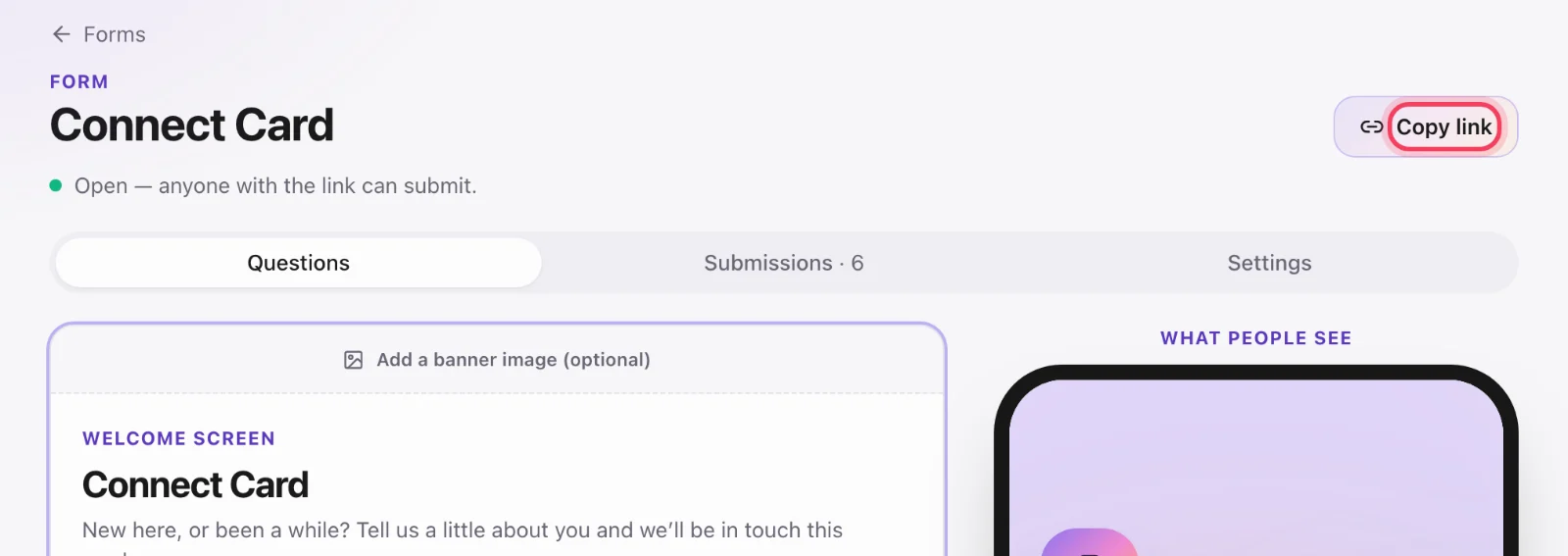
Put the link where people are
Website, bulletin, slides, QR on a connect card. The slug is unguessable on purpose — only people you hand the link to will find it.
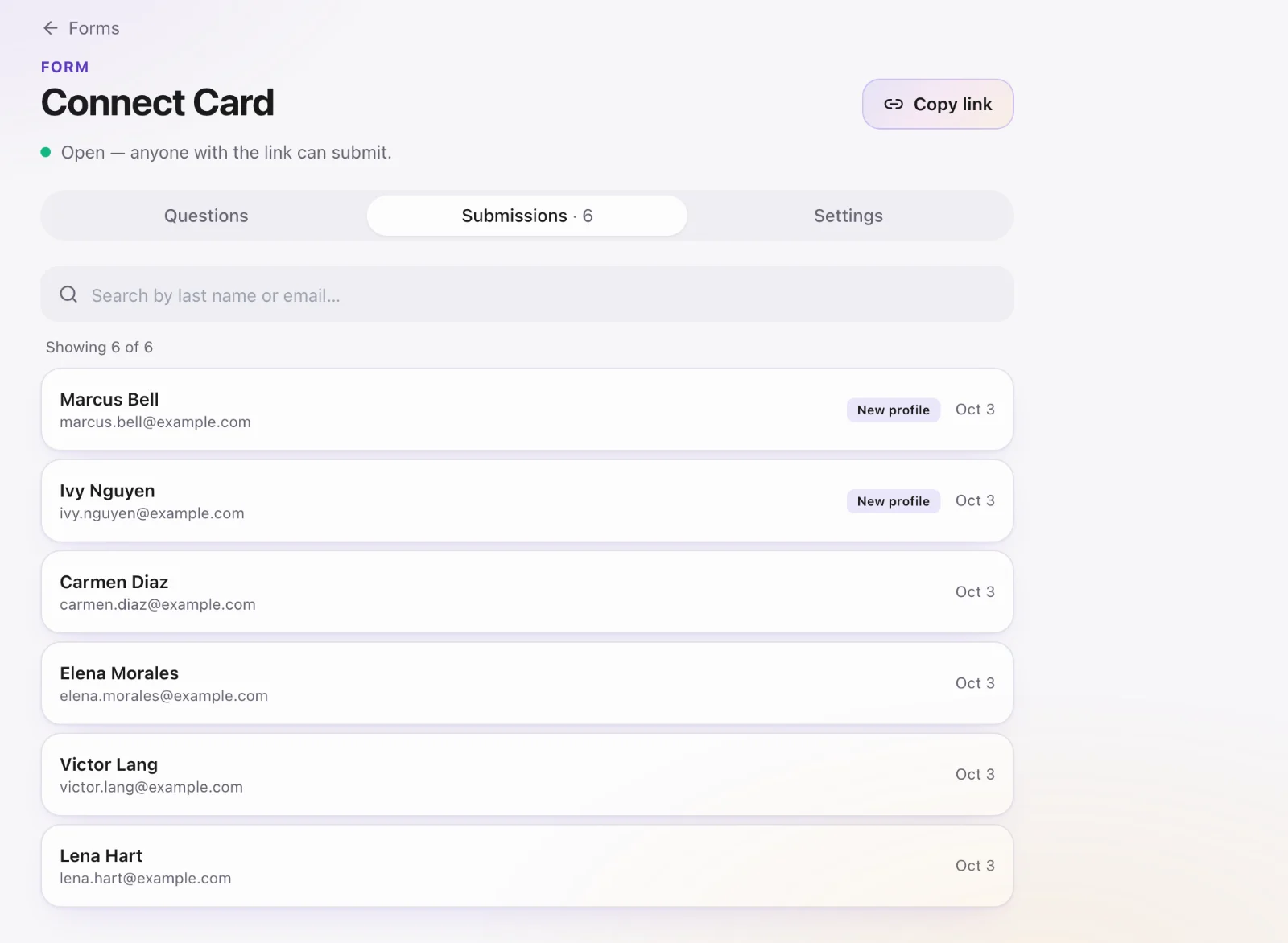
Watch submissions
Open the form in Core to see responses. Each one is a person in the directory. Use a sheet (“submitted the guest card this month, no follow-up task”) to work the queue.
Stop taking names
Set the form to Closed. The link still opens but will not accept new submissions. Do not delete a form that has history unless you are sure.