Printed letters and mail
Personalised letters and postcards, laid out for the printer.
4 min read · 4 steps
When to print
For people email does not reach — no address on file, older members, a thank-you that should feel like a letter. Core lays out pages; you print them.
A template, then a mailing
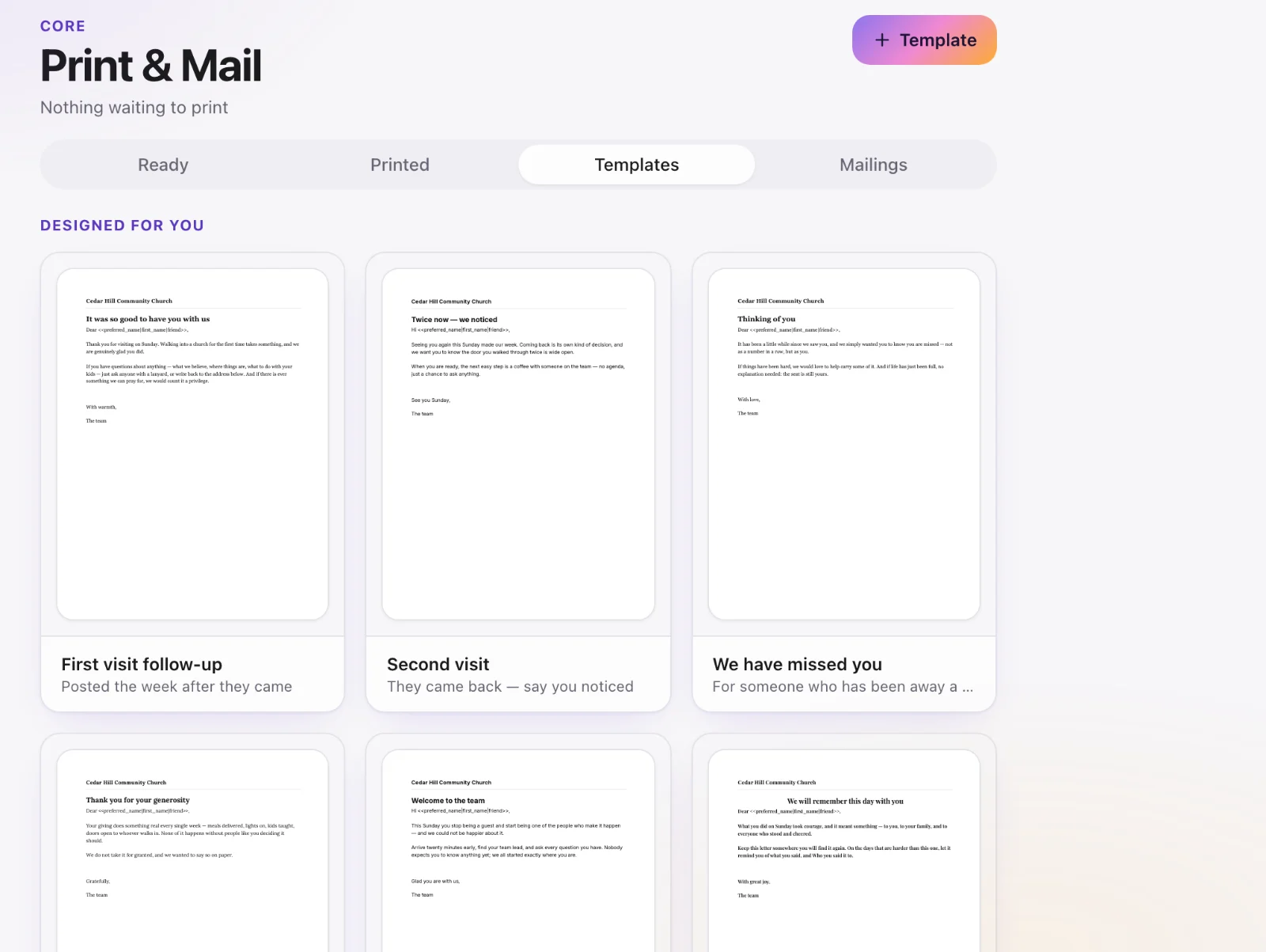
Core → Print & Mail. Under Templates, create a letter (the words, with name and address fields). Then start a mailing from a sheet or a list of people; letters waiting to go out are under Ready.
Check the addresses
A mailing skips anyone without a postal address. Fix those profiles, or accept that they will not get a letter this time.
Print
Download or print the bundle. Mark it printed when it has gone out so you do not send it twice.