Places and rooms
Rooms and resources the calendar can book, per campus.
2 min read · 3 steps
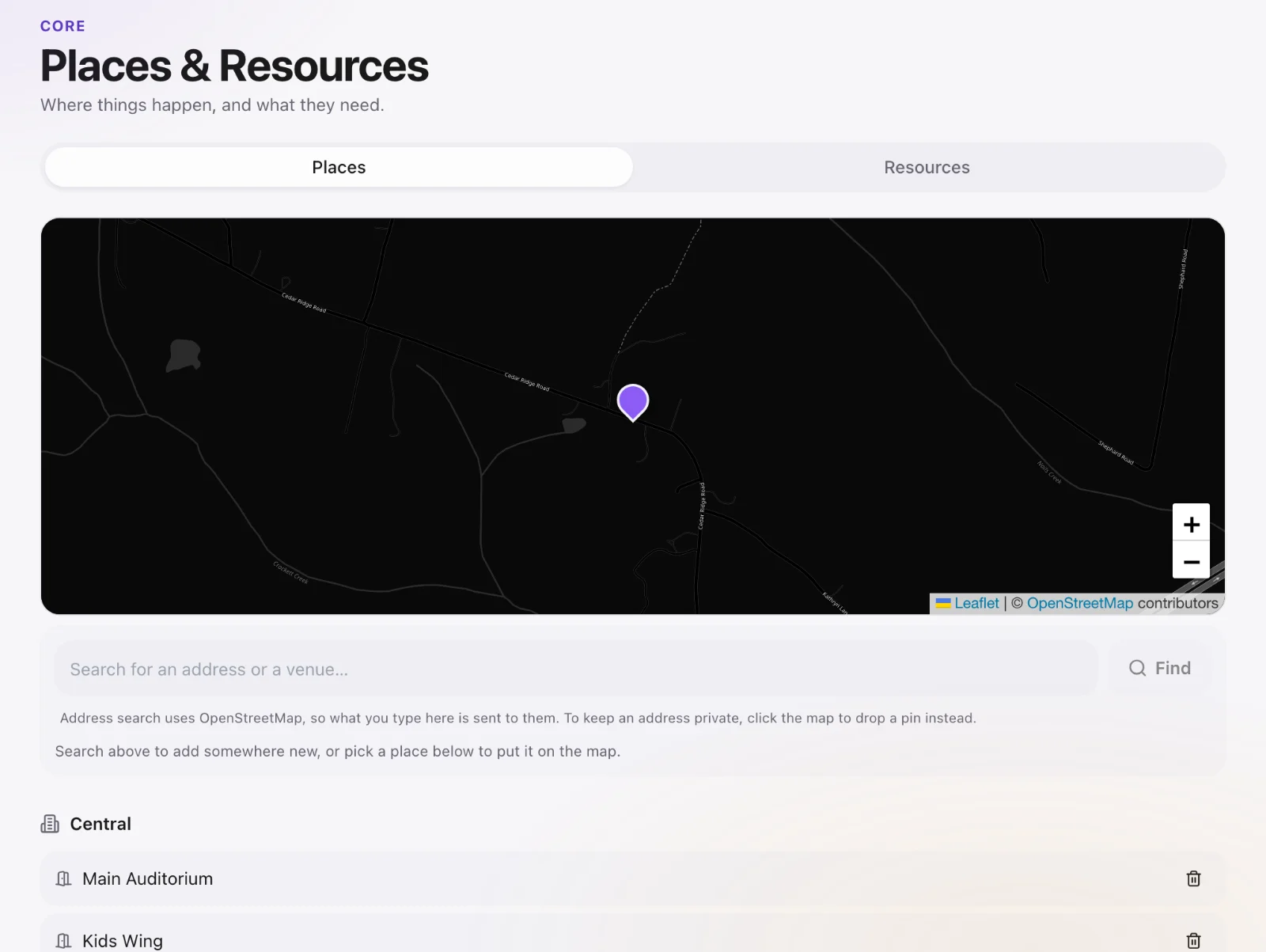
Add a place
Core → Places & Resources. Name the room (Sanctuary, Room 12, Youth hall), attach a campus, add notes (capacity, AV).
Book it on an event
When you create a calendar event, pick the place. Core warns if another event already has that room.
Shared equipment
A projector that moves between rooms is a place/resource too. Book it on the event that needs it so two teams do not take it the same hour.