Event registrations
Open sign-up, set capacity, take payment, and see who is coming.
5 min read · 5 steps
Turn registration on
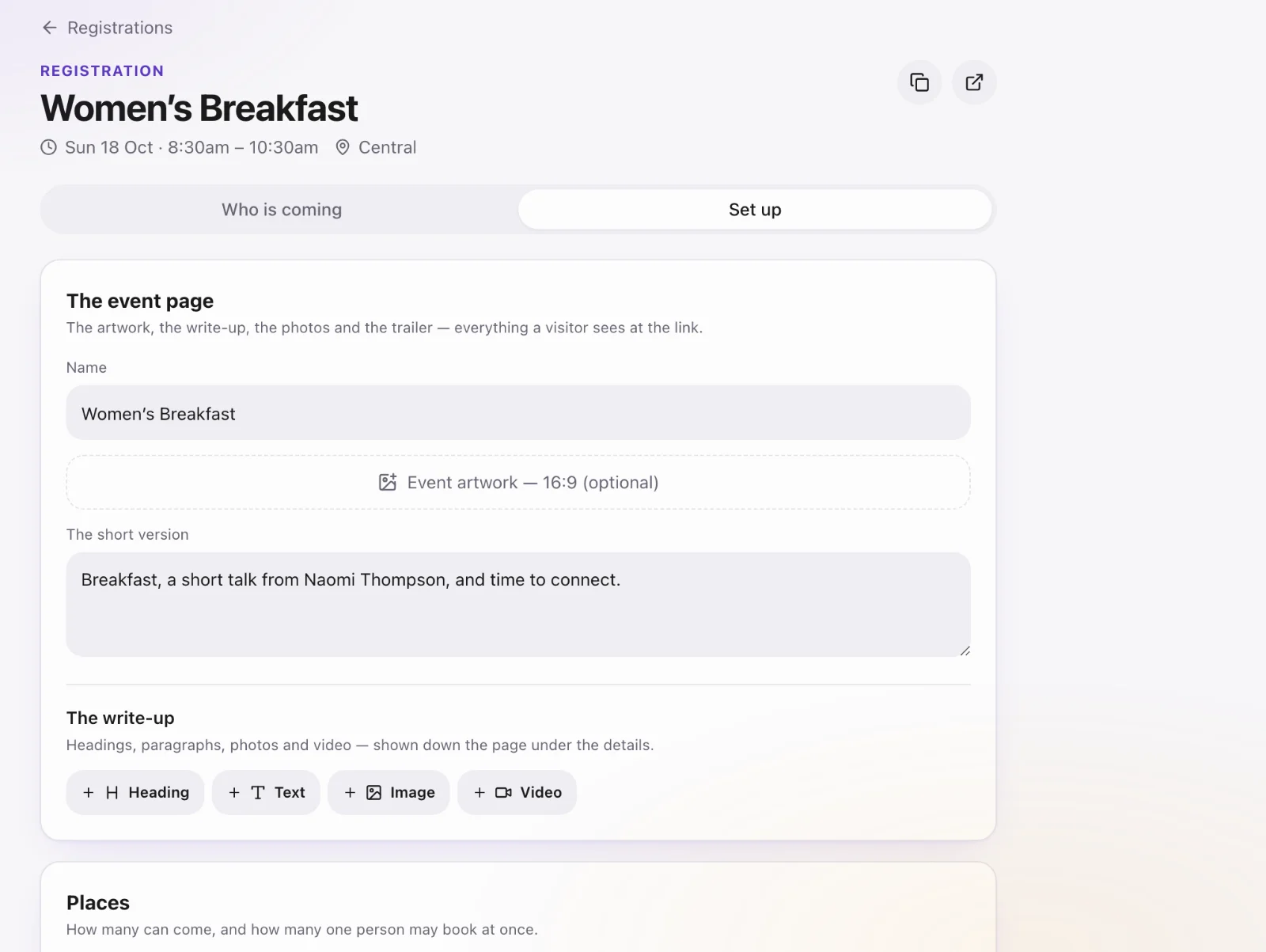
Open the event → enable registration. Set capacity (or leave unlimited), whether a waitlist is allowed, and how many places one person can take.
Questions and price
Add questions. If the event has a fee, set the price. Payment goes through the church’s Stripe account — the same Connect account Give uses. A Core-only church can still connect Stripe under Account settings → Payments.
Share the event page
Copy the public event link. People register without a Sanctuary login. Each registration creates or updates a Core profile.
Work the list
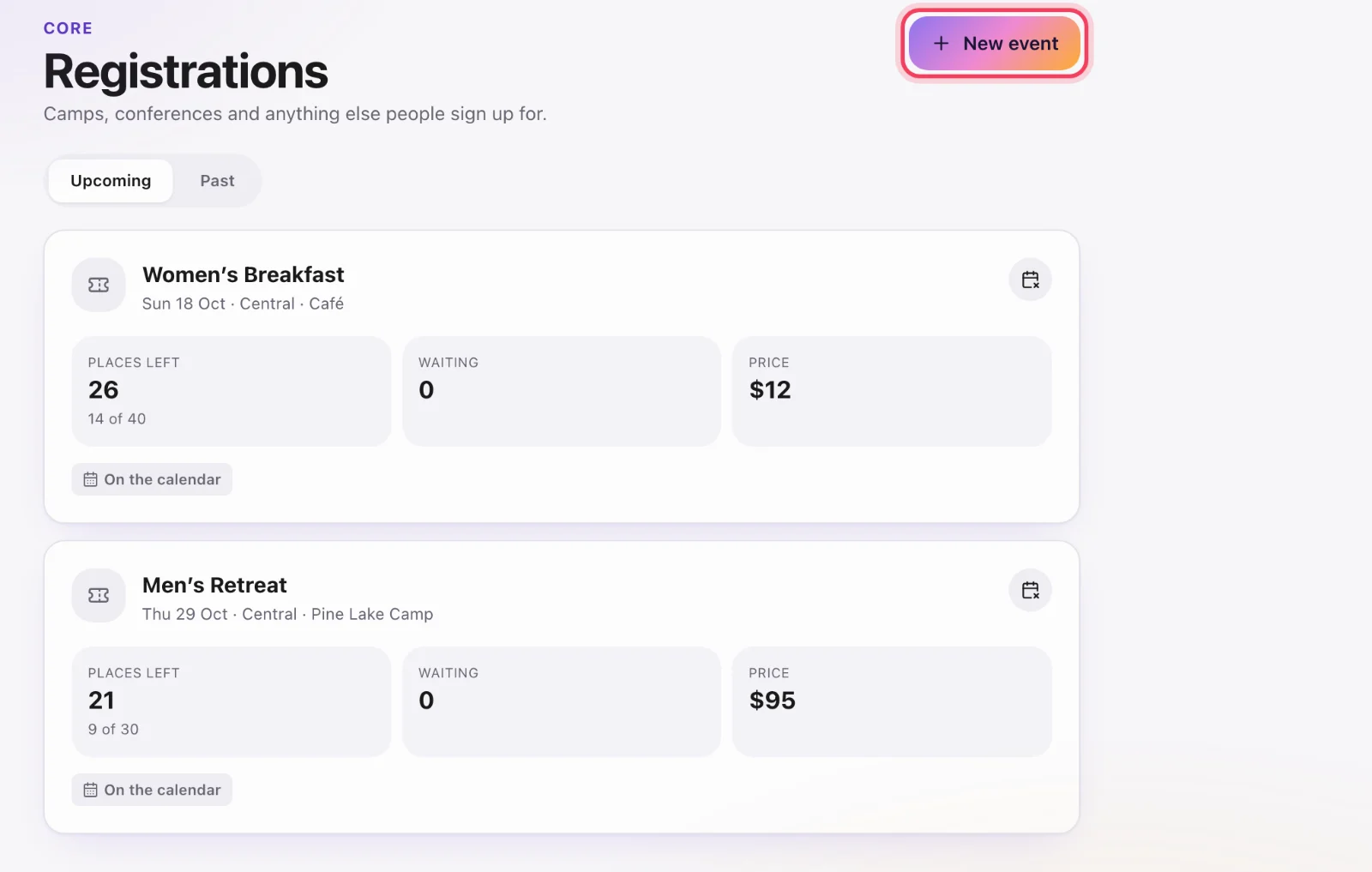
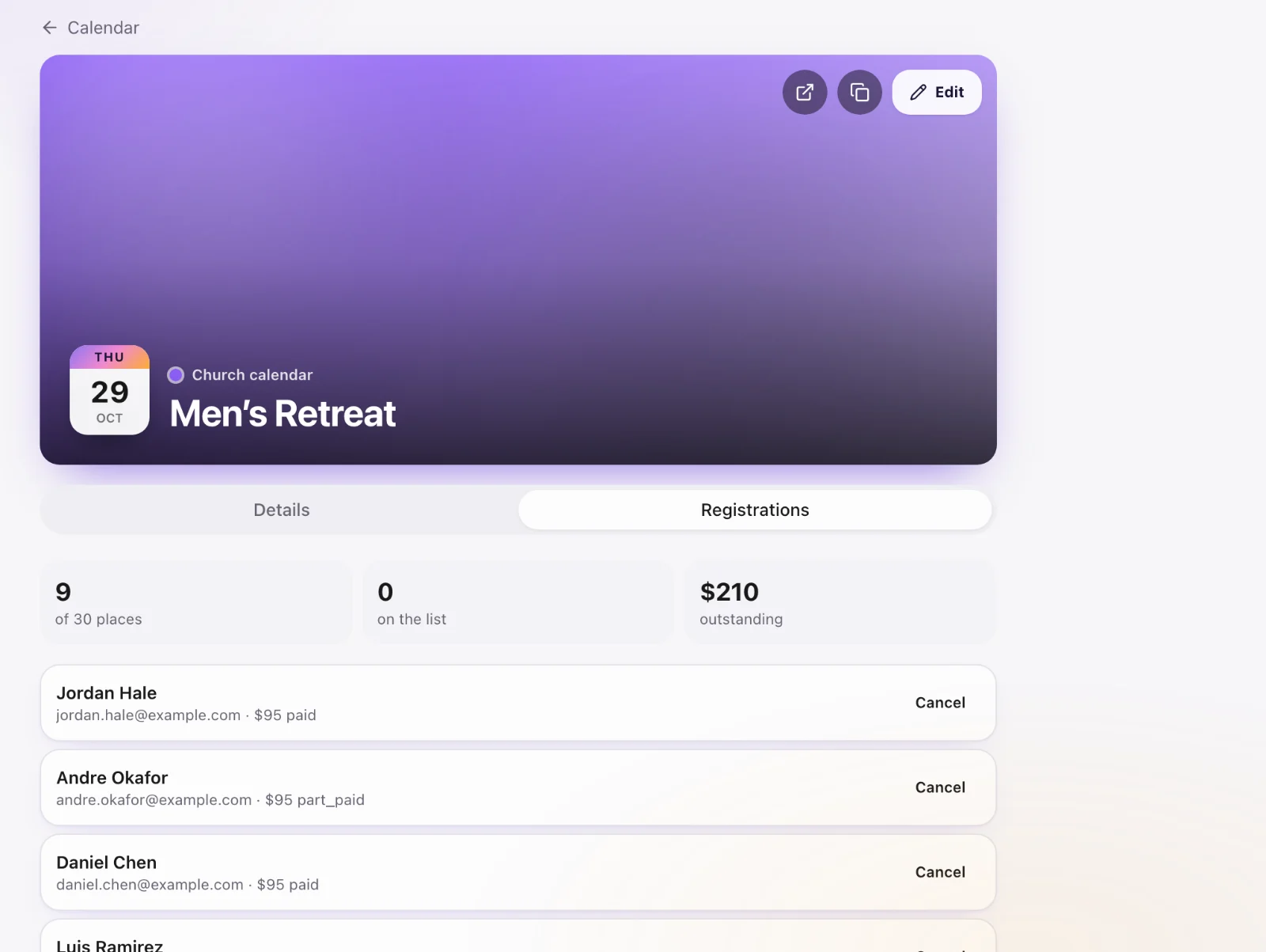
Core → Registrations (or the event itself) shows who is in, waitlisted, and how many places are left. Capacity is enforced on the server — the page cannot oversell.
Cancel or close
Turn registration off to stop new sign-ups. Existing registrations stay on the event and on each person’s profile.