Custom fields
Track what your church tracks — T-shirt size, school, small group — on every profile.
3 min read · 4 steps
What they are
Fields you add to every person: text, date, yes/no, or a list of choices. They become filters in Sheets. Built-in fields (name, email, campus, membership type) already exist — only add what you actually use.
Who can define them
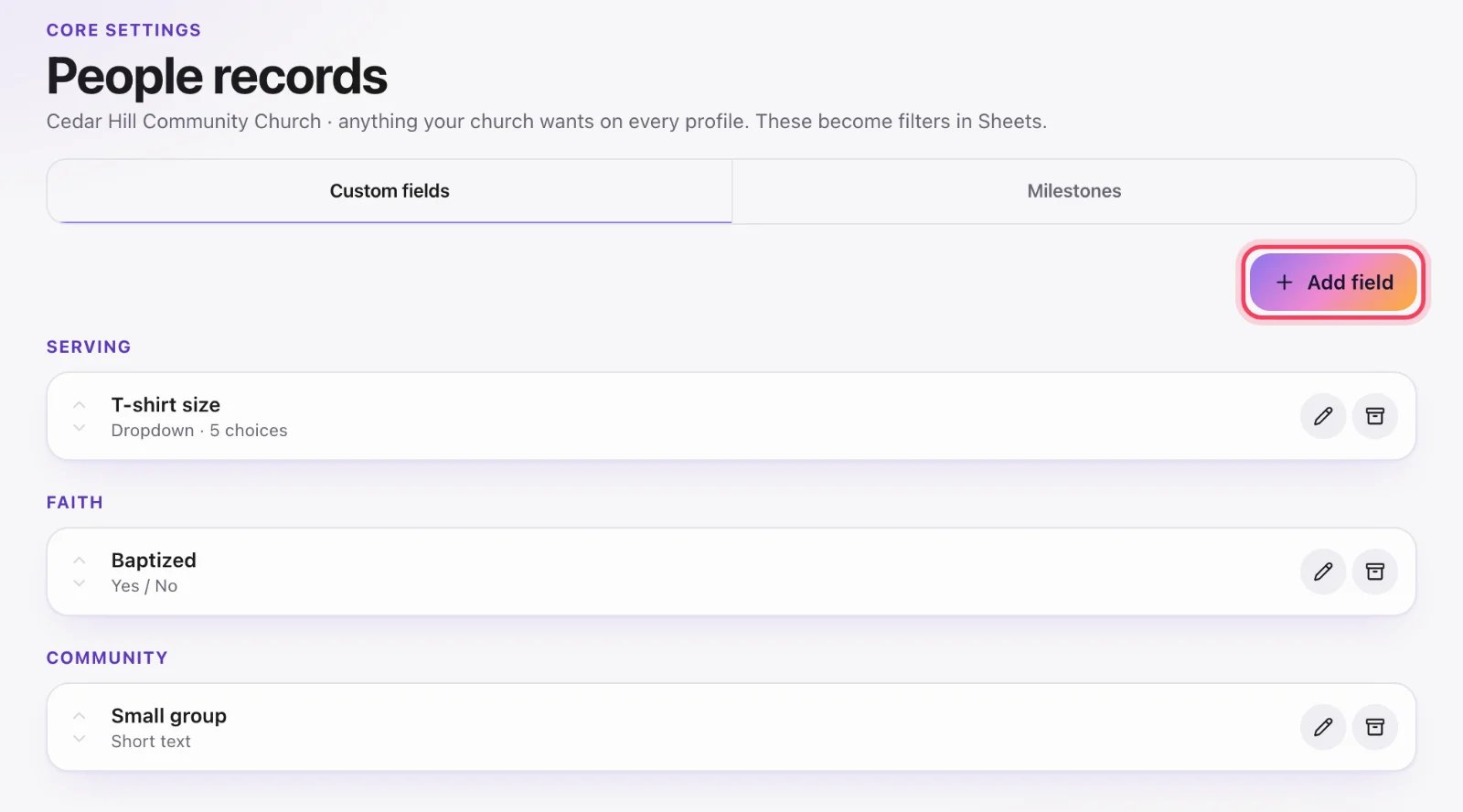
A Core administrator opens Core → People records → Custom fields and chooses Add field. Adding or renaming a field changes every profile at once, so this is not an editor job.
Fill them in
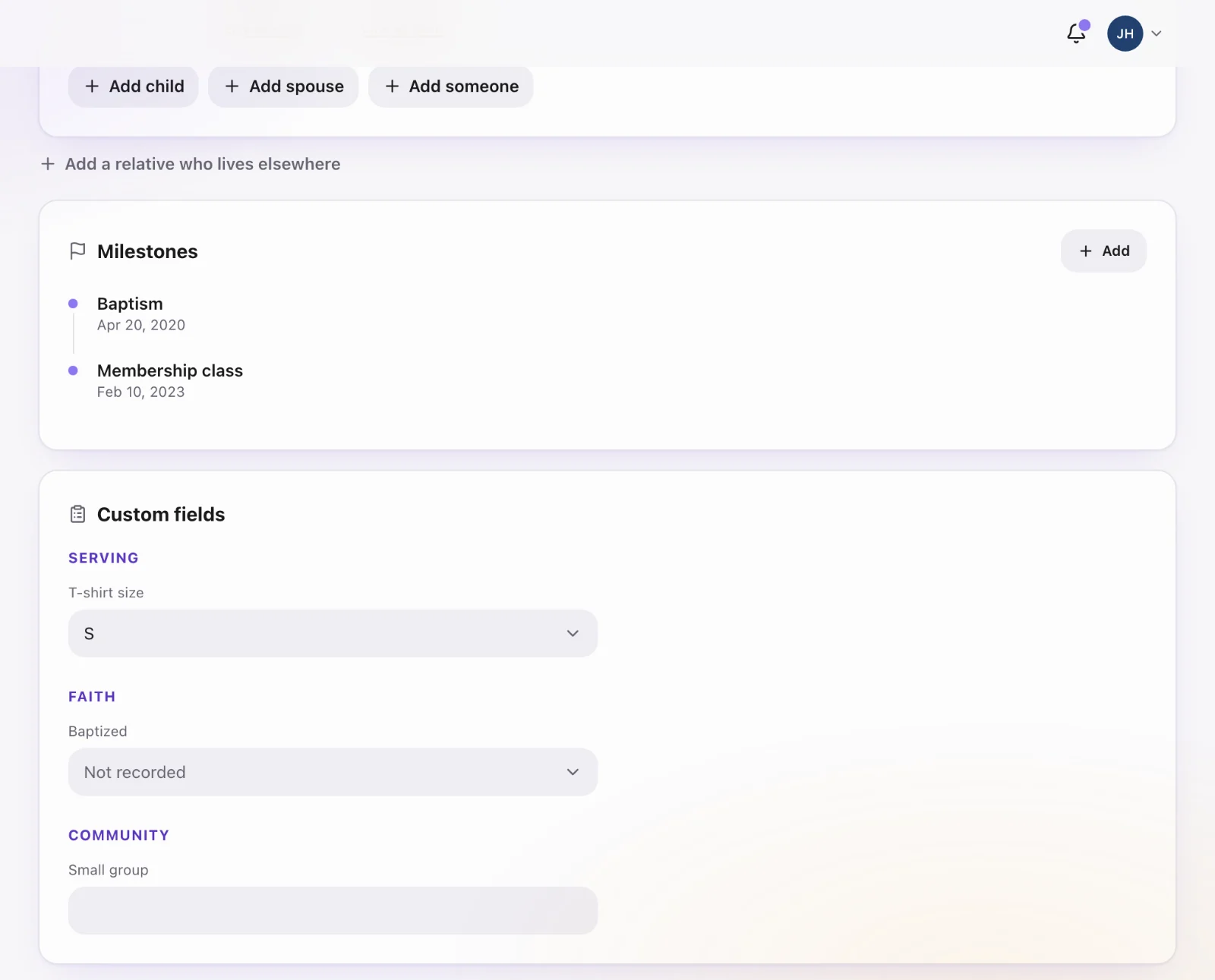
Editors set values on a person’s profile. Forms can also write to a custom field when someone submits, if you map the question to that field.
Retiring a field
Fields are archived, not deleted: the archive button takes it off profiles, and the answers already recorded are kept. Restore brings it back with them.