Calendar and events
Create events, book rooms, and publish a public calendar.
5 min read · 5 steps
Open the calendar
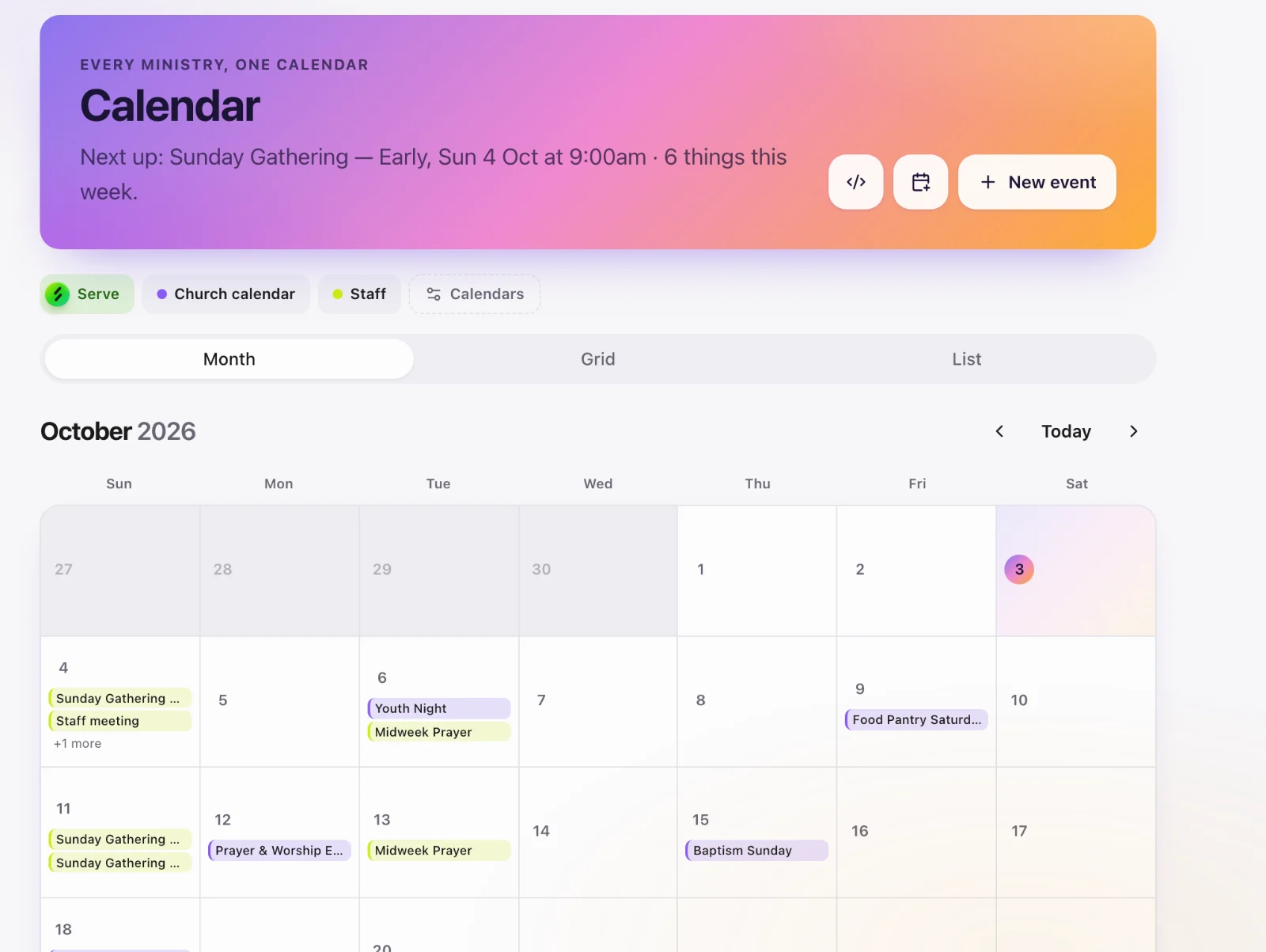
Core → Calendar. Create an event: name, dates, campus, place (a room from Places), and whether it repeats.
Rooms and clashes
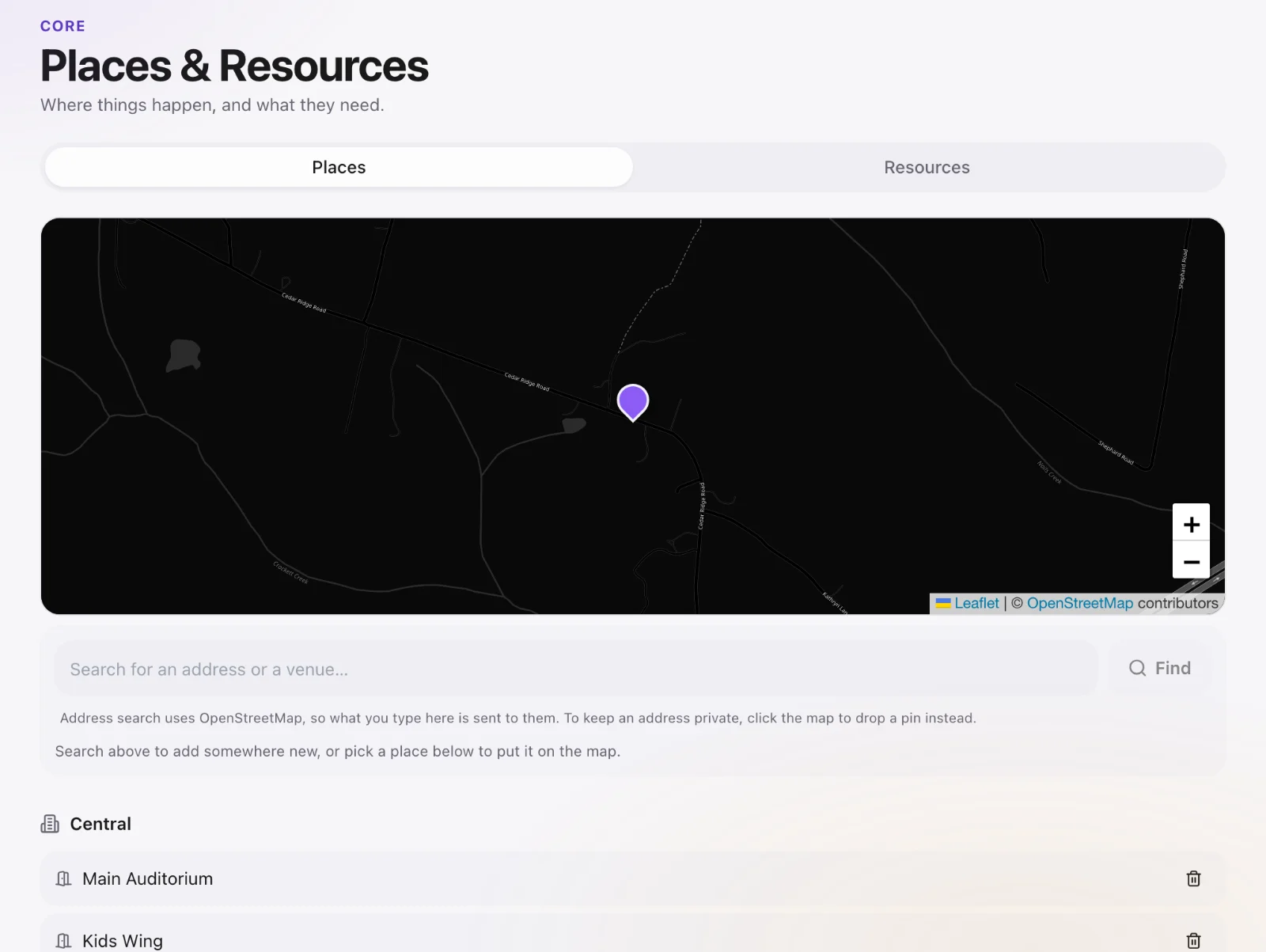
If you pick a place, Core checks other events in that room. A clash is shown so two ministries do not book the same space.
Public calendar
Each church has a public calendar address (a token, not the church code — the church code lets someone ask to join). Put /c/your-token on the church website. Visitors see public events only.
One event’s page
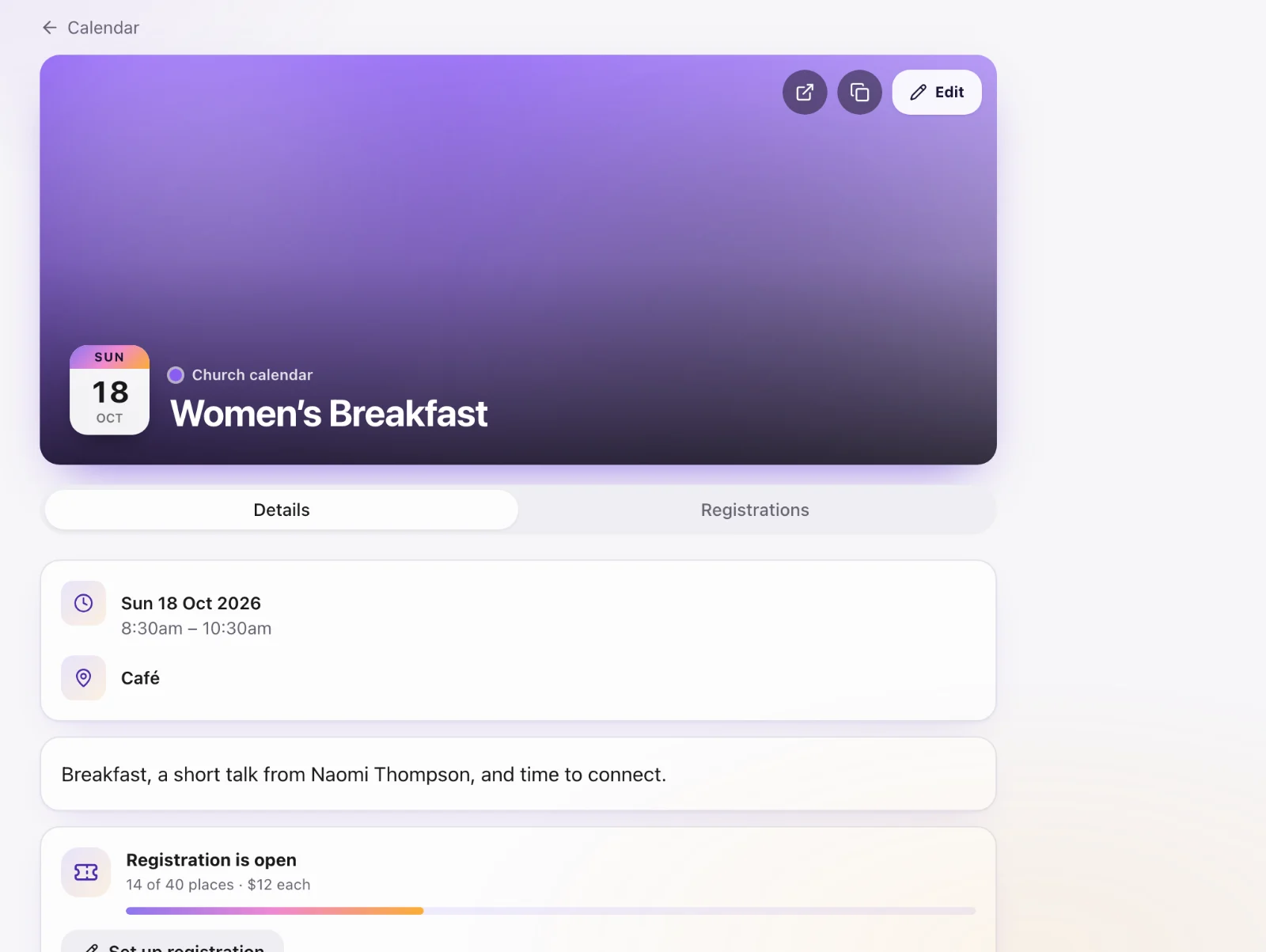
Each event has a public page you can share. If registration is on, that page is also the signup.
Campus filter
Staff working in one campus see that campus’s events. Church-wide events (no campus) appear everywhere.