Archiving, deleting and restoring people
Take someone out of the directory with an undo, record a death with care, or delete a profile for good.
4 min read · 5 steps
Archive
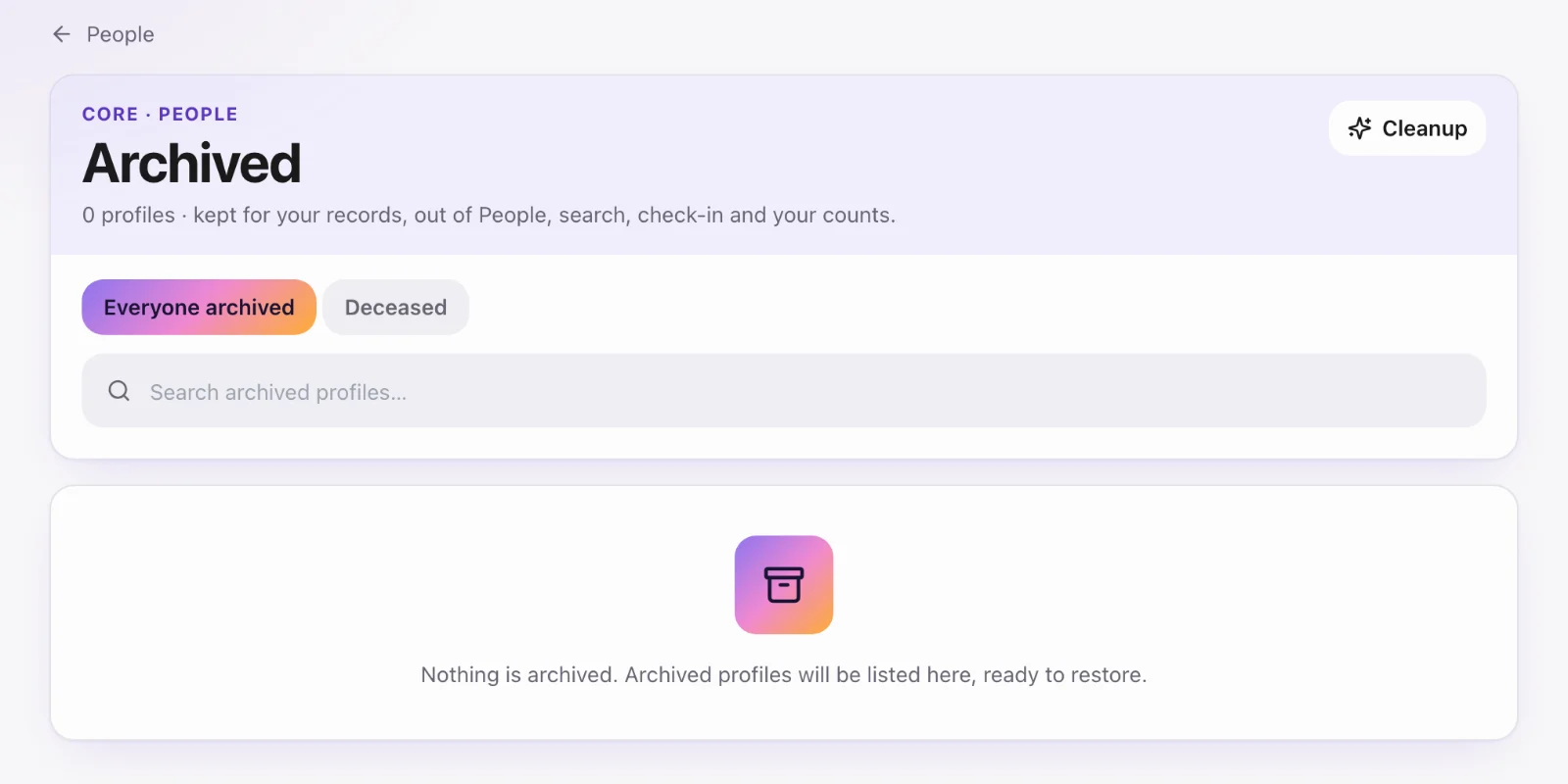
At the bottom of a profile, Core admins choose Archive… and confirm. The person drops out of People, search, sheets and check-in, and you go back to People with an Undo in the message. Their giving, attendance and check-in history are kept. Sheets leave out archived people unless you check Include archived profiles.
Find and restore archived people
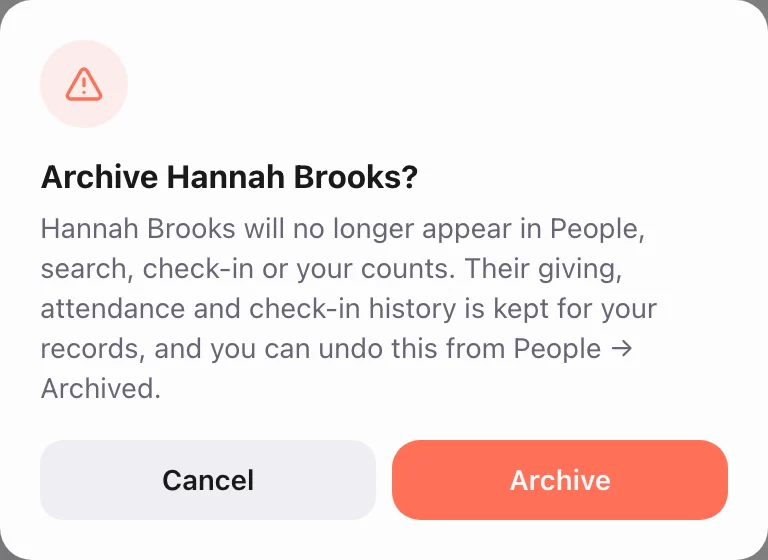
People → … → Archived profiles lists everyone who’s archived. When you open one, it says the profile is archived, and Core admins see Restore. Sheet Actions → Restore archived brings back many people at once.
Mark as deceased
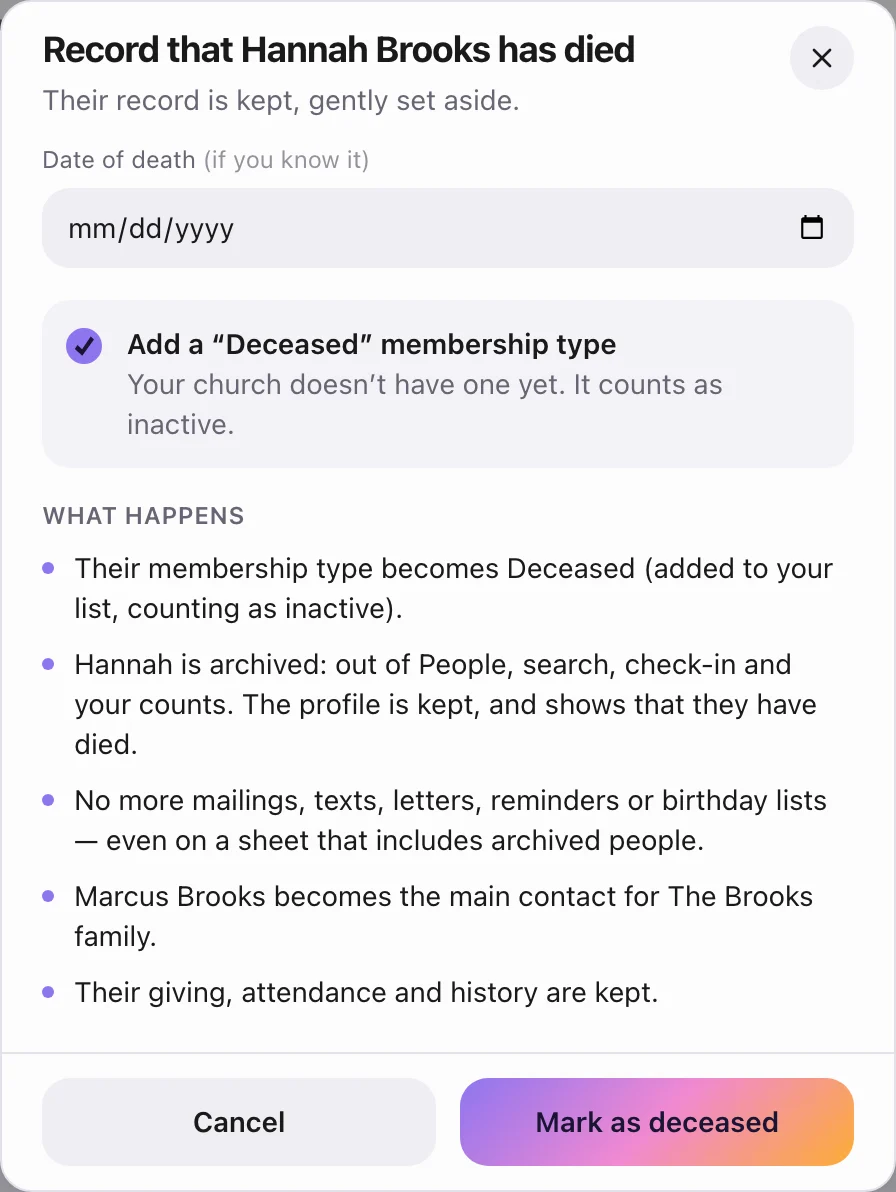
Mark as deceased… records that someone has died. Their profile is archived and moved to an inactive membership type. Mailings and texts skip them, upcoming serving is removed, and the family’s primary contact passes to another adult. They can no longer pick up anyone at Check-Ins. If they aren’t deceased, Restore undoes it.
Delete forever
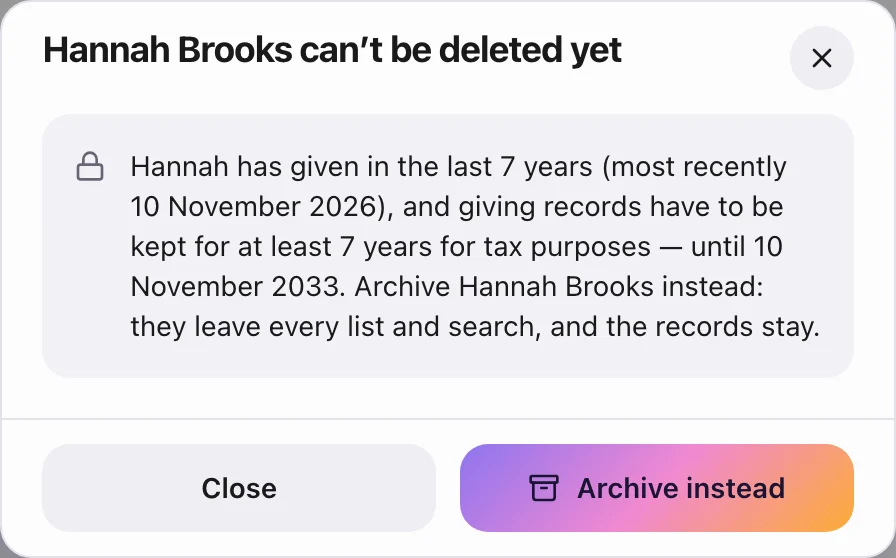
Delete forever… removes a profile completely. A Core admin does it by typing the person’s full name. It can’t be undone, and it’s refused for anyone with giving in the last seven years. Archive them instead. If they had a login, the login is unlinked, not deleted.
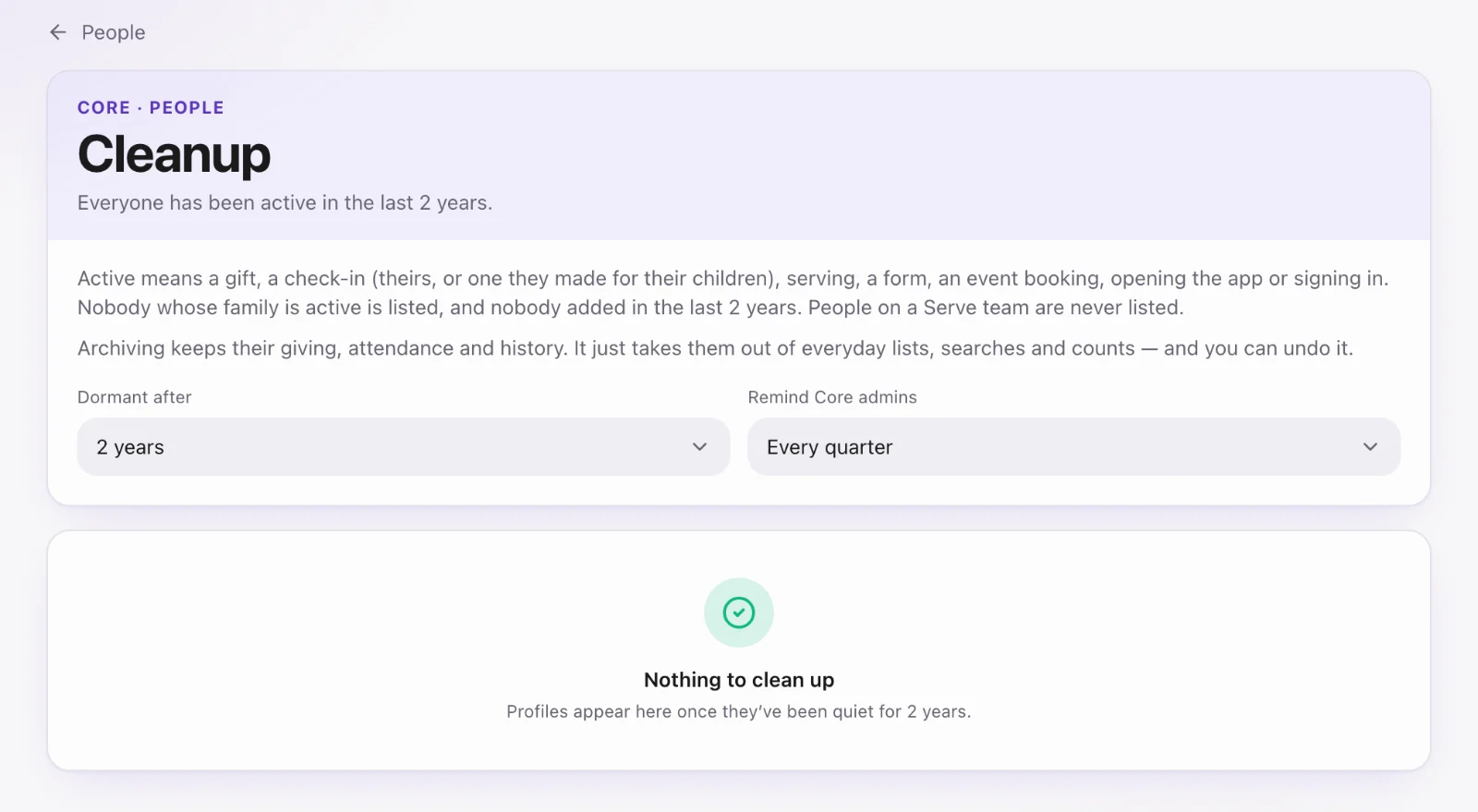
Dormant profiles
Core admins can open People → … → Clean up dormant profiles to find people with no activity for a period you choose. Core can also remind its admins to look.