Pledge campaigns
Run a building or missions campaign: a goal, pledges, progress on the giving page, and a screen for Sunday.
4 min read · 4 steps
Start a campaign
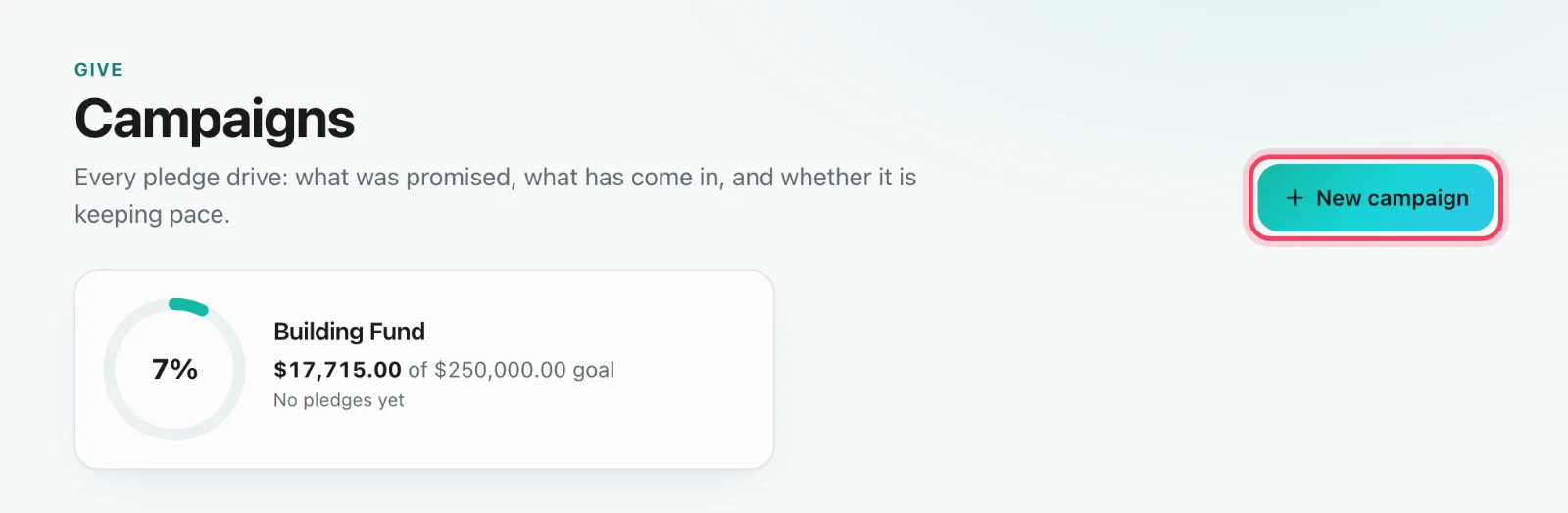
Go to Give → Campaigns → New campaign. A campaign is a fund with a goal and an end date, so gifts to it count toward the goal as soon as they come in.
Record pledges
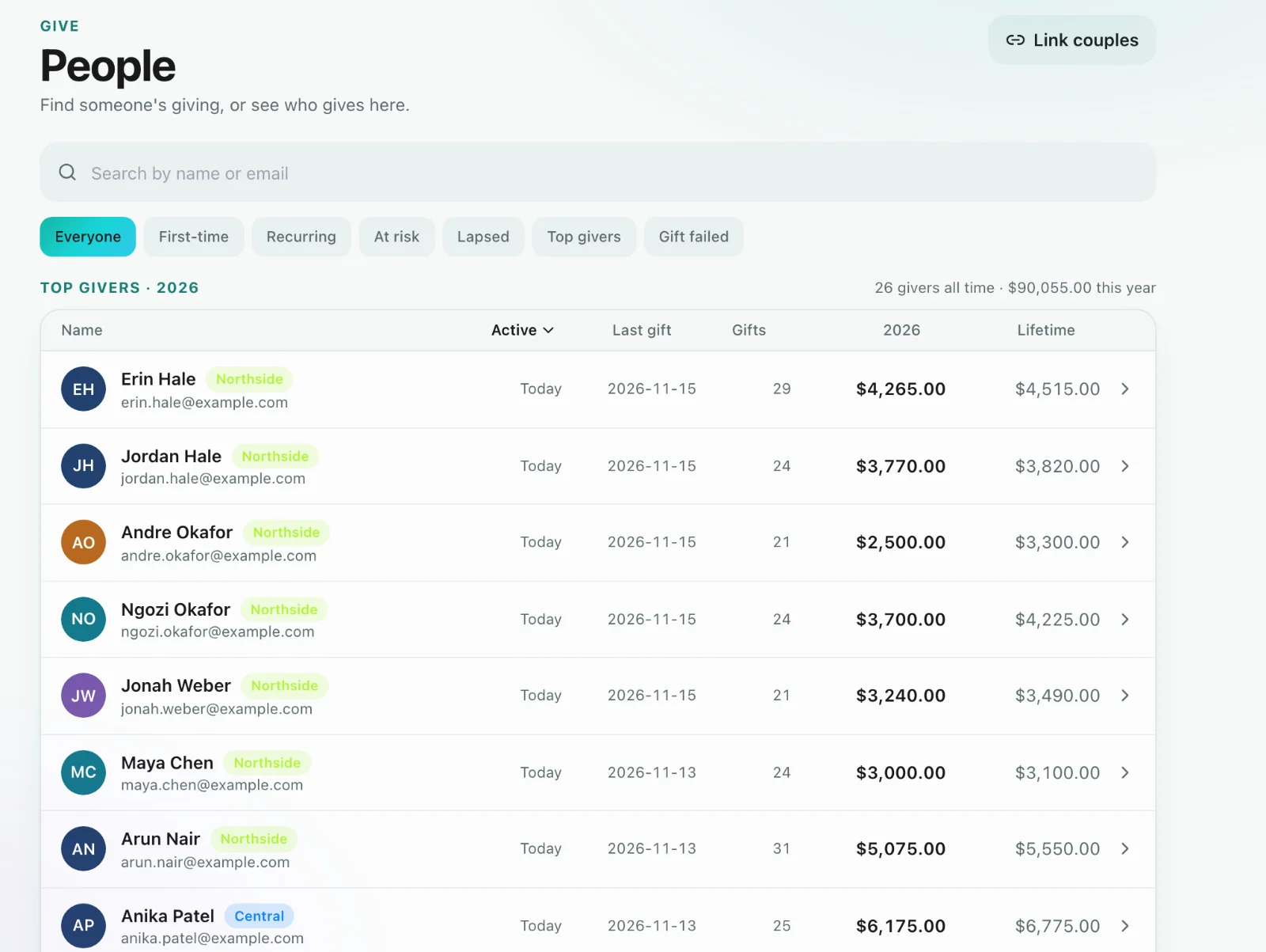
Open a giver in Give → People and choose Record a pledge. Enter the campaign, the amount they’ve committed, and over what period. Each pledge belongs to that person.
Follow the campaign
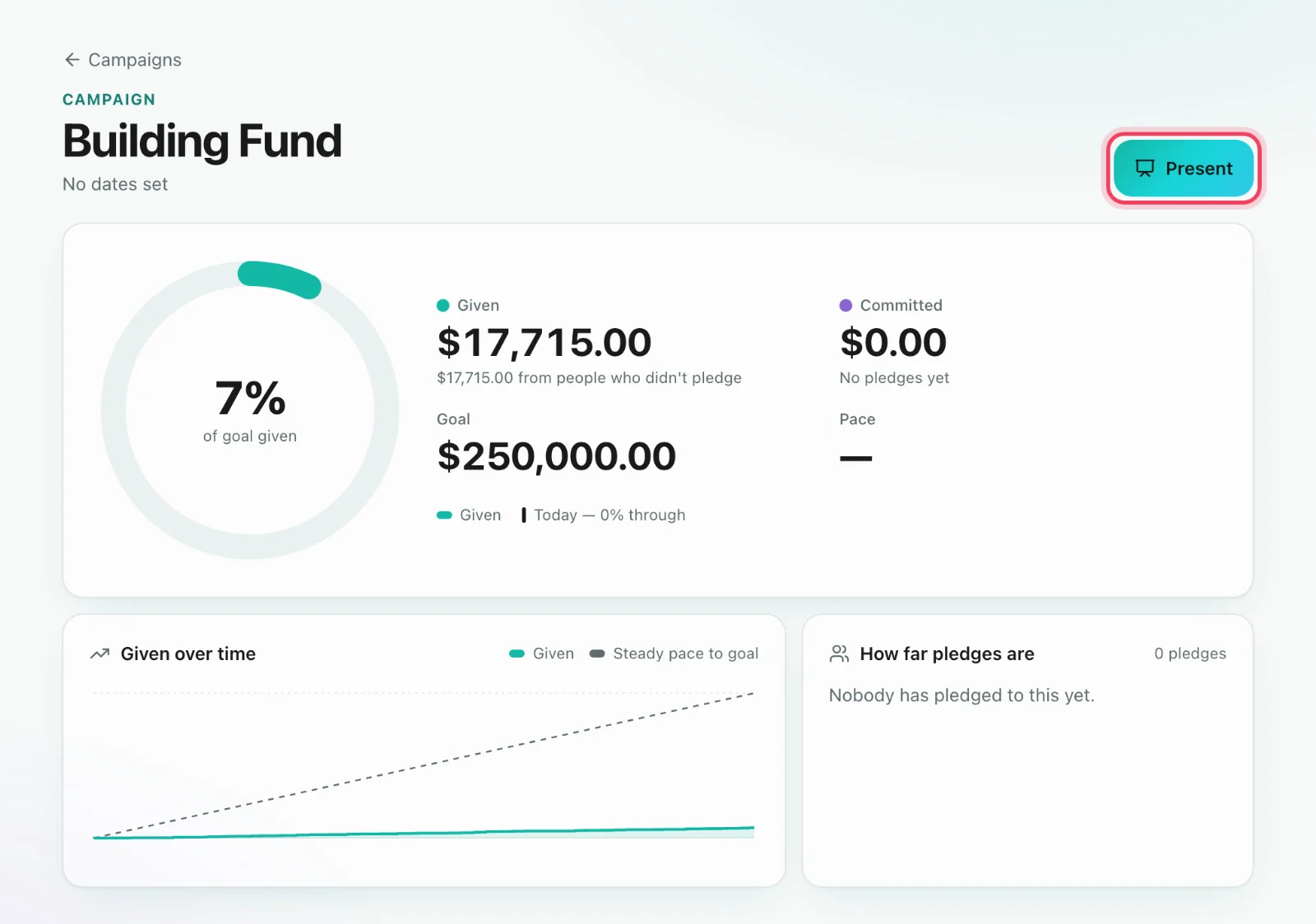
Each campaign shows what’s been given, what’s been committed and the goal, plus how it’s pacing. Present opens a full-screen view for a projector or a lobby screen.
Show it on the giving page
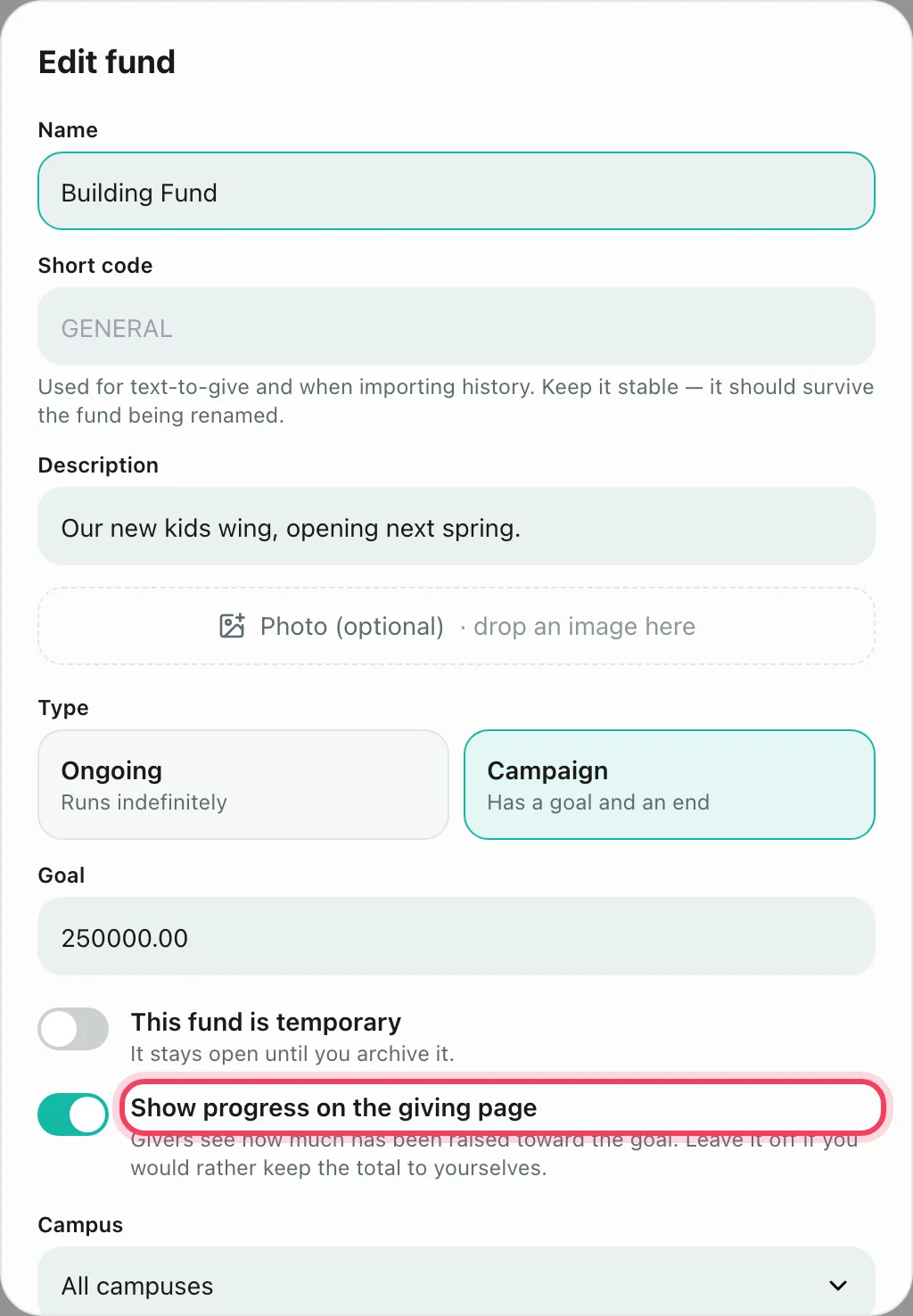
Turn on Show progress on the giving page to show church-wide totals to givers. Committed totals only show once at least three households have pledged, so nobody can work out what one family promised. A signed-in giver sees their own pledge with Give toward your pledge, and can find it in My giving too.