Funds that end
A Christmas offering or a camp fund that closes on a date, and stays in the reports for the years it had gifts.
3 min read · 5 steps
Give a fund an end date
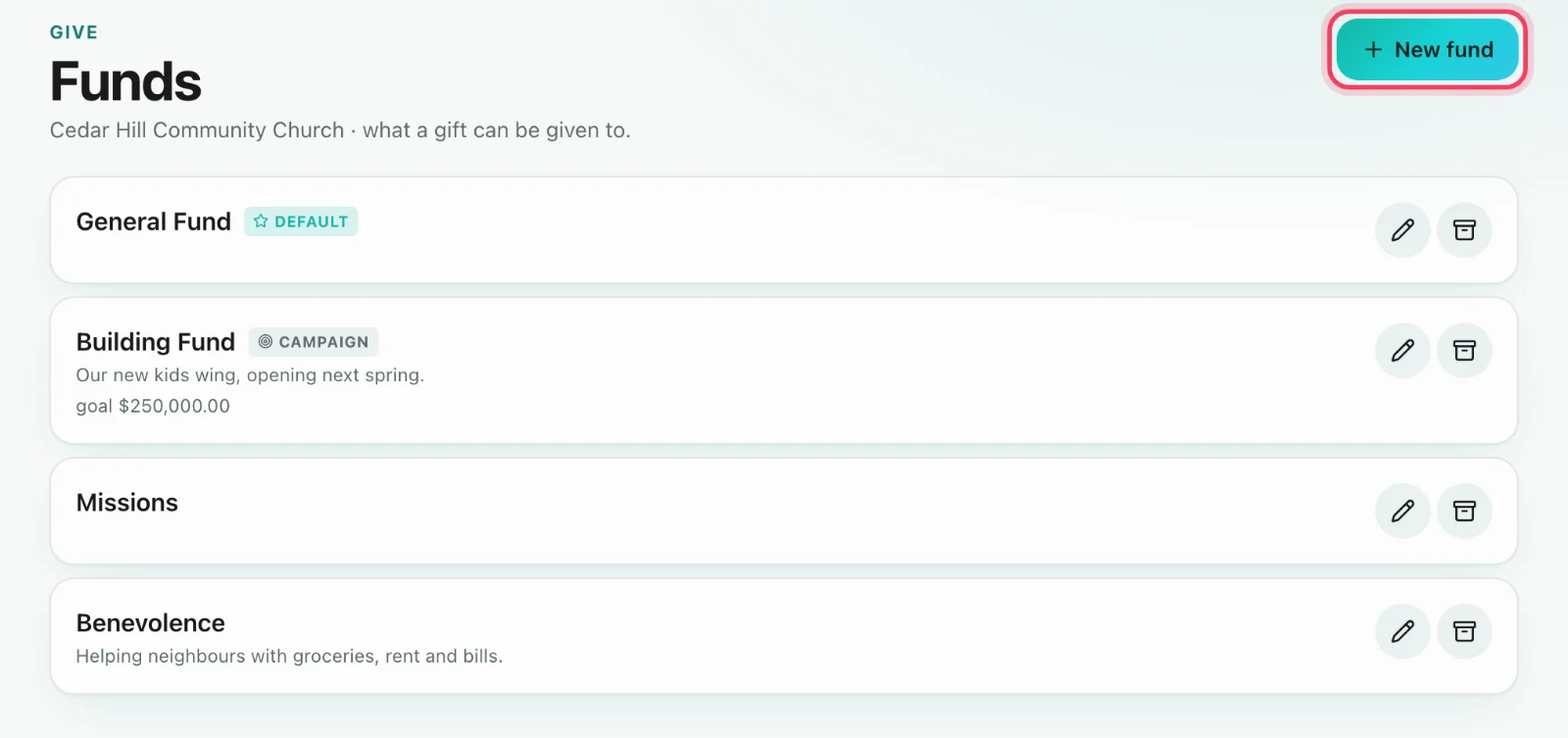
Give → Funds, then New fund or the pencil on an existing one. Turn on This fund is temporary and choose the day it Ends on. Any fund can end except the default one — make another fund the default first.
What happens on the day
After its end date the fund leaves your giving page, the Funds list and the fund pickers your staff use. There is nothing to press: ended is worked out from the date, so moving the date later brings the fund back. Until then givers see it as normal, and a campaign that shows its progress also says how many days are left.
Recurring gifts to a fund that ends
Five days before a recurring gift’s first charge after the end date, the giver gets an email (or a text) with a link to choose another fund, pause or cancel — no sign-in needed. If they do nothing, that part of the gift moves to your default fund on the charge day, and the giver and your giving admins are told. Give → Recurring flags these gifts so you can see them coming.
Ended, not gone
Ended funds fold away under Ended at the foot of the Funds page, with the day each one ended and what it raised. Gifts given to it stay on every giver’s record, and reports for any period it had gifts in still show it.
Ending or archiving
Use an end date for a fund you know is for a season. Archive is for taking a fund out of use by hand, whatever its date. When you bring an old system across with Move to Sanctuary, its seasonal funds can be given end dates in the Funds step.