Funds, batches and gifts
How money is recorded, including cash and cheques.
4 min read · 4 steps
Online gifts
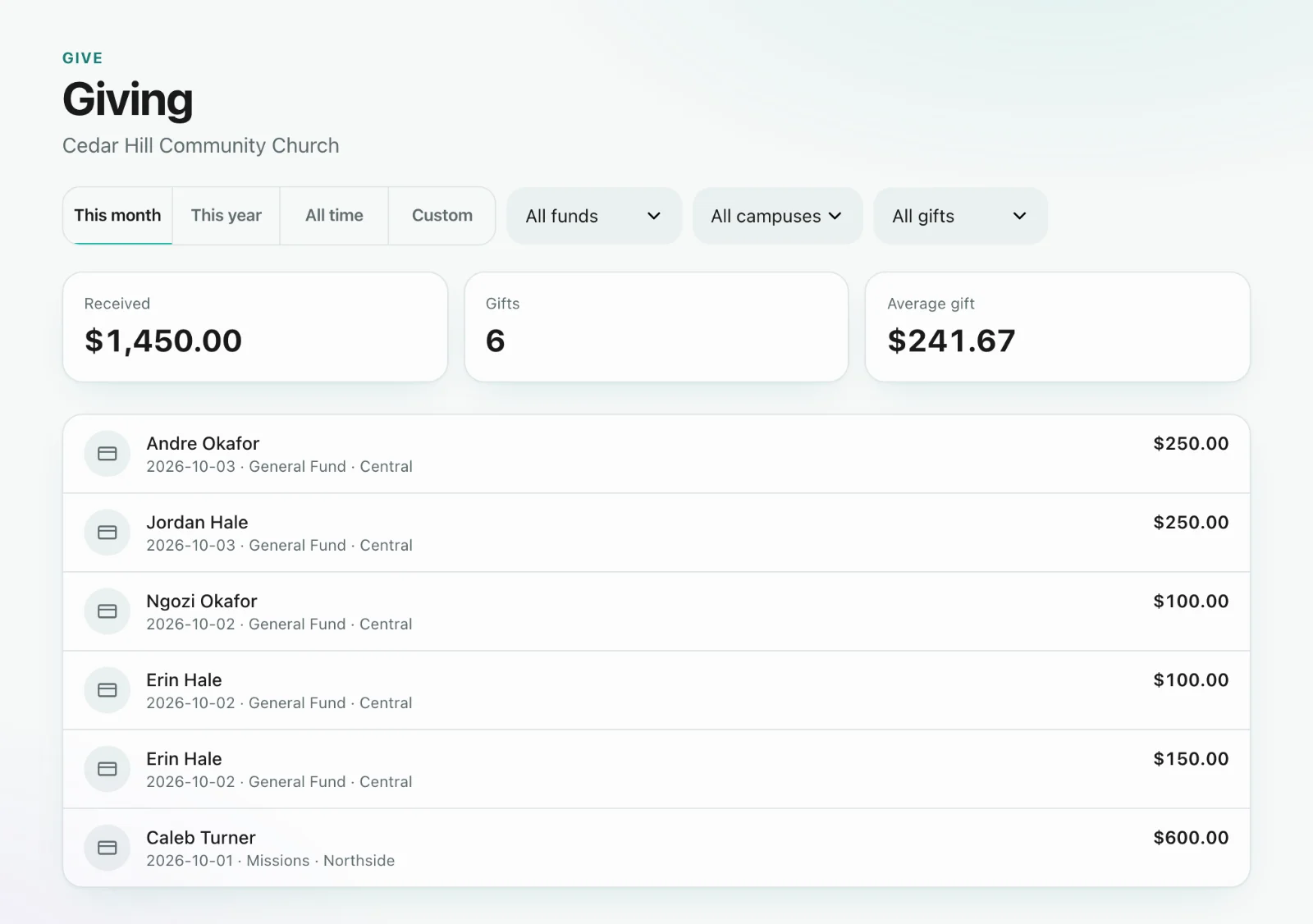
Card and bank gifts appear in Give → Giving when Stripe confirms them. When a recurring gift fails, Sanctuary can email or text the giver if you turn that on under Give → Recurring — off by default so we never message givers without you choosing to.
Cash and cheques
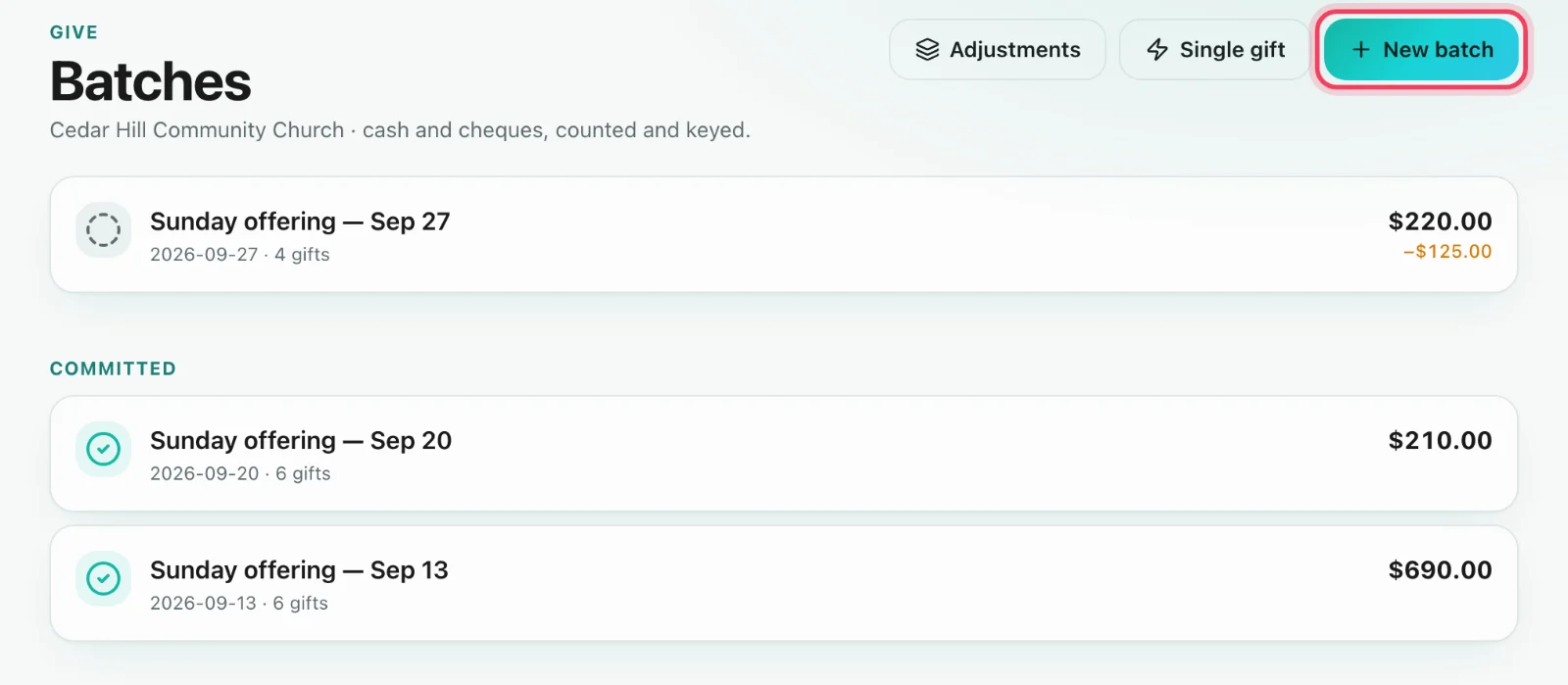
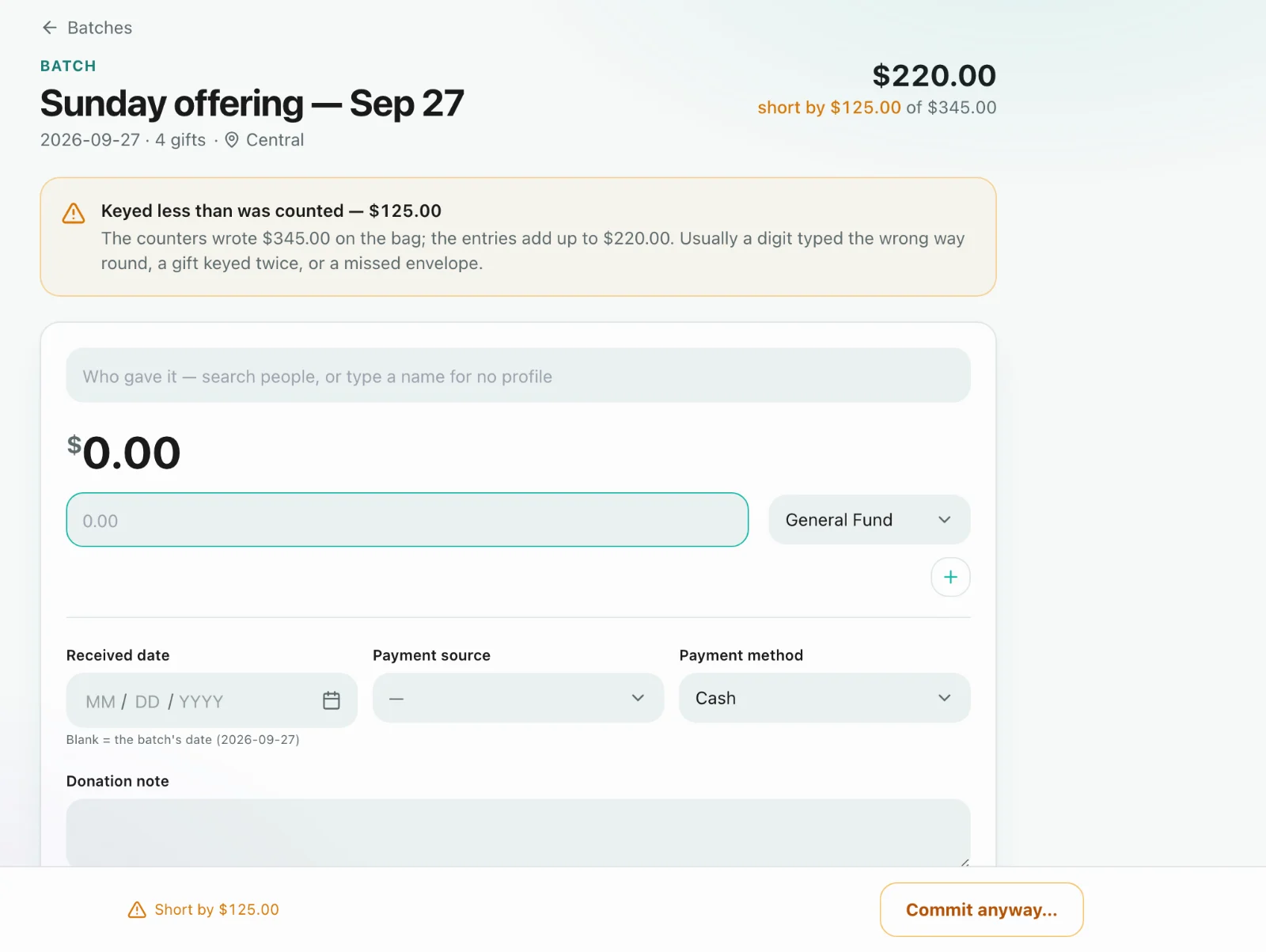
Open a batch (Give → Batches), set the date and expected total, key each gift against a fund, then commit. Commit is what settles them. An open batch is work in progress.
Counters
A counter can key an open batch and nothing else — they cannot read the church’s giving history. Grant that role on purpose.
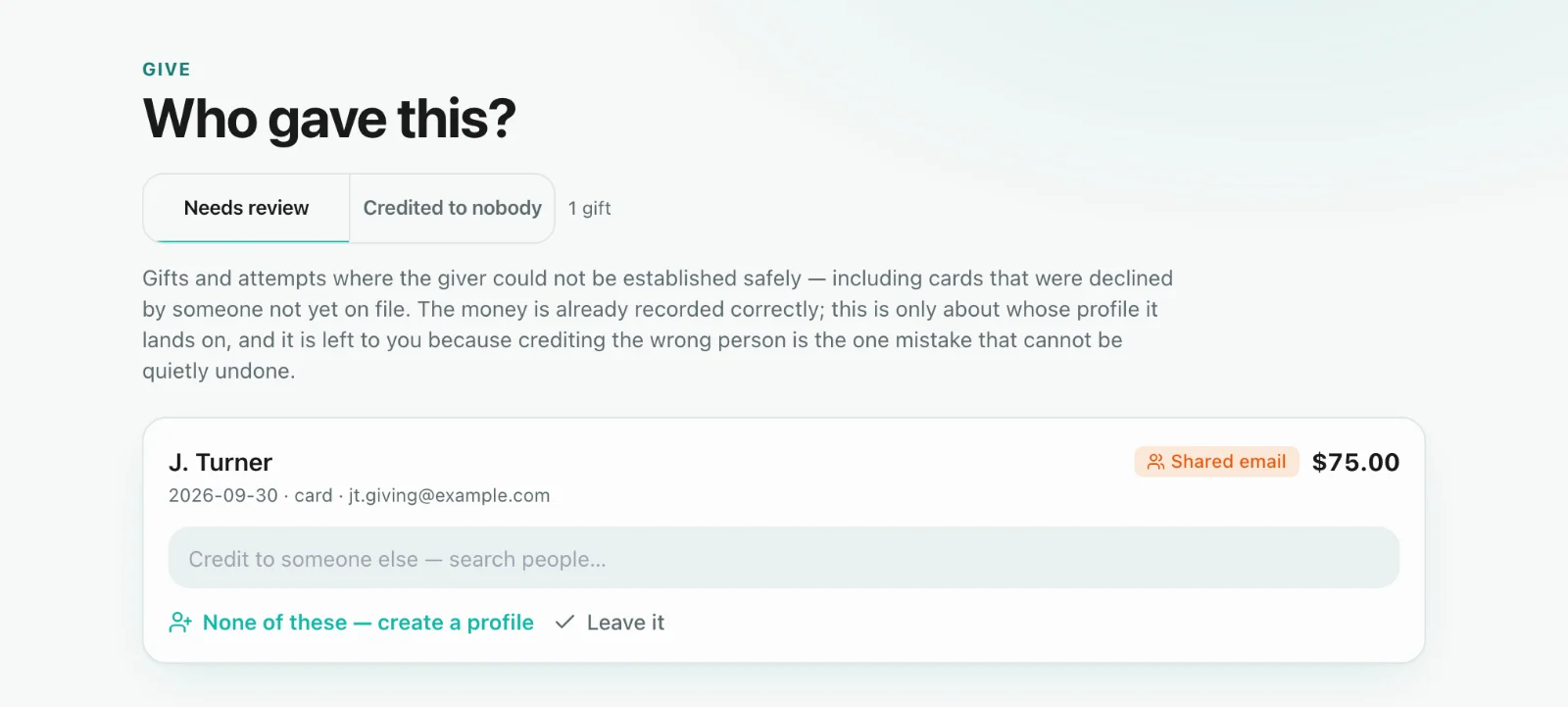
Who gave this?
Give → Who gave this? is the queue of gifts that need a person match or a second look. Matching attaches the gift to the right Core profile so statements are right.