Intro to Sanctuary Give
Online giving, recurring gifts, statements and reconciliation — on top of Core.
5 min read · 5 steps
Give needs Core
A donor is a person. Enabling Give uses the same profiles as the directory so household statements and addresses stay in one place. Core is free, so this does not add a second bill.

On, and open
Give being on for your church is one thing; your giving page being open is another. You can have Give and still be setting up — the page stays down until you choose Open the page under Give → Giving page.
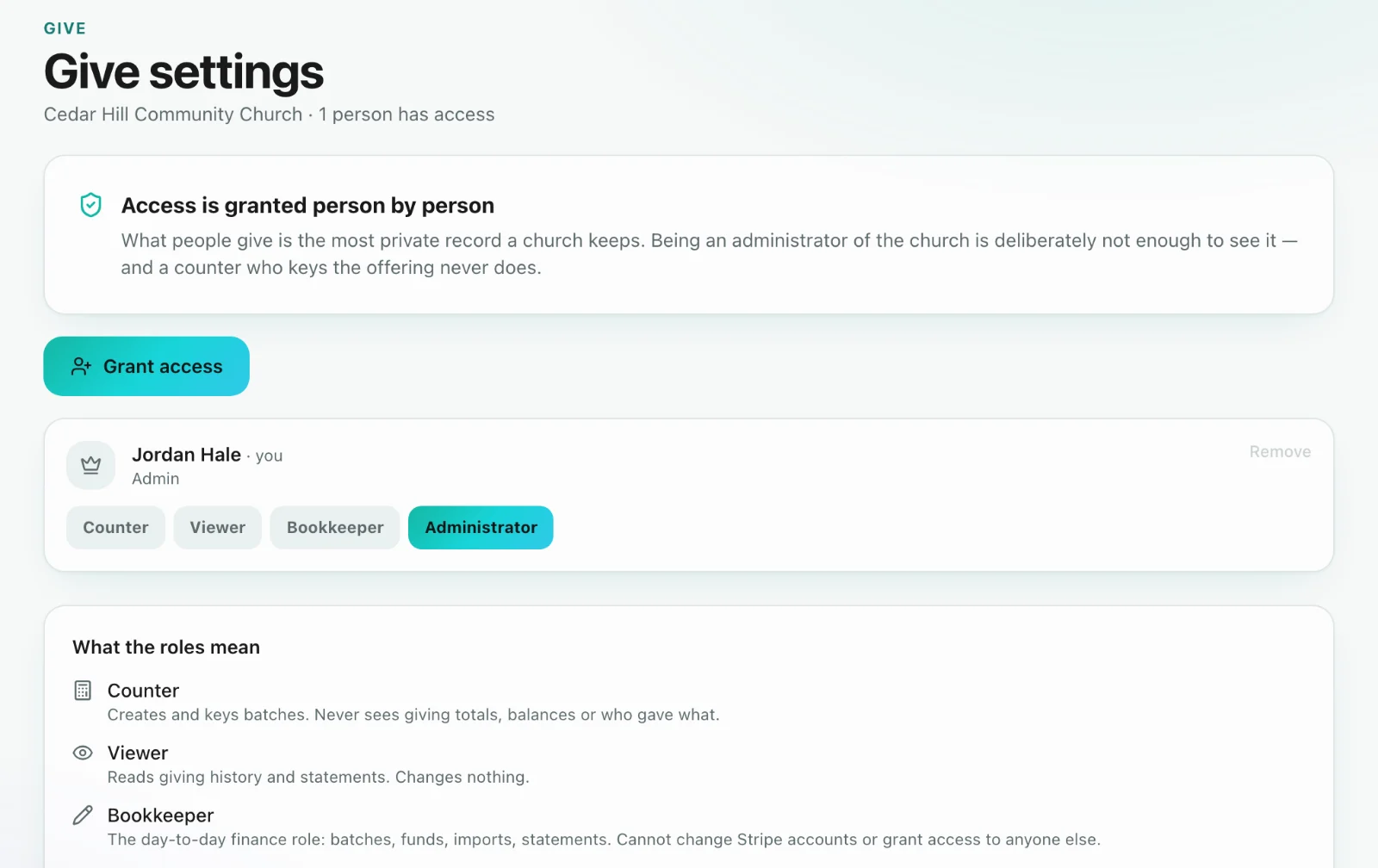
Access is a separate grant
Like Core, seeing donations is not implied by being a church admin. A church administrator grants Give access (and a Give role) to the people who should see the books. Counters can key a batch without reading history.
The setup order
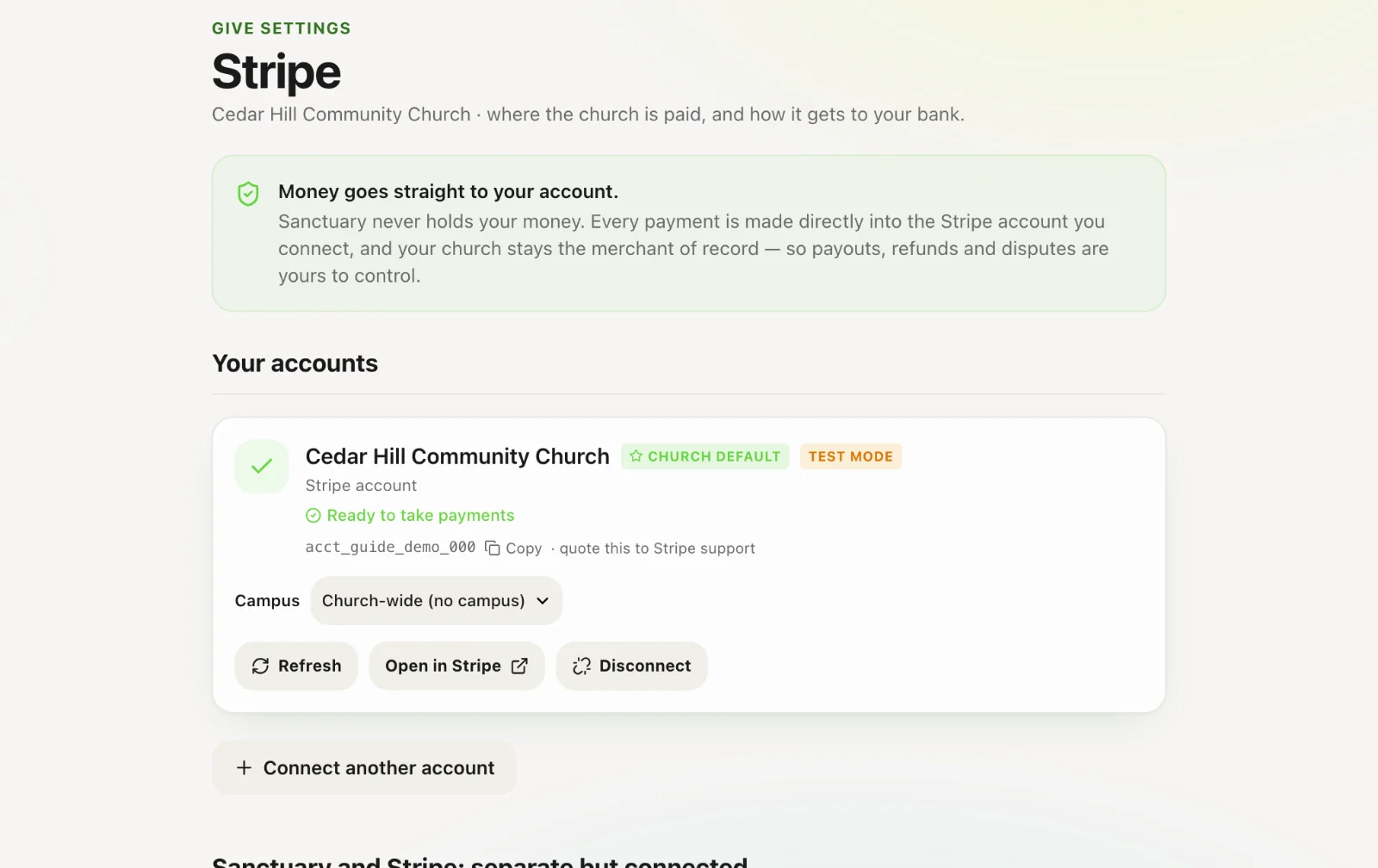
Connect Stripe → add funds → design the giving page → open the page. Recurring, statements, text giving and imports come after the first gift works.
What support can see
Sanctuary staff can see whether Stripe is connected and whether charges are enabled. They cannot see who gave or how much. That is the church’s record.