Connecting Stripe for giving
What to gather, how long it takes, and how to test before you share your giving page. Website only.
8 min read · 8 steps
How the money moves
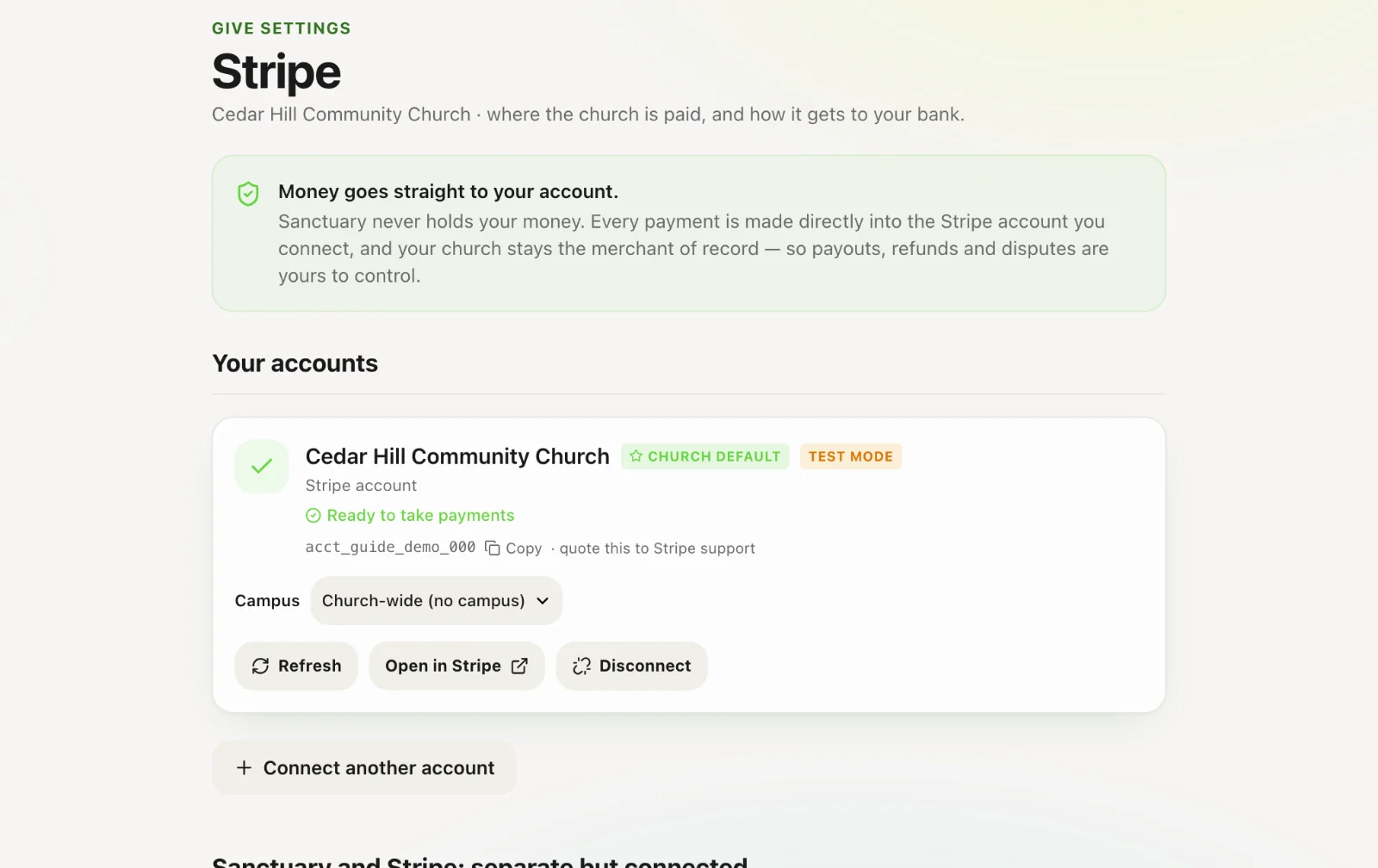
Gifts go straight to the church’s own Stripe account and from there to your bank. Sanctuary never holds the money and takes no cut of a gift. Stripe charges its own processing fees — see stripe.com/pricing for current rates, and ask Stripe about nonprofit pricing.
Gather this first
Stripe will ask for the church’s legal name and address, its EIN (tax ID), the bank account gifts should be paid into (routing and account number), and the name, date of birth, address and last four digits of the Social Security number of one person who represents the church. Have them to hand before you start and it goes quickly.
Start on the website
Connecting Stripe registers a legal entity and a bank account, so it happens on the website, not in the phone apps. A church administrator or Give administrator opens Give → Stripe (or Account settings → Payments) and starts the connection. Stripe opens its own form; when you finish you come back to Sanctuary.
Already have a Stripe account?
You can sign in to it during the connection and choose it instead of making a new one. Sanctuary uses it as your church’s own account — your Stripe dashboard, your payouts and your receipts stay yours.
If it says setup incomplete
Stripe sometimes needs more before it lets an account take payments — a document, a corrected detail, or a few days to review. Give settings shows what Stripe is still waiting for. Open your Stripe dashboard to answer it; Sanctuary updates on its own once Stripe enables charges. If you are stuck, open a ticket at onesanctuary.app/support and we will look at it with you.
More than one campus or account
Multi-campus churches can connect more than one Stripe account and attach each to a campus or fund. Mark one as the default; gifts to anything without its own account go there.
Test before you share the page
Once charges are enabled, open your giving page and give a small real gift yourself — $1 is fine. Check it appears in Give → Giving as succeeded and on your Core profile, then refund it from the donation if you like. Then put the link in the bulletin.
Core-only churches
If you need Stripe only for event registration payments, the same Payments page is available without Give. Same connection.