Opening your giving page
Funds, the public /g/ page, and going live.
4 min read · 4 steps
Add funds
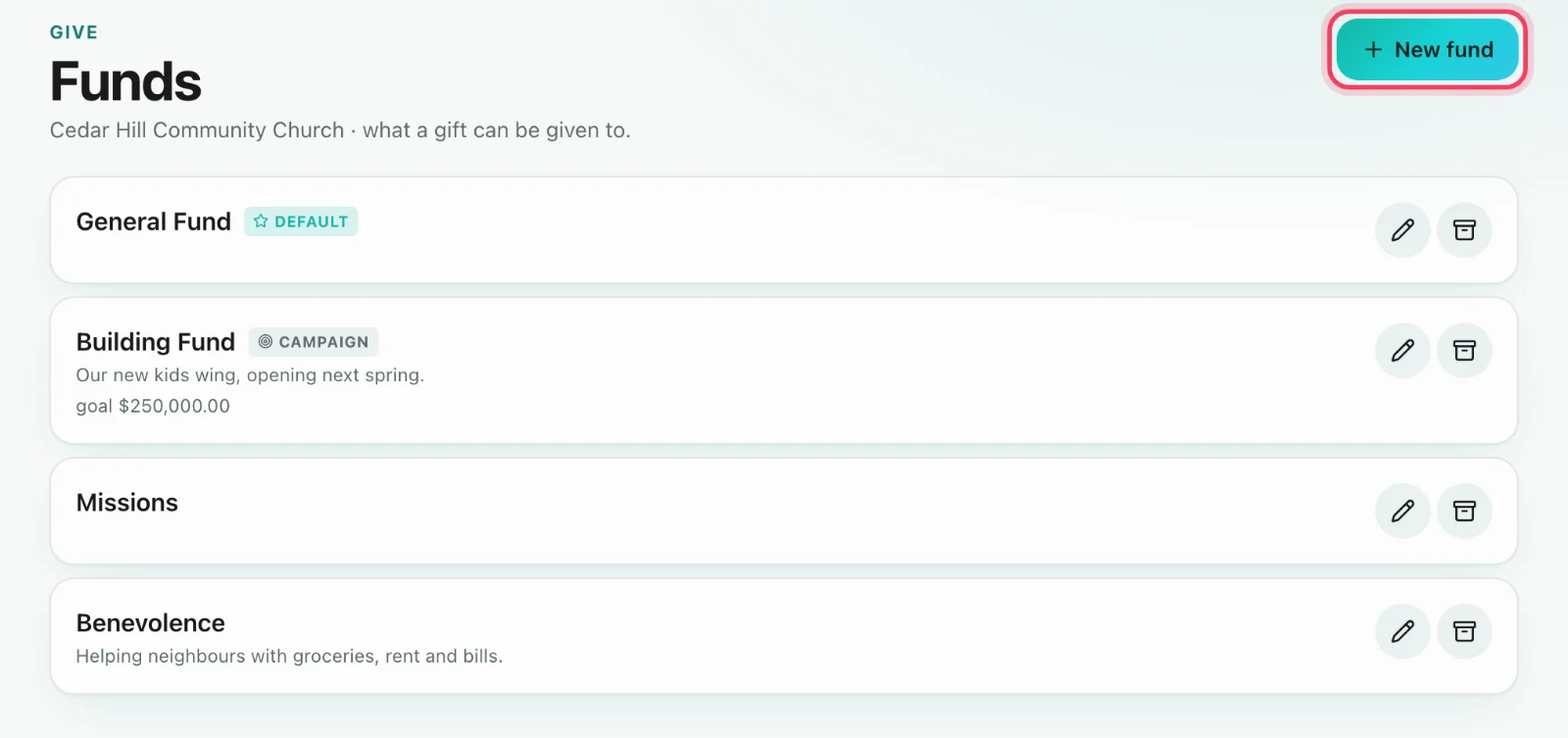
Give → Funds. Create General, Building, Missions — whatever you actually receive. Mark one default. A fund can be limited to a campus, and a fund for a season can end on a date (see Funds that end).
Design the page
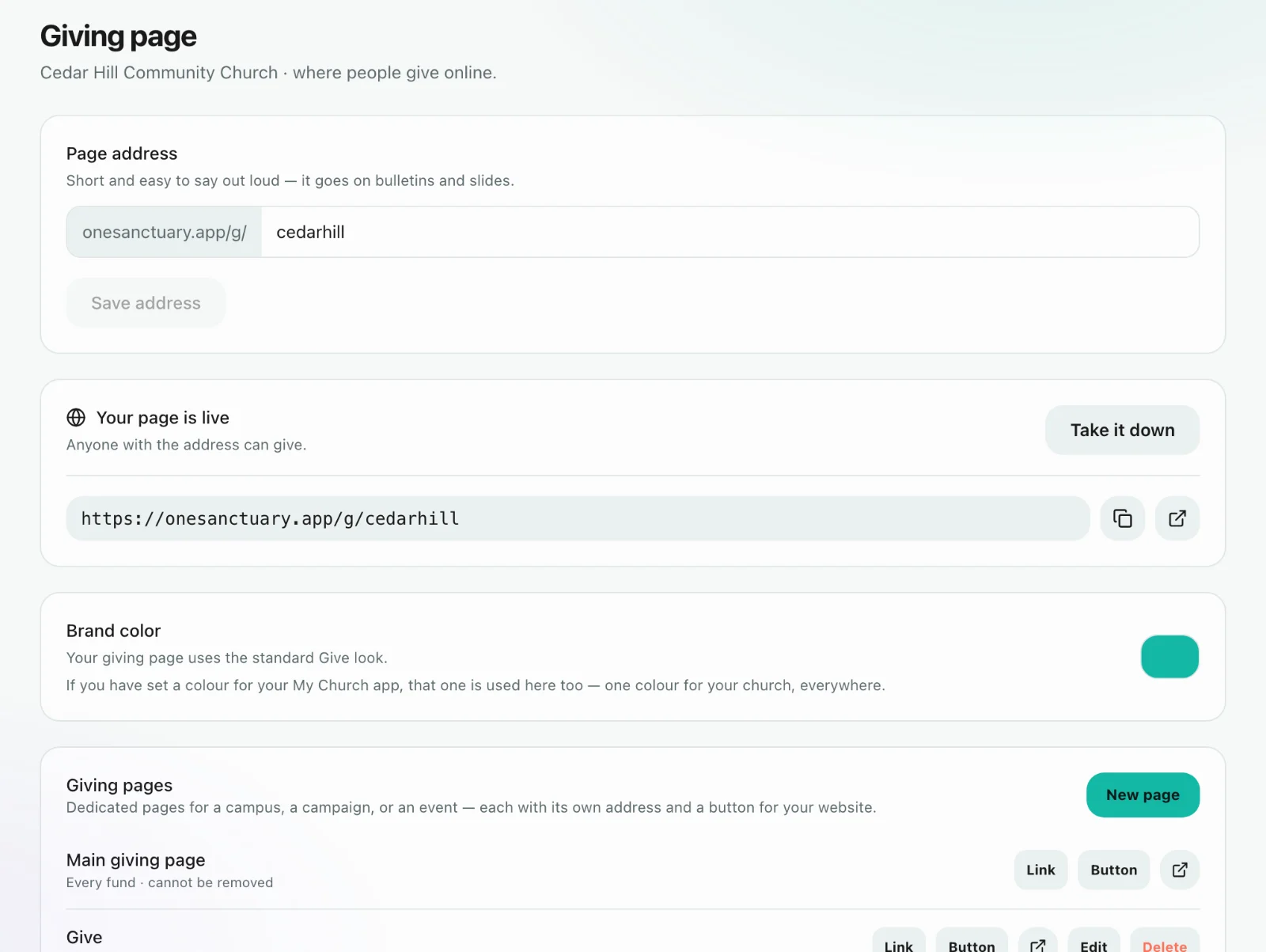
Give → Giving page. Heading, description, which funds appear, whether recurring is offered. The public address is /g/your-slug — a memorable slug, not the church code and not the calendar token.
Open it
On Give → Giving page, choose Open the page — it reads Your page is live once it is. Put the link in the bulletin, on the screen and on the website. Visitors do not need a Sanctuary account to give.
Test with a real small gift
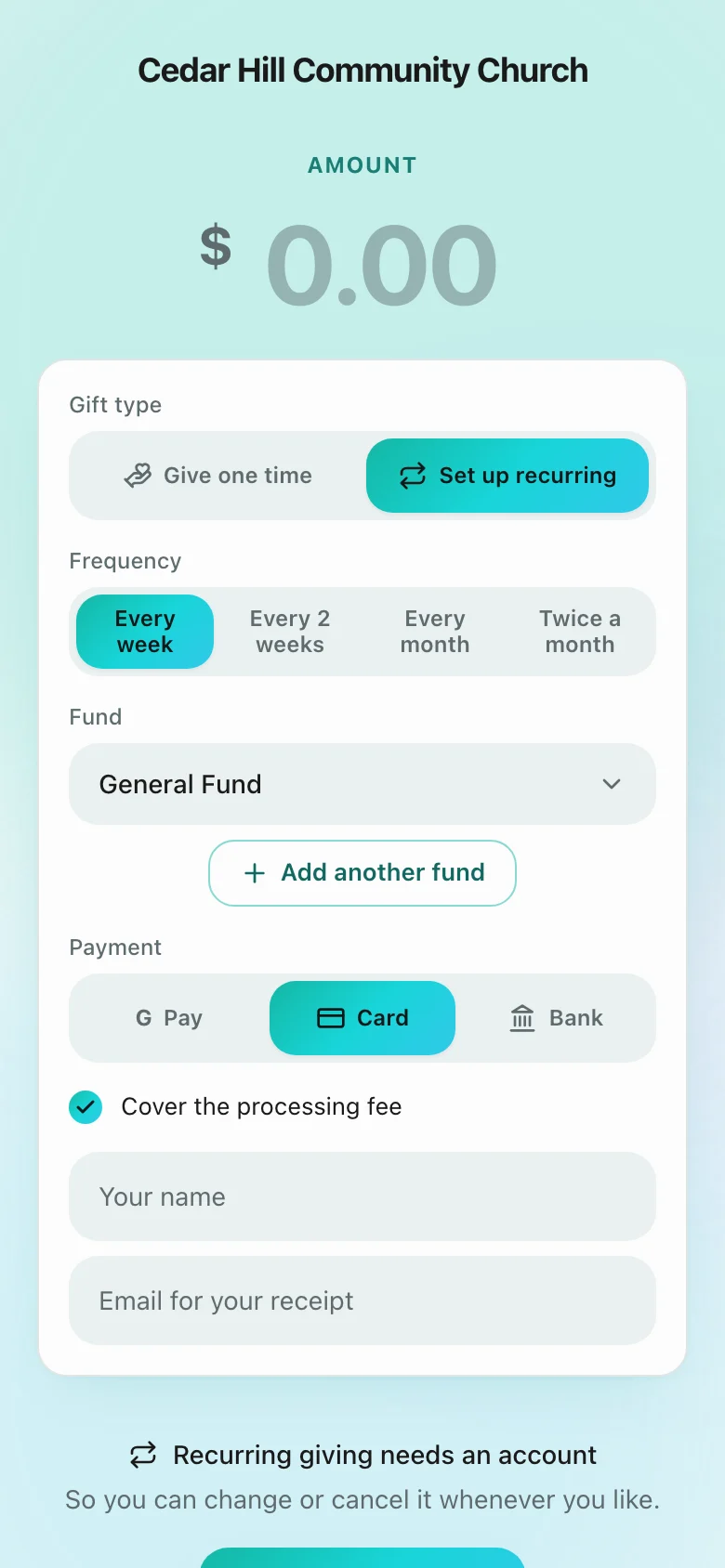
Give $1 yourself and confirm it lands in Give → Giving as succeeded and on your Core profile. Then tell the church.