Giving reports and importing gifts
Totals by fund, campus and month, and bringing a CSV of past gifts in with an undo.
4 min read · 3 steps
Reports
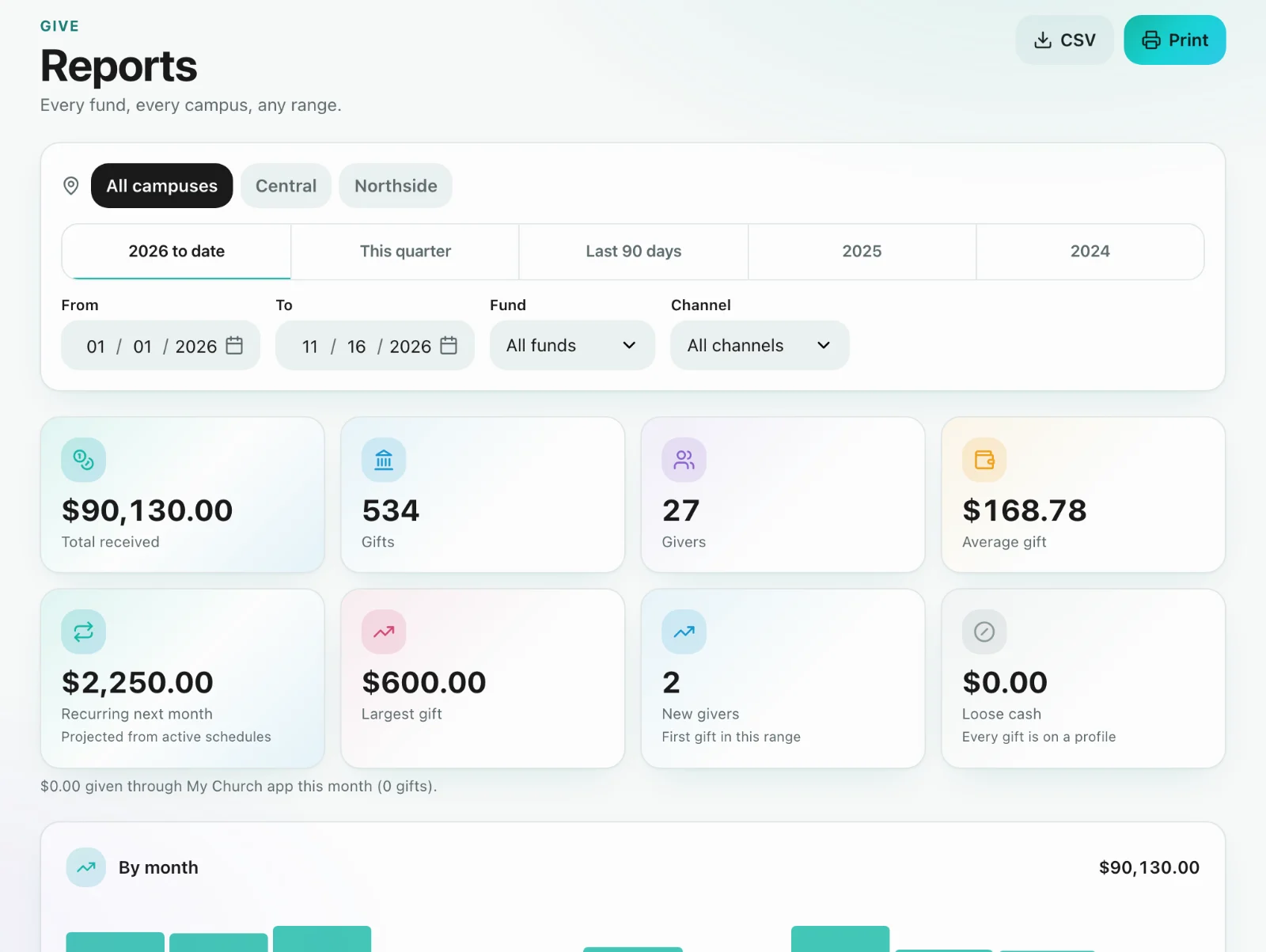
Give → Reports takes one date range and breaks it down by fund, campus, month, source, recurring and pledges. Campus and fund filters narrow everything at once, and a gift split across funds is counted in each one. Totals brought across from your old system are included and labeled. You can export it as a CSV or print it.
Import a CSV of gifts
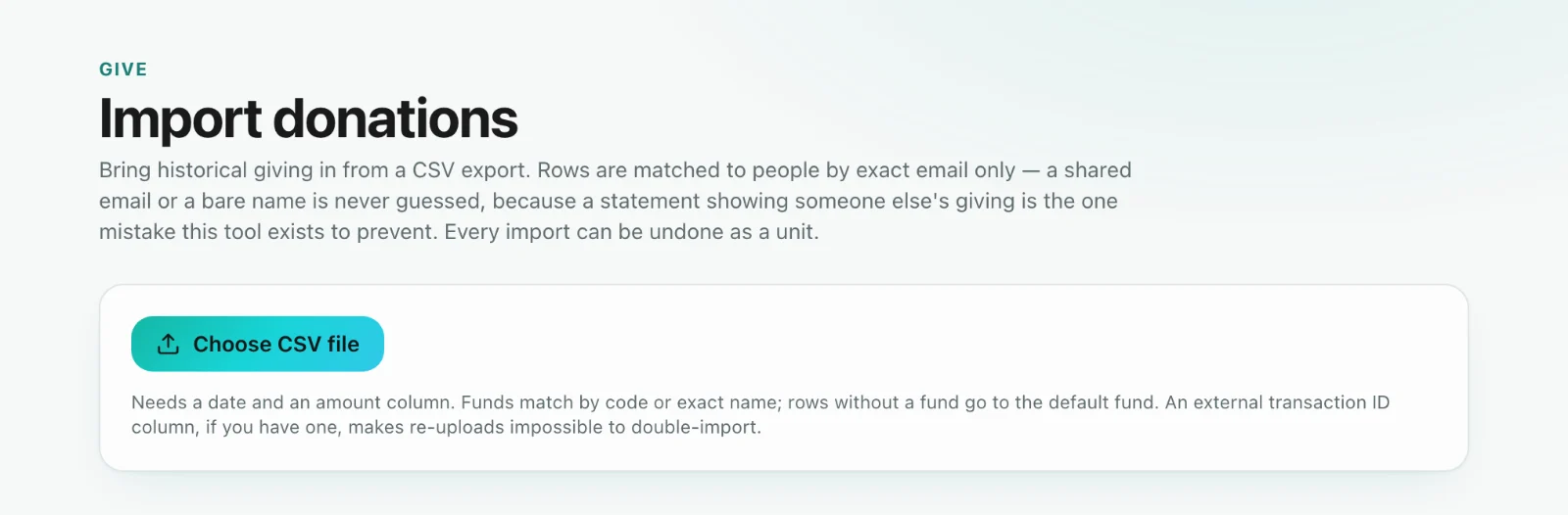
Go to Give → Import donations (giving administrators). Each row needs a date and an amount. Fund, donor name, donor email, method, check number, an ID from the old system and a memo are optional. Match the columns, then check the preview row by row (Matched, No profile or Shared email) before you bring it in.
Matching and undo
A giver is matched by exact email. Sanctuary never guesses on a shared email. Those gifts come in attached to nobody, ready for you to sort out in Who gave this?. Every import is listed with its own Undo, and imports never set off automations. To bring a whole system across (people, households, funds and history), use Move to Sanctuary instead, and never import the same dates both ways.