Giving automations
Automatically thank first-time givers, follow up on a failed card, and notice who has gone quiet.
3 min read · 3 steps
What an automation is
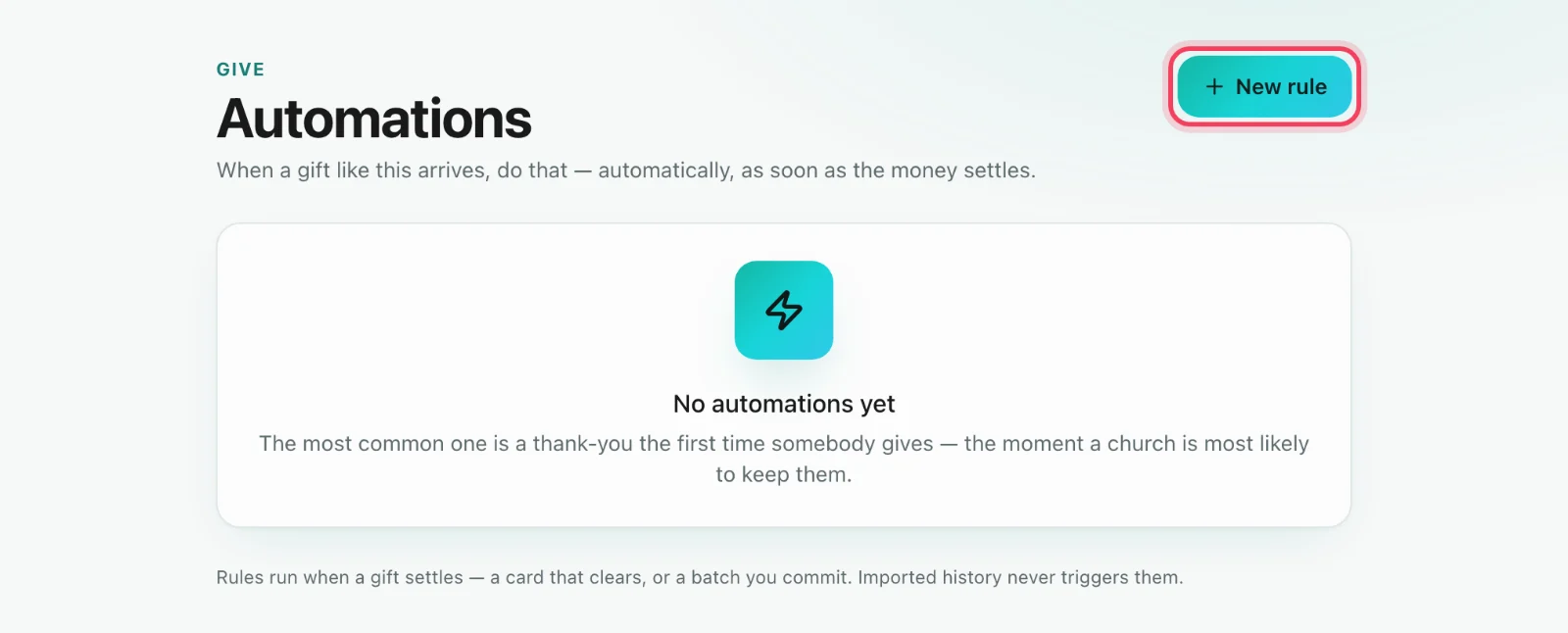
Go to Give → Automations (giving administrators). Each automation is a moment and a response. When something happens with a giver, Sanctuary sends an email or a text, or adds them to a card (a printed letter) for you.
The moments
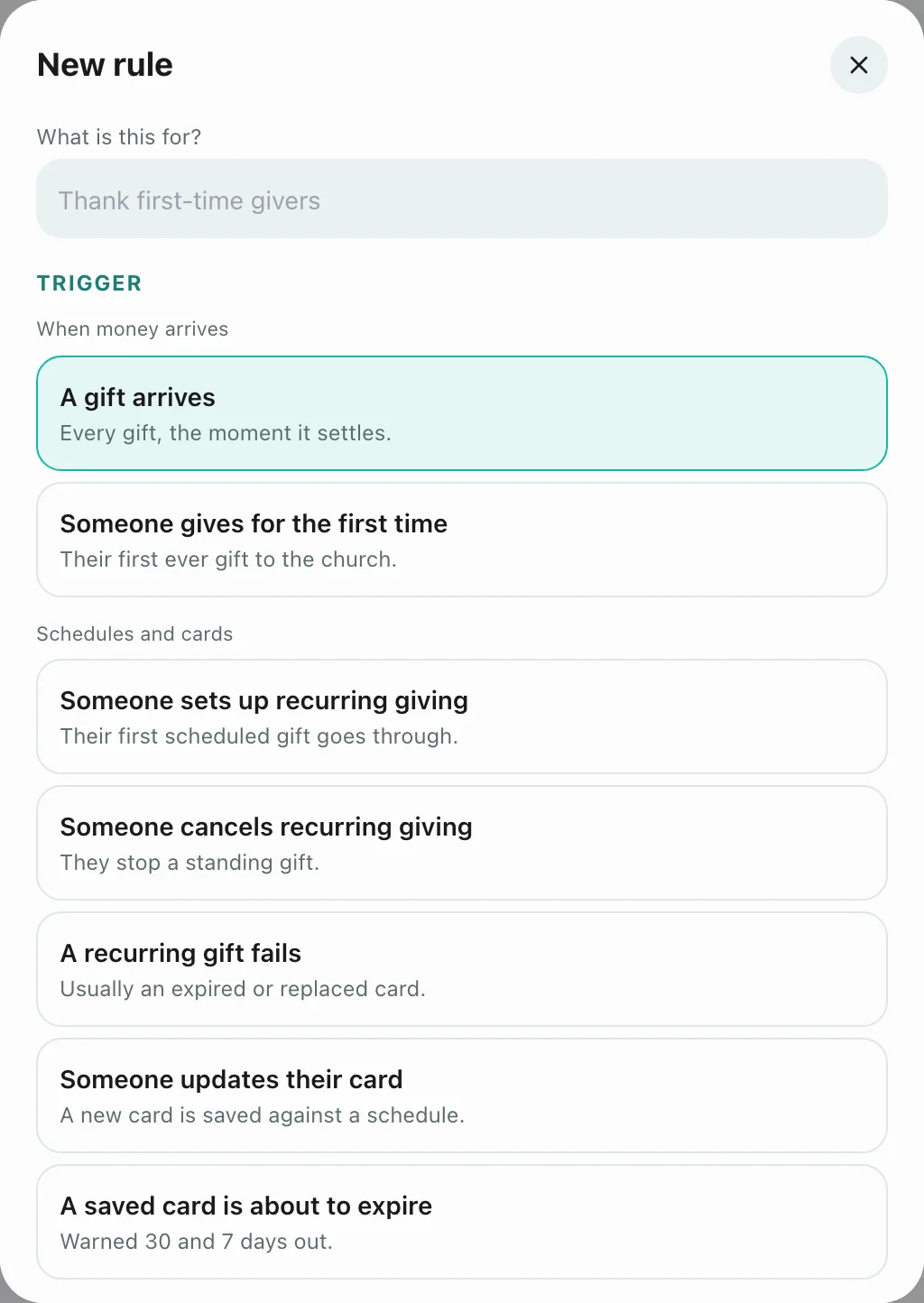
You can pick from these moments: a gift arrives, someone gives for the first time, someone sets up a recurring gift, someone cancels one, a recurring gift fails, a giver updates their card, a saved card is about to expire (30 and 7 days before), someone is giving regularly but by hand, someone has gone quiet, and someone has lapsed. You can narrow one to a fund or a minimum amount.
What it never does
An automation fires once, when a gift has settled. Imported gifts never set one off, and a message that fails never undoes the gift. If an automation and Give → Recurring’s If a gift fails both message the giver, Recurring warns you so they don’t hear from you twice.