On the day: the desk, rooms and check-out
Check families in at the desk, see who’s in each room, welcome first-time guests, and check children out with their code.
5 min read · 8 steps
Start checking in
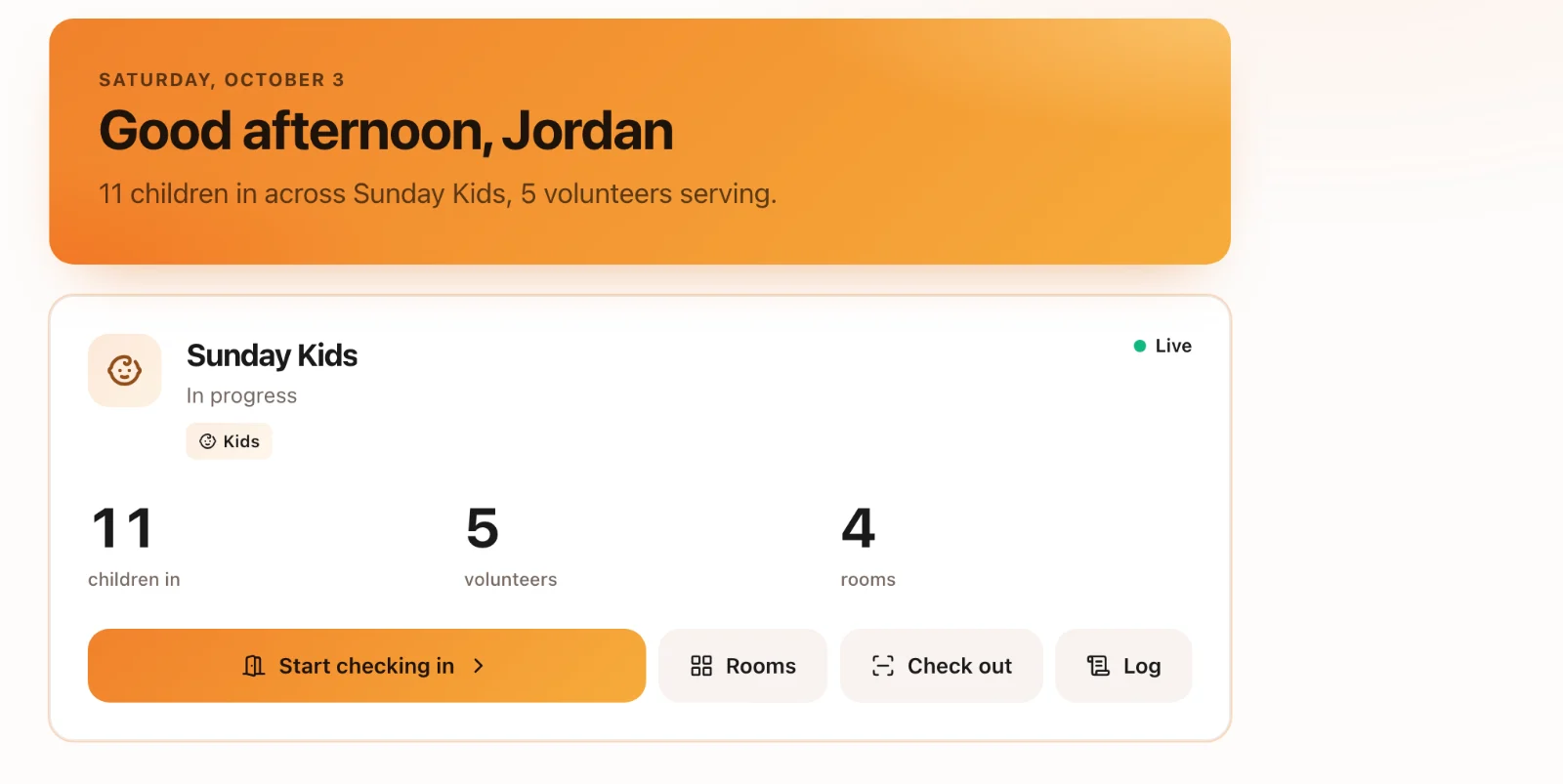
On Check-Ins → Today, each gathering that’s switched on has Start checking in, Rooms, Check out and Log. Start checking in opens the desk.
Find a family
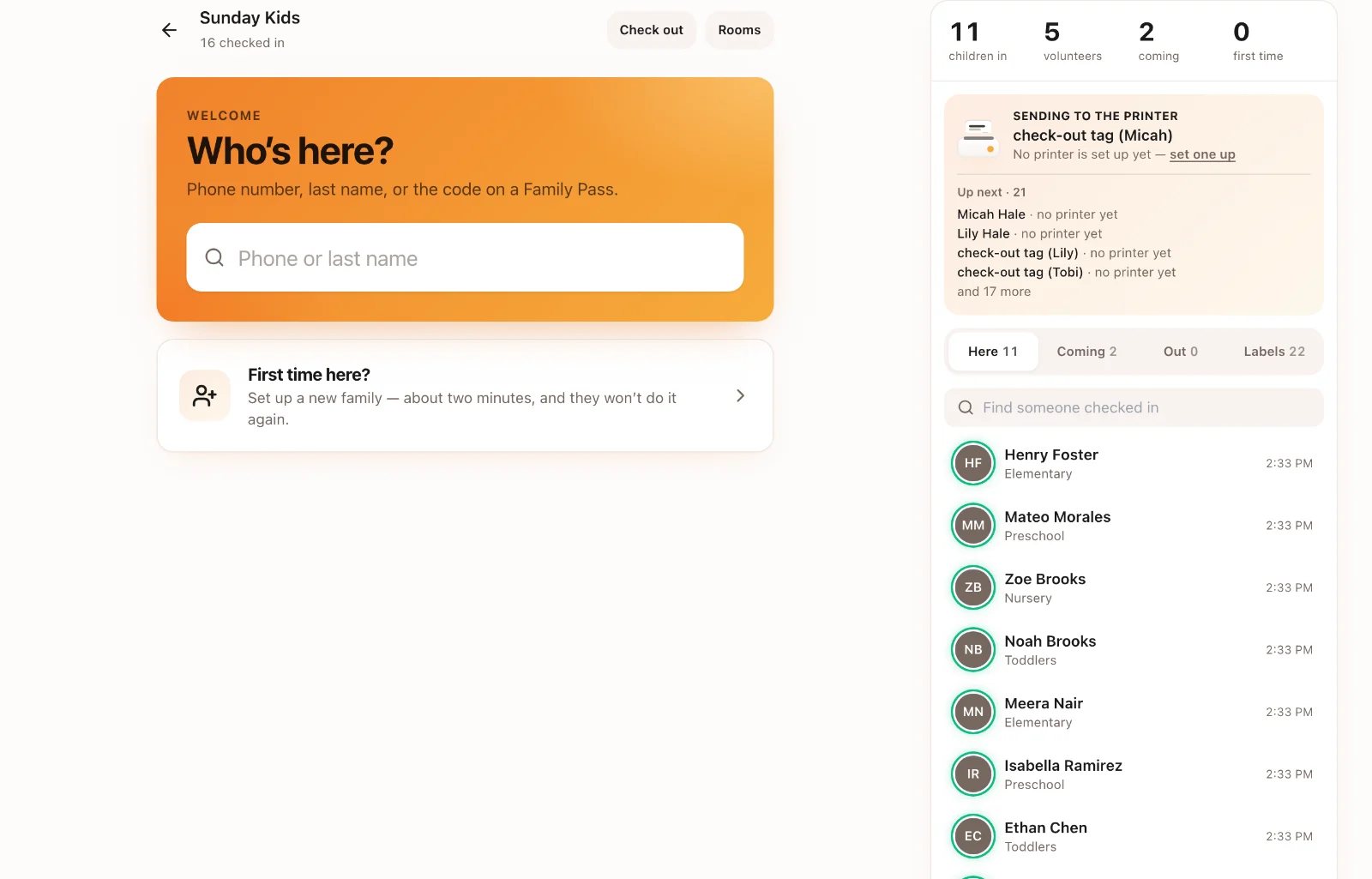
At the desk, type a phone number, a last name, or the code on a Family Pass, or choose Scan to scan a pass. New families start with First time here?. The panel on the right shows who’s here, who’s coming, who has gone home, and the labels on their way to the printer.
Check them in
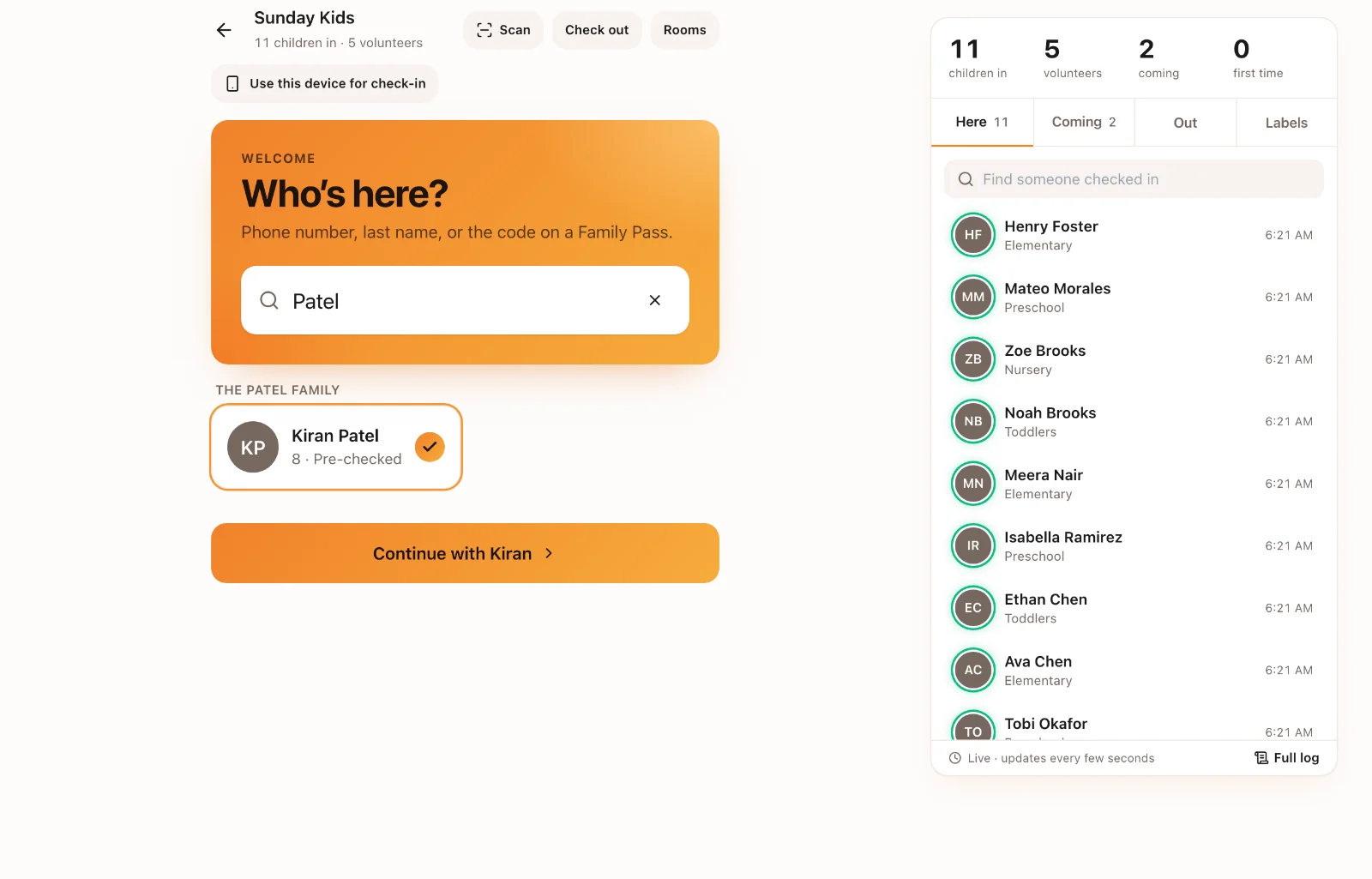
Tick each child who’s here and choose Continue. Check each child’s room (Change room if needed) and choose Check in. Anything the team should know shows under Worth a look. The family’s check-out code appears when you’re done, and it’s sent to the parent’s phone if the gathering is set up to send it.
Where the labels print
The printer’s name is at the top of the desk. Choose it to print somewhere else today, unless the desk’s printer is locked. Each family’s labels come out together, children first and the check-out tag last, with a short pause before the next family so you can tear them off.
First-time guests
Someone checking in for the first time is marked New on the desk and in the Log, and counted under first time. Their family shows First visit, welcome them, so the team can say hello.
Rooms
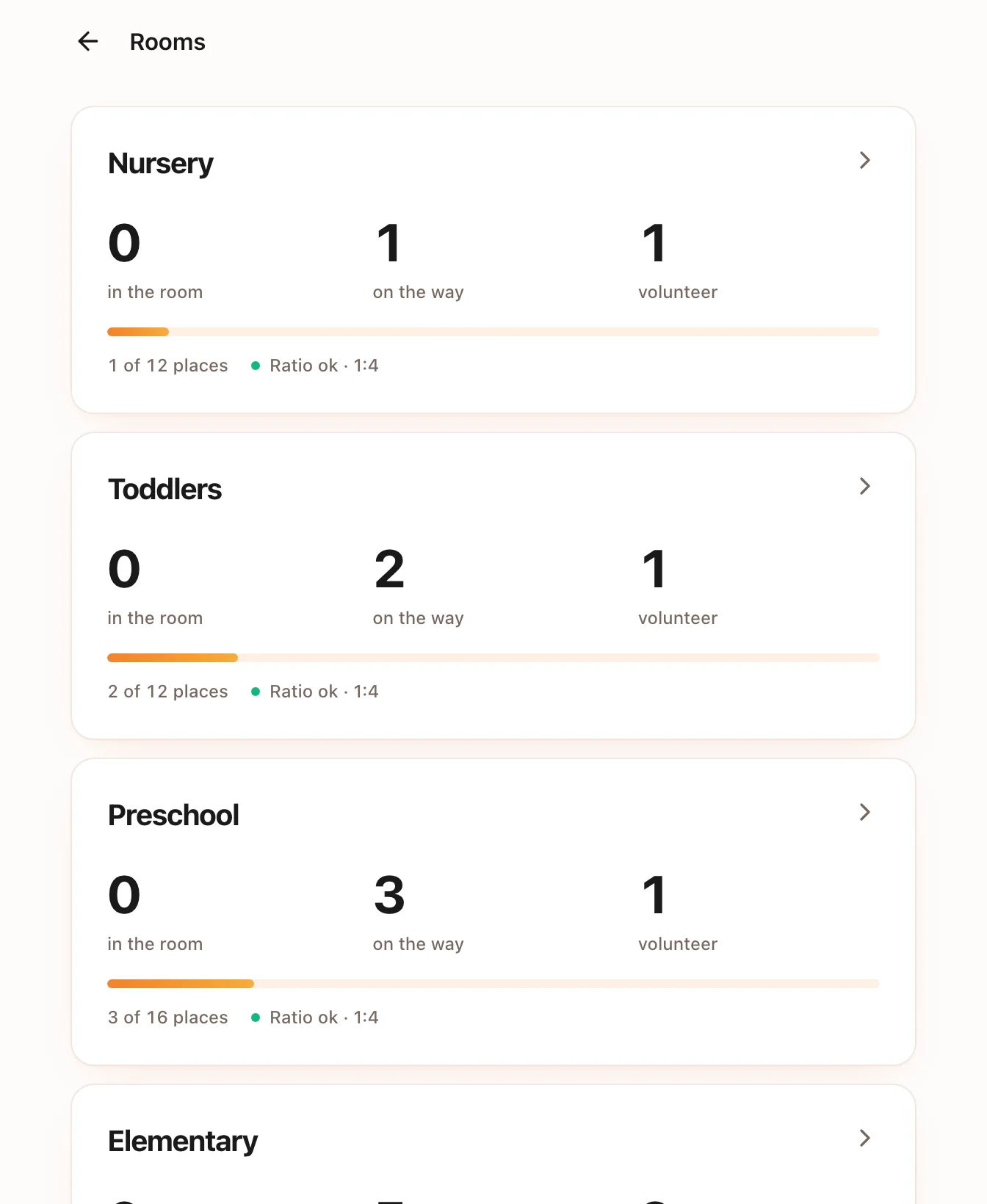
Rooms shows every room: how many children are in it and on the way, its volunteers, how many places are left and whether the ratio is OK. Open a room to see who’s on the way, who’s in the room and who has been collected. Choose Arrived when a child gets there. Care notes show what to do if it happens.
Check-out
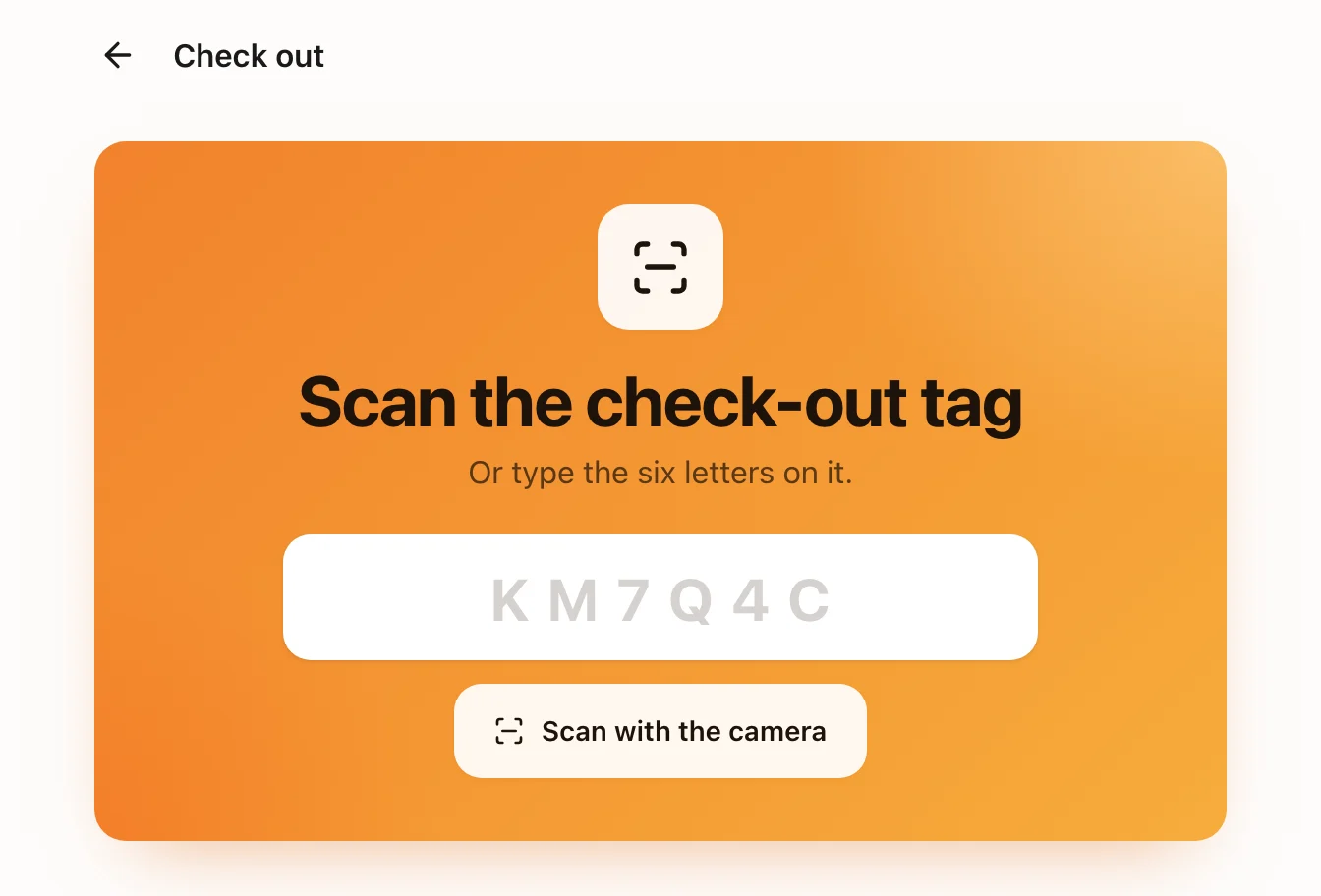
Choose Check out, then scan the check-out tag or type its six letters. Choose who is collecting: a parent, someone on the family’s check-out list, or Someone else. For someone who isn’t listed, write why it’s OK and how you checked who they are. Both go on the record with your name. If someone must not collect a child, the screen says so in red: don’t hand the child over, and fetch a leader.
The Log
Log lists every check-in and check-out for the gathering, with their times.