Stations, the desk and kiosks
Set up the computers that check people in, choose a primary station, and let families check themselves in.
5 min read · 5 steps
Add a station
In Check-Ins → Stations, add a station for each computer that will check people in or print. Open the link it gives you on that computer (or scan its QR code) and choose its printer.
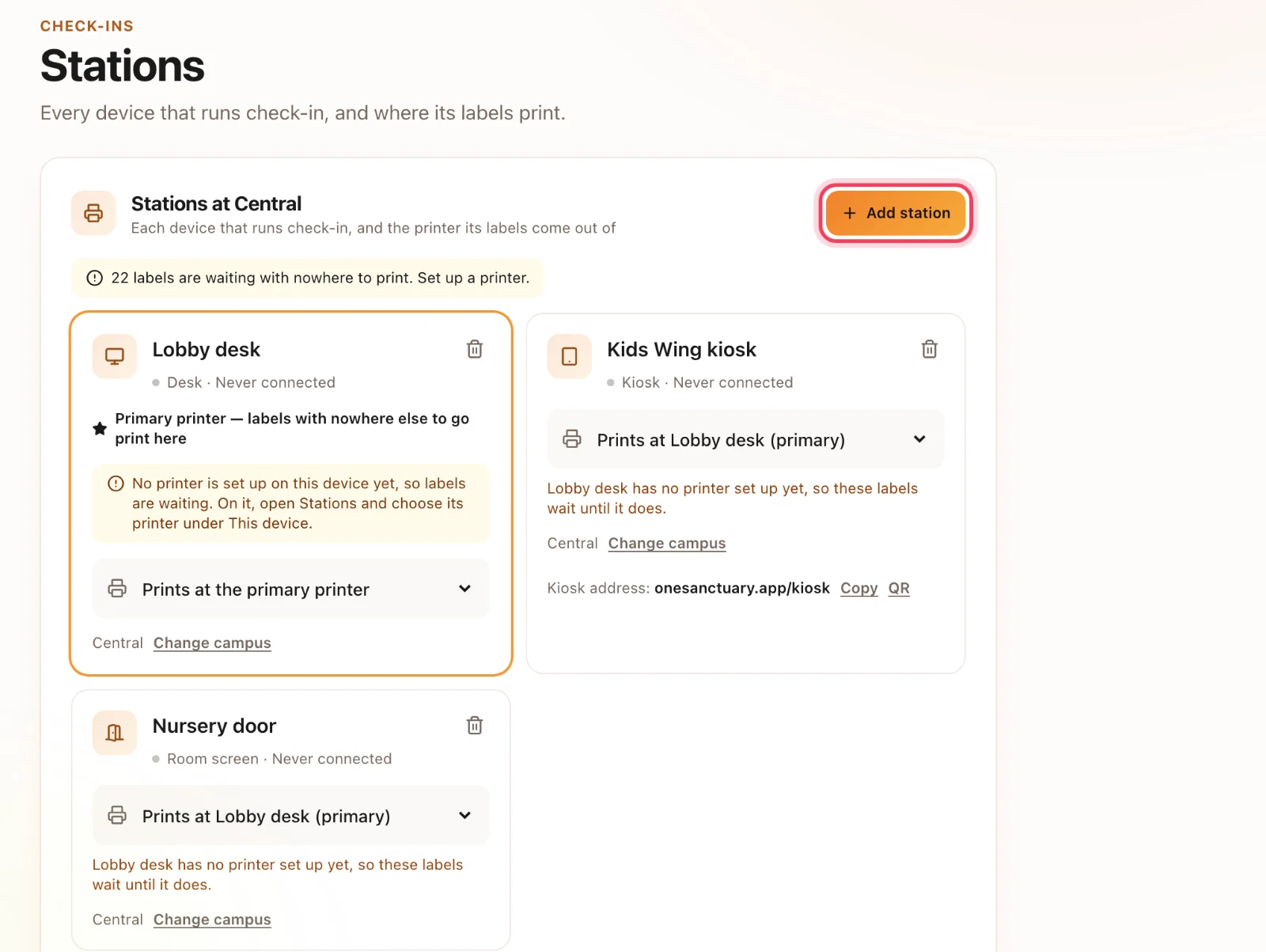
Choose a primary
Mark one station as primary — usually the main welcome desk. Labels that another station cannot print are sent there.
The desk
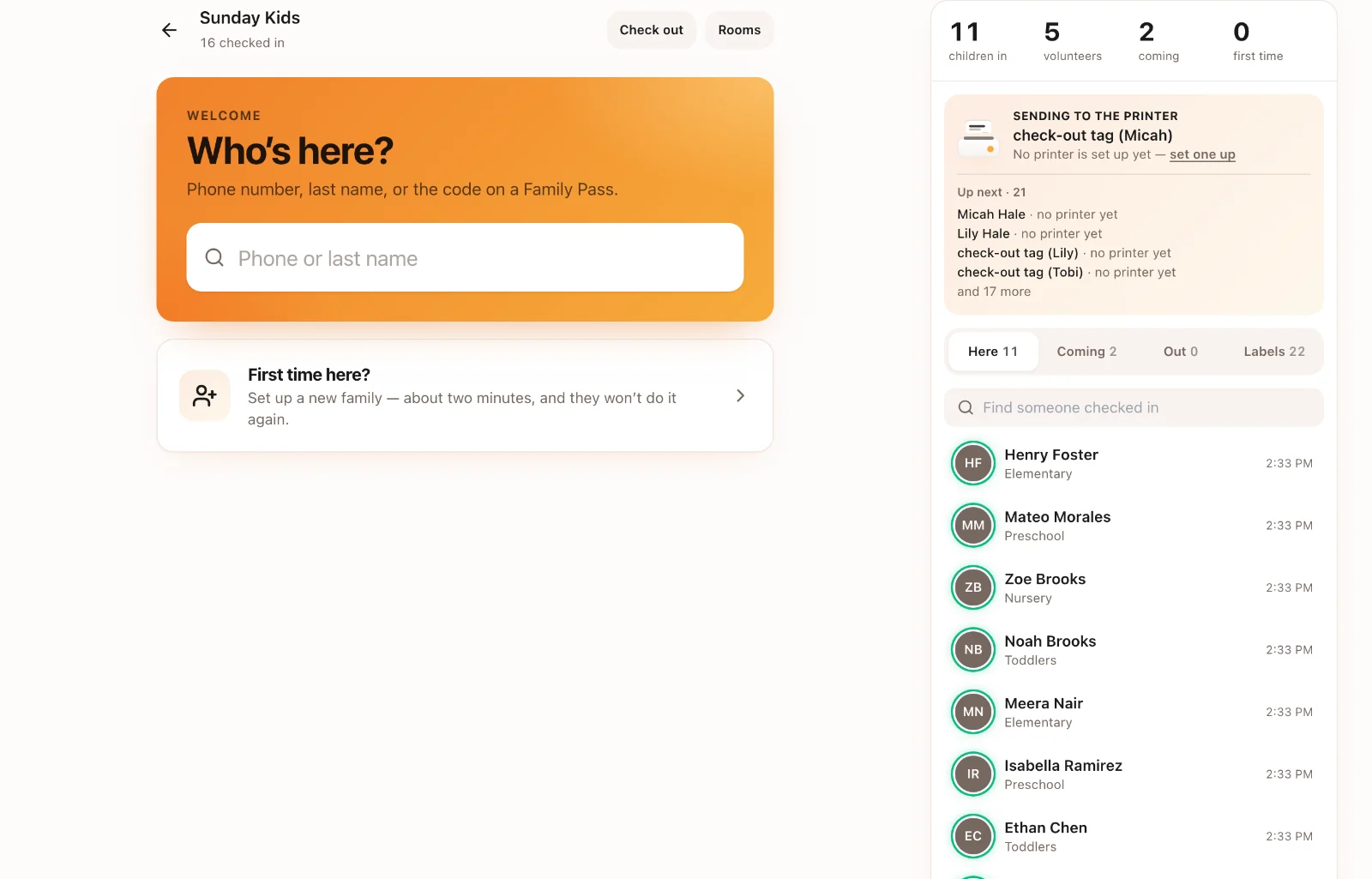
Staff at a desk find a family by name or phone, check children in, print labels, and see arrivals and any printer problems as they happen.
Kiosks
A kiosk lets families check themselves in on a computer or iPad by the door. It clears itself after a minute with nobody using it, so the next family never sees the last one’s names.
Test before Sunday
Check in a test child at each station and print a label. Fix printing then, not with a line at the door.