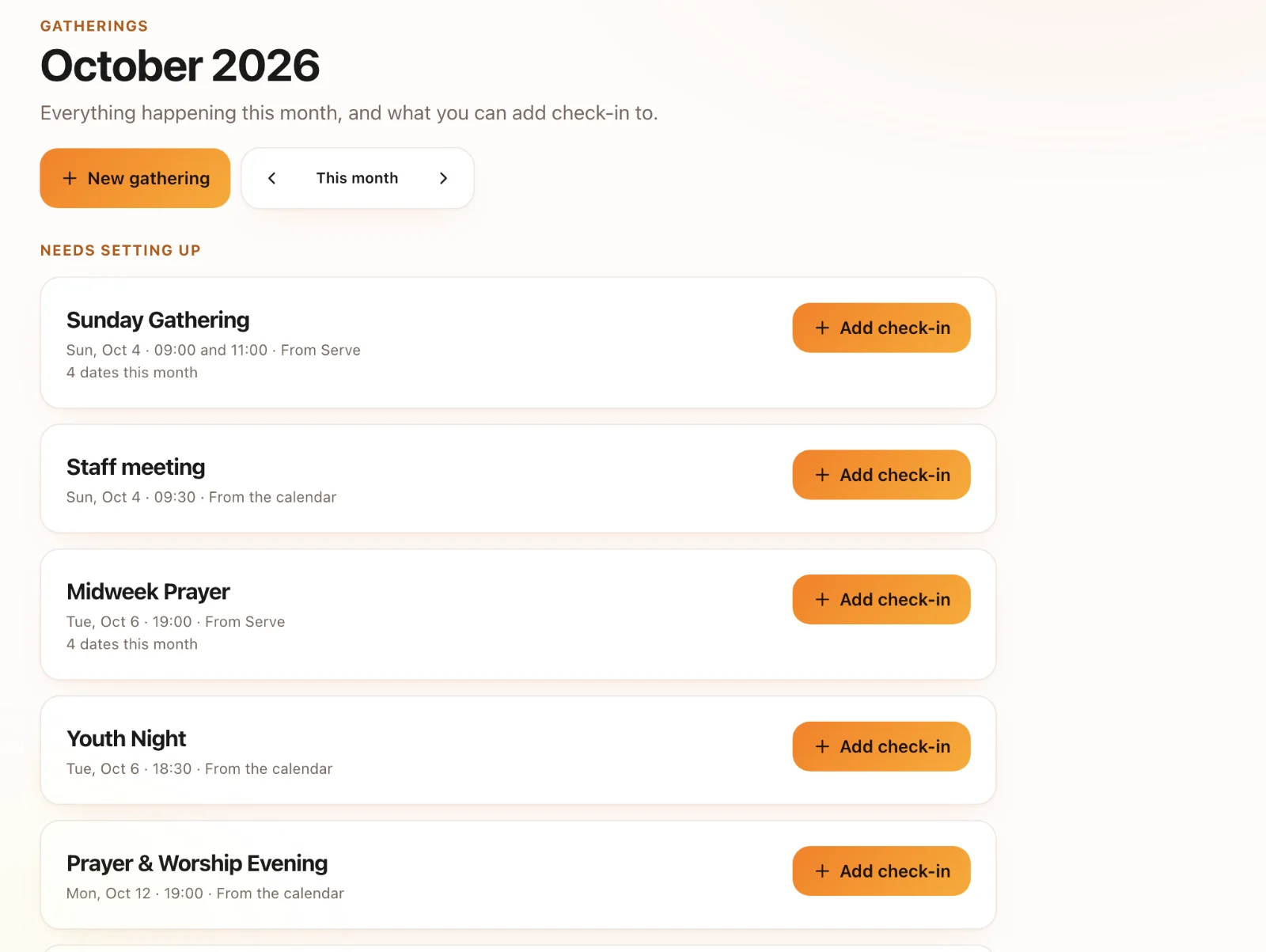
Intro to Sanctuary Check-Ins
Kids and event check-in with printed labels, secure pickup and family passes. In early access.
4 min read · 4 steps
What early access means
Check-Ins is working in churches today, and we switch it on with you rather than from a sign-up button. That lets us help set up your rooms, stations and printers, and make sure your first Sunday goes smoothly. To ask for it, email support@onesanctuary.app or use the link on your welcome screen.
It uses your Core people
Families and children are Core people and households, so a family set up at the door is the same record your staff see everywhere else. Events come from your Core calendar.
The pieces
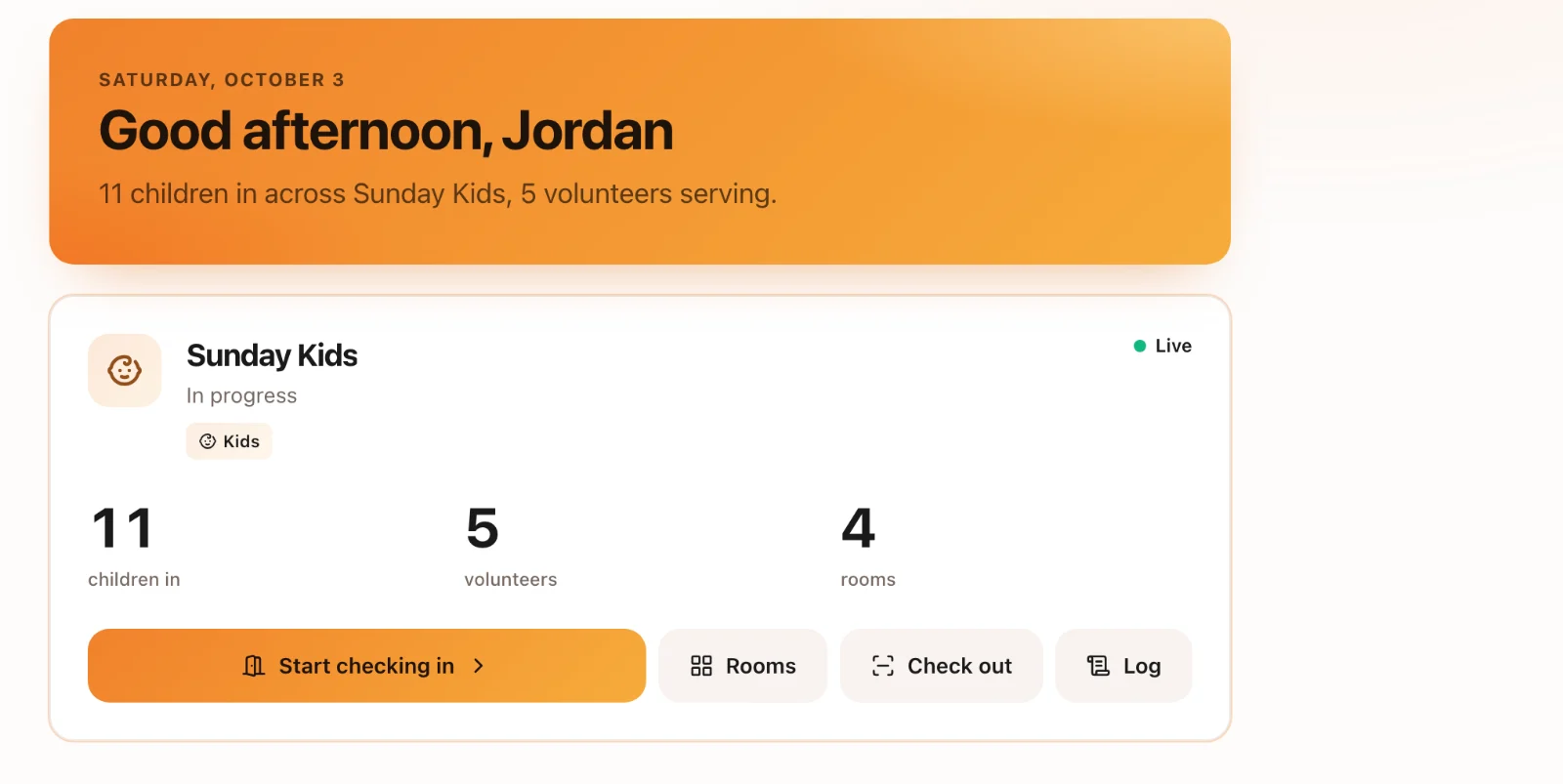
Rooms (with capacity and ratios), stations (the computers or iPads that check people in and print), and the people working them: the desk, kiosks families use themselves, and room leaders who see who has arrived.
Where to start
Set up your rooms, then a station with a printer, then run a test check-in before Sunday. The guides below walk through each.