First-time families, Family Pass and secure pickup
Let families set up before they arrive, check in with one scan, and collect with a matching check-out code.
4 min read · 4 steps
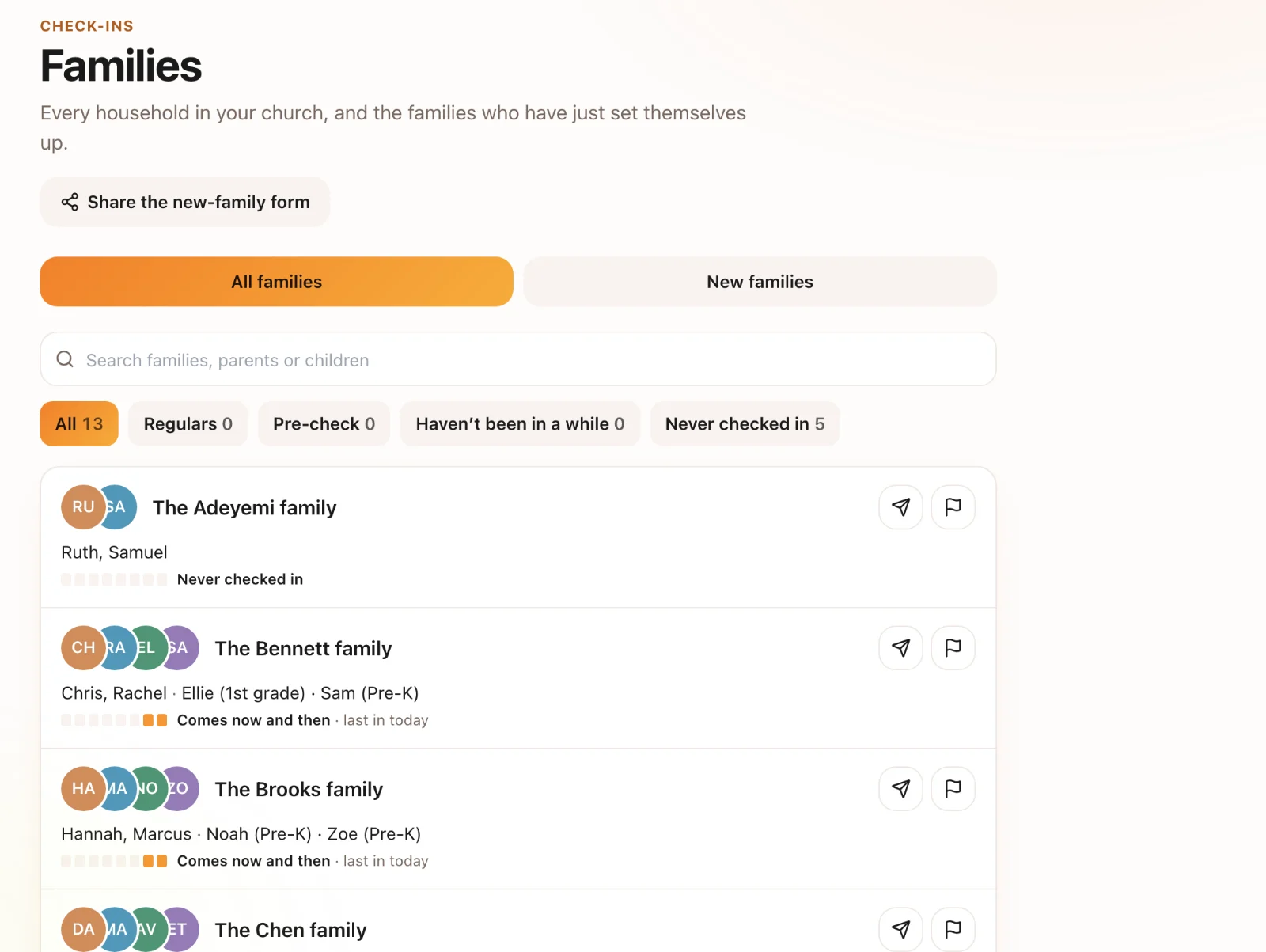
First-time families
Share your family setup link or QR code (on your website, a welcome card, or a screen in the lobby). A parent adds their children, allergies and care notes on their own phone before they reach the door, so check-in takes seconds.
Family Pass
Once set up, a family gets a pass with a QR code — in your church’s app or from a link. Scanning it at a station or kiosk checks the family in.
Secure pickup
Each check-in prints a check-out code on the child’s label and on the parent’s pickup tag. Leaders match the codes before a child leaves.
Care and restrictions
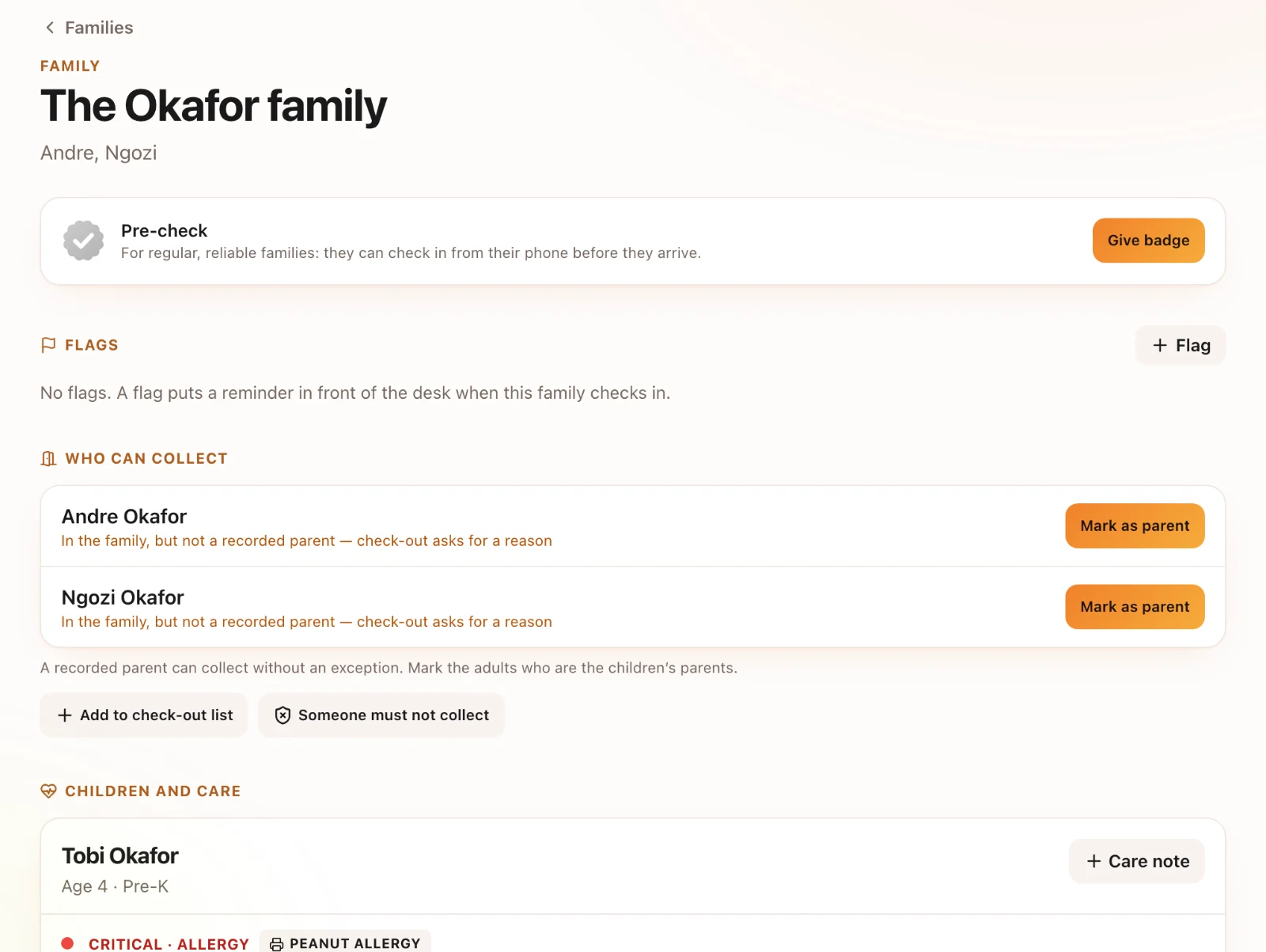
A short care line (for example NUT ALLERGY) prints on the child’s label, and fuller care notes are shown to the leaders who need them. Notes about who may or may not collect a child are shown to staff at pickup.