Move your people and giving from Planning Center
Migrate from Planning Center: export the right files, then bring your people, households, funds and giving history in with Move to Sanctuary.
10 min read · 10 steps
Before you begin
You need permission to export People and Giving in Planning Center, Core administrator access in Sanctuary, and Give turned on if you are bringing giving. Do this work on a computer, not in the mobile app. Do not invite everyone through Serve as a substitute for a People import: that tool sends invitation emails and does not carry household or giving history.
Export your People database from Planning Center
In Planning Center, open People and choose Actions → Import & Export CSV → Start Export. Planning Center emails you a link; download the CSV from that email. Export everyone, not a filtered list, unless you intentionally want to leave records behind.
Keep the useful People fields
Leave the original column headings in place. Sanctuary can use names (including middle name and suffix), what people go by, email addresses, phone numbers, addresses, birthdays, anniversaries, household information, campus, membership status and other profile fields. Do not combine spouses into one row: each person needs an individual record so their profile, household role, and giving can be matched safely.
Bring your people in with Move to Sanctuary
In Core, open Move to Sanctuary, choose Planning Center, and drop in the export. Sanctuary matches the columns, asks which of your membership types each Planning Center membership value should become, finds people who are already in Sanctuary, and rebuilds each household with its adults and children. Nothing is saved until you choose Bring everyone in, and you can undo the whole move until you mark it final. The file is read on your computer; only what you keep is sent to Sanctuary.
Export donations from Planning Center Giving
Open Planning Center Giving, go to Donations, choose the full date range, then Export → By donation → CSV. A year per file is fine. Sanctuary wants one row per donation — not annual donor totals — so dates, funds, payment methods, and statements stay accurate. Keep the donor’s name, email, Planning Center ID, fund, method and donation ID columns in the file.
Add the giving to Move to Sanctuary
Add the donations file to the same move, or to a new one once your people are in, and mark it as Giving history. You do not need to create funds first: in Funds, each Planning Center fund already has a home — the same fund already in Sanctuary, a new fund of its own, or left out as event payments — and a seasonal fund can be given an end date. If two files overlap, the same donation is only brought in once.
Review every result before bringing it in
Compare the review with Planning Center: the totals year by year and fund by fund, which Sanctuary adds up on both sides to the cent, and how each giver is matched — by their Planning Center ID, or for certain to someone already here, or as a new donor profile. Accept the strong matches, decide the possible ones, then choose Bring the giving in. No receipts or thank-yous are sent.
Verify, then mark the move final
Check several people, funds, and tax years in Give, then run a giving report and compare its total with the source export. Use Review couples to join spouses who gave separately. Until you choose Mark as final, Undo the whole move removes only what the move added. Store the original exports securely with your migration records.
Importing a single CSV instead
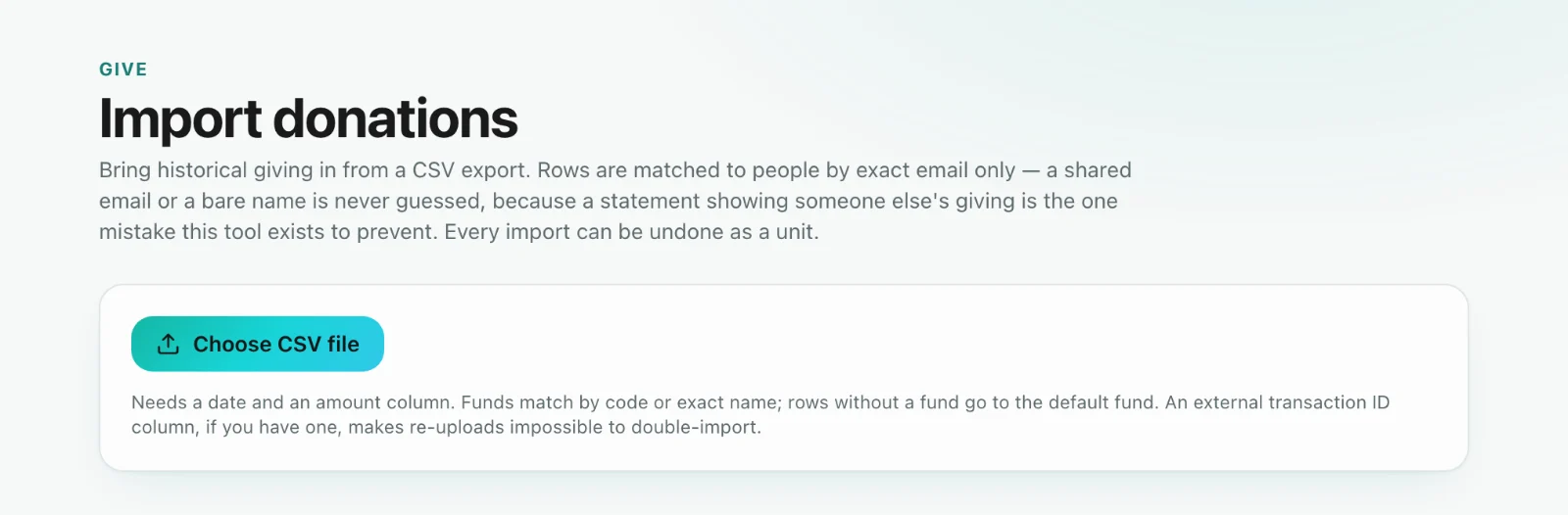
Give → Import donations still takes one CSV of gifts. It matches a giver only by exact email — a shared email is marked Shared email and never guessed — and each file is listed under Past imports with its own Undo. Use one route for any date range, not both, or the same gifts will be counted twice.
Avoid duplicates during the changeover
Choose a firm cutover date. Bring Planning Center history in through the day before Sanctuary becomes your system of record, then enter or receive all later gifts only in Sanctuary. Bringing an overlapping date range in again later can create duplicates. Keep Planning Center read-only until your totals, households, and sample statements have been verified.