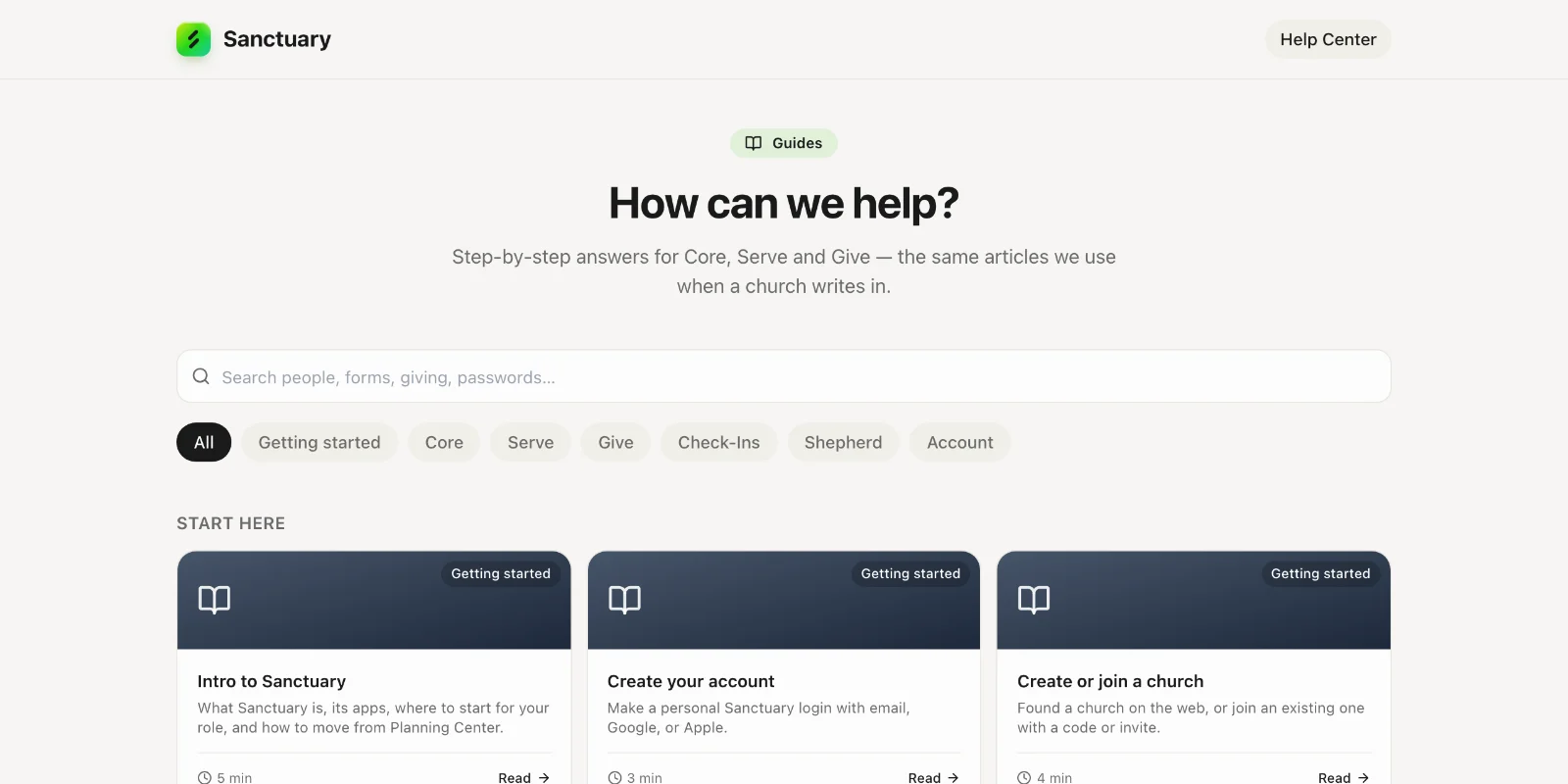
Intro to Sanctuary
What Sanctuary is, its apps, where to start for your role, and how to move from Planning Center.
5 min read · 6 steps
One church, one record, several apps
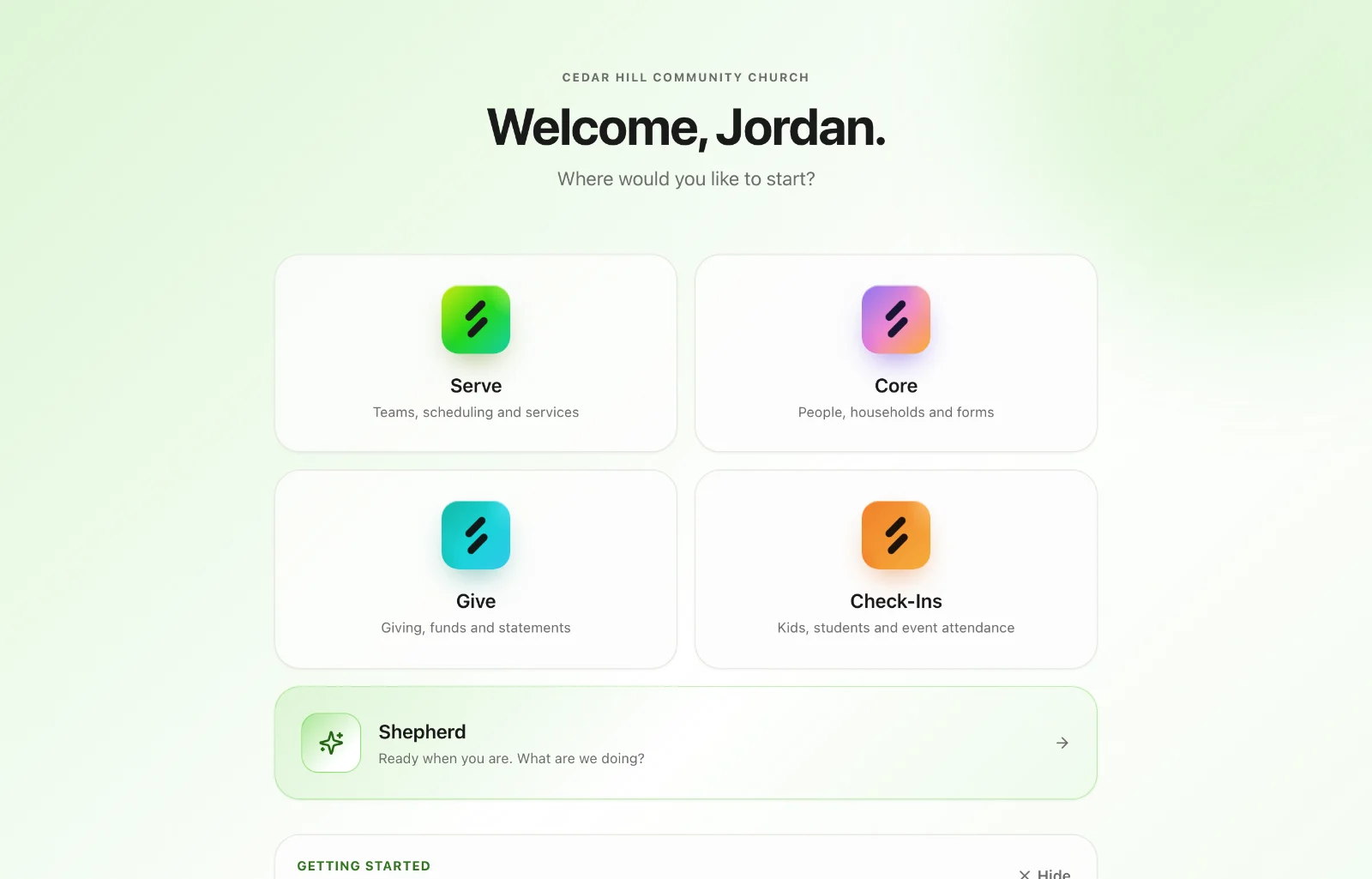
Sanctuary is church software in apps that share one login and one people record. Core is the directory — people, families, forms, calendar, tasks and printed mail. My Church is your congregation’s app. Serve is teams, scheduling, service orders, songs and stage displays. Give is online giving, recurring gifts, statements and reconciliation. Check-Ins is kids and event check-in with printed labels (early access). Shepherd is an AI assistant for your staff.
Core is free and always on
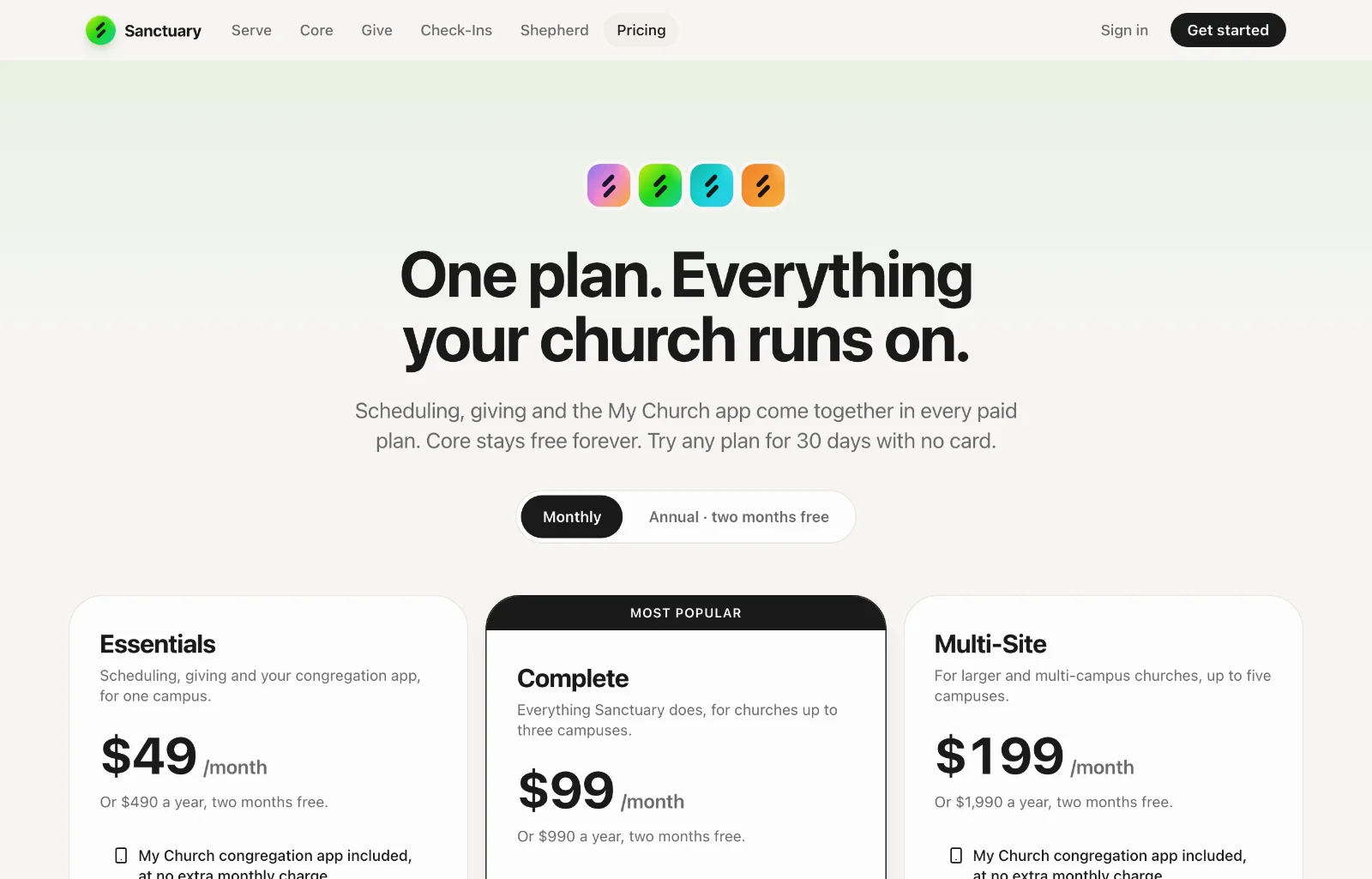
Every church gets Core, free: people, households, forms, calendar and tasks, with no limit on people. Serve, Give and the My Church app come together in one plan (Essentials, Complete or Multi-Site, and Enterprise for more than five campuses), sized by campuses and team members, and every plan starts with a 30-day free trial.
Web vs the phone app
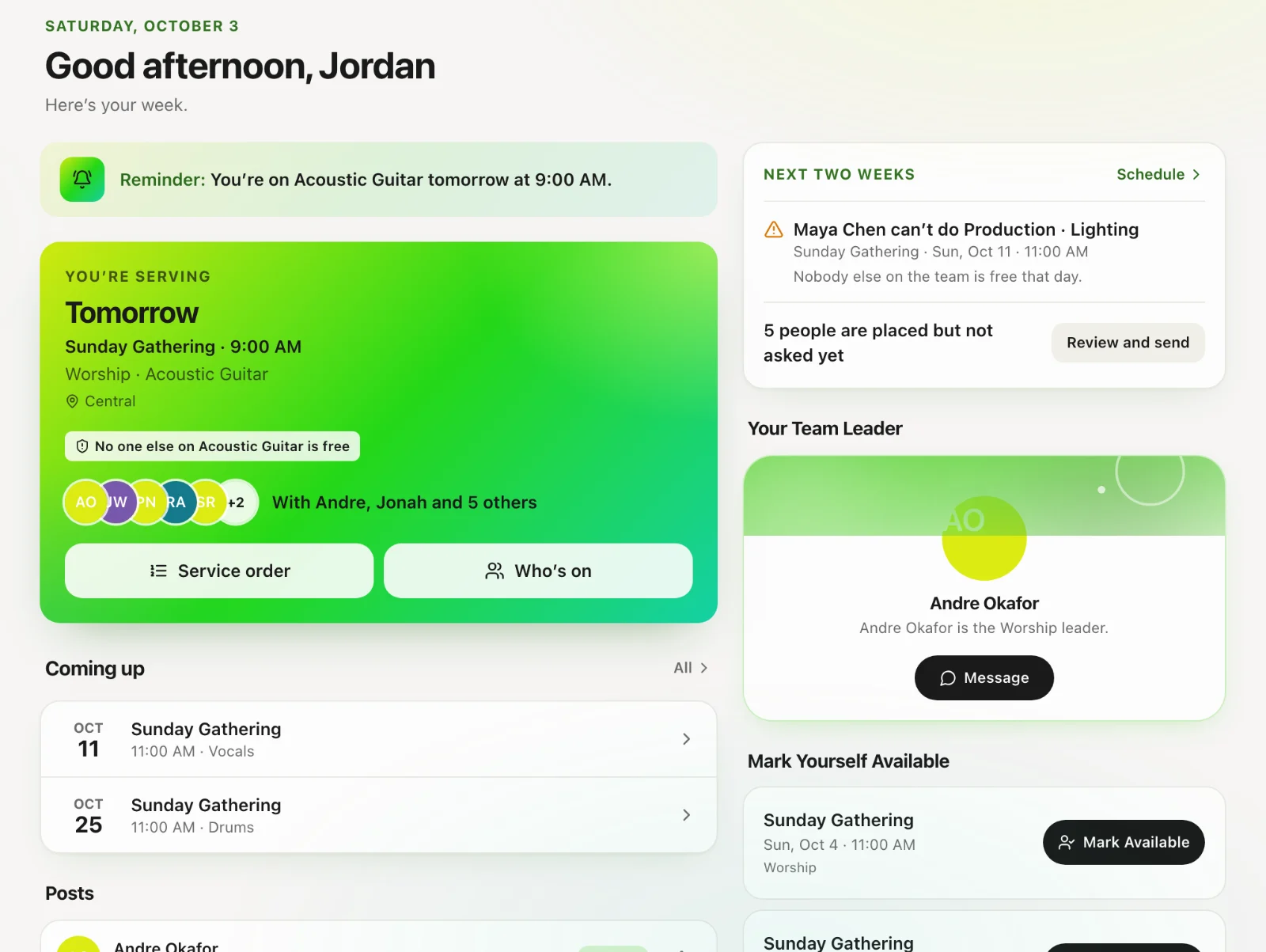
Founding a church, choosing a plan, connecting Stripe and buying text credits happen on the website (onesanctuary.app). The iOS and Android apps are for volunteers: create a personal login, join with a church code, see your schedule, and do the work. There is nothing to buy in the app.
Where you land
After you sign in, the welcome screen shows the apps you can open — only those. If you created the church, you are its primary administrator and can open everything you switched on. If you joined with a church code, you wait for an administrator to approve you, then you see Serve (your teams and schedule). Core and Give are separate grants — being in the church is not enough to open the directory or the giving books.
Coming from another system?
Read “Move to Sanctuary” in this section. Core’s Move to Sanctuary brings your people, families, funds and giving history across from Planning Center, Pushpay, Tithe.ly, Breeze or a spreadsheet, with a review before anything is saved. Coming from Planning Center in particular? “Move your people and giving from Planning Center” walks through its exports.
How to use this help centre
Start with the article for your app, then the how-to for the job in front of you. Search at the top of /guides looks through every article, not just the titles. If you still cannot find it, open a ticket from the Help Center or email support@onesanctuary.app.