Intro to Shepherd
Sanctuary’s AI assistant for your staff: what it can do, who can use it, and what always waits for a person.
4 min read · 5 steps
What Shepherd is
Shepherd is an assistant inside Sanctuary for your staff. Ask it in plain words to find people, explain your schedule, draft a message, build a service order or summarise giving — it works with the same records you do.
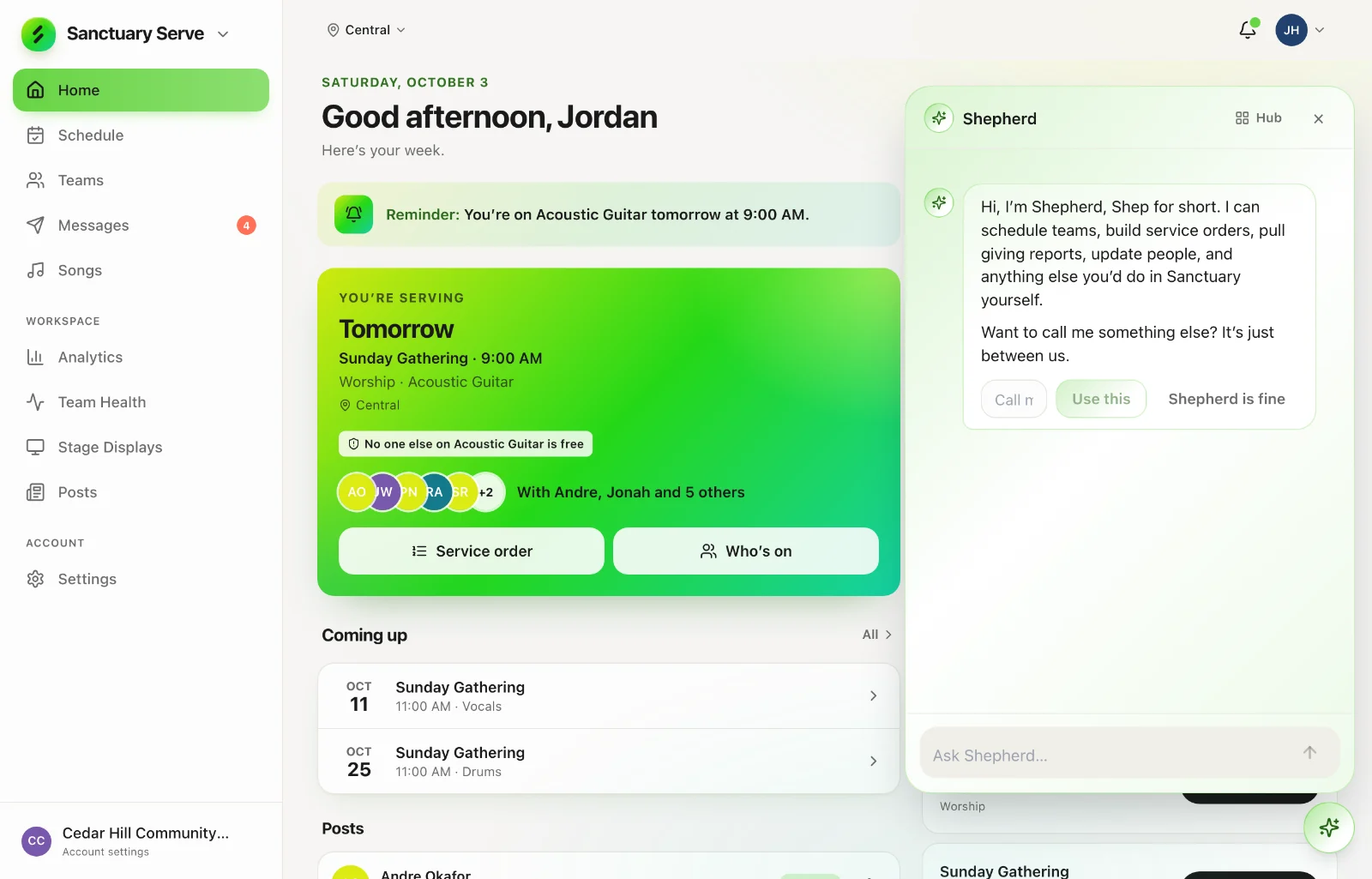
Who can use it
Administrators and staff with responsibility in Sanctuary: church and campus administrators, team leaders, and anyone allowed to schedule, edit service orders, or open Core or Give. Volunteers and congregants do not see it. Whether your church has it depends on your church’s Sanctuary plan.
It can only do what you can
Shepherd acts with your permissions. If you cannot open Give, neither can Shepherd when you ask it something. It cannot see other churches.
A person always confirms
Anything that reaches outside Sanctuary — sending an email or text, for example — is shown to you as a card to confirm first. Nothing is sent until you say so.
Routines
You can ask Shepherd to look at something on a schedule — say, who has not answered a schedule request by Thursday — and it reports back. Routines read and report; they do not change records or send messages on their own.