Reset your password
Get back in when you have forgotten the password.
2 min read · 4 steps
Forgot password
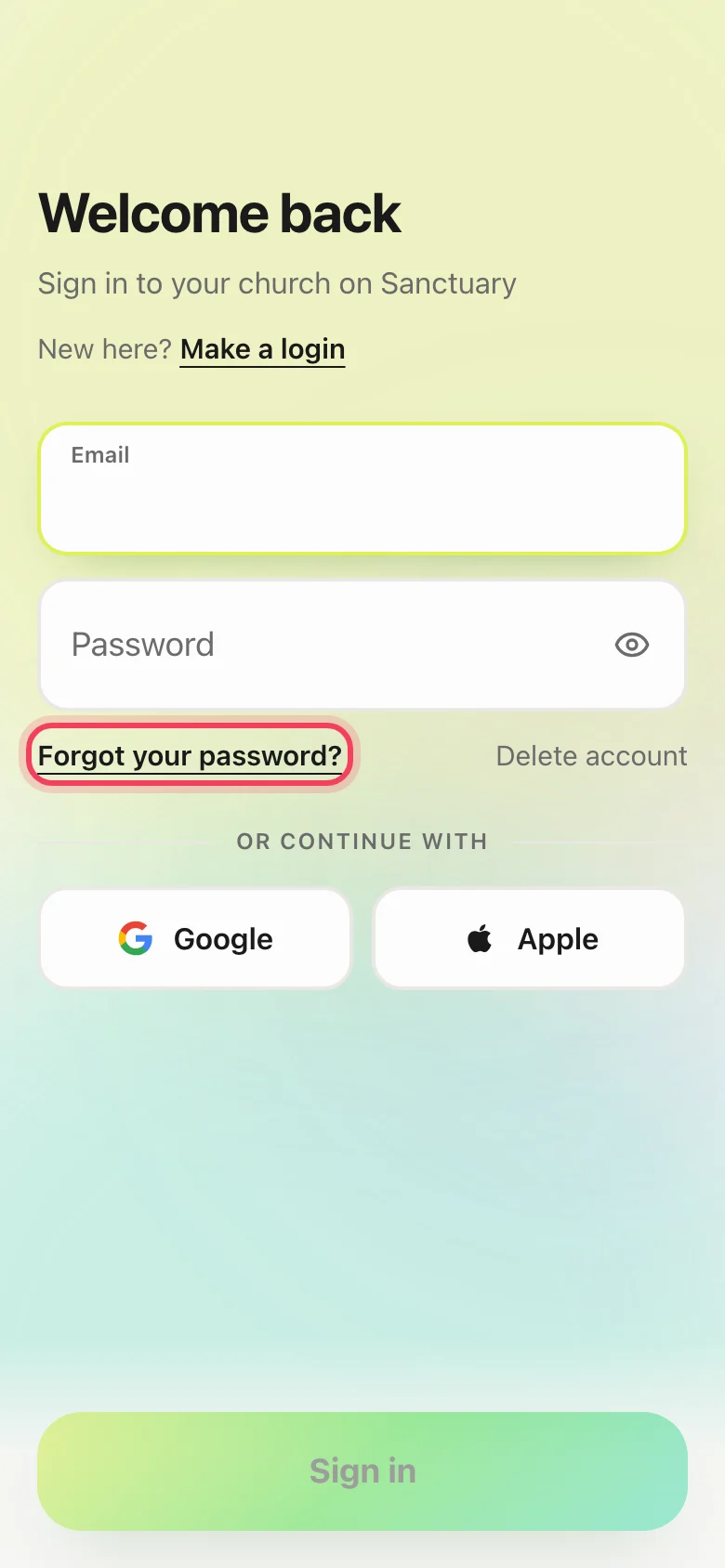
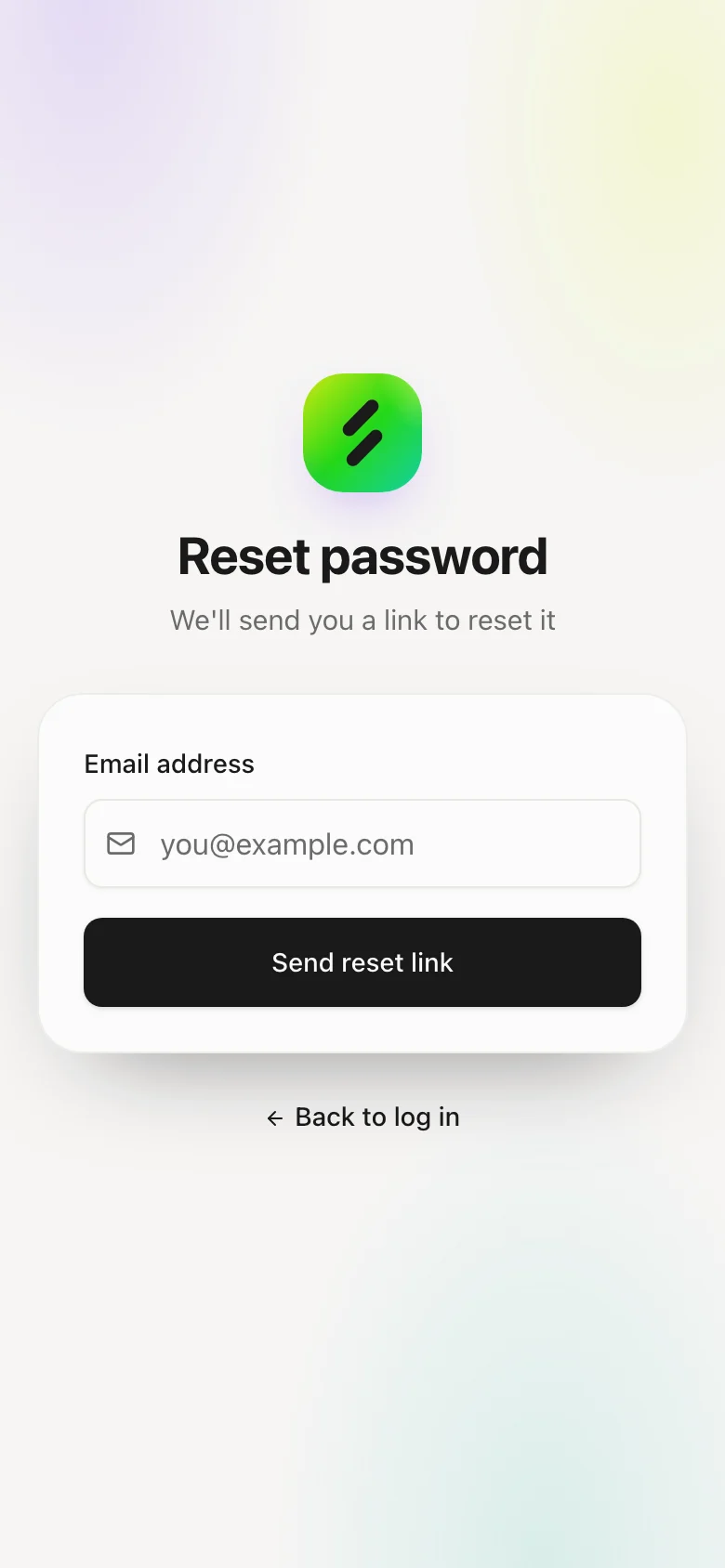
On the login screen, tap Forgot password. Enter the email on the account.
Use the link we send
Open the email and set a new password. Links expire — request a new one if it does not work.
Google or Apple logins
If you only ever used Continue with Google or Apple, there is no Sanctuary password to reset. Use that same button again. You can add a password later from your profile if you want.
Support cannot read your password
Nobody at Sanctuary can see it. We can send a reset or verify the email; we cannot tell you what it was.