Delete your account
Remove your personal login. Required to be as easy as signing up.
3 min read · 4 steps
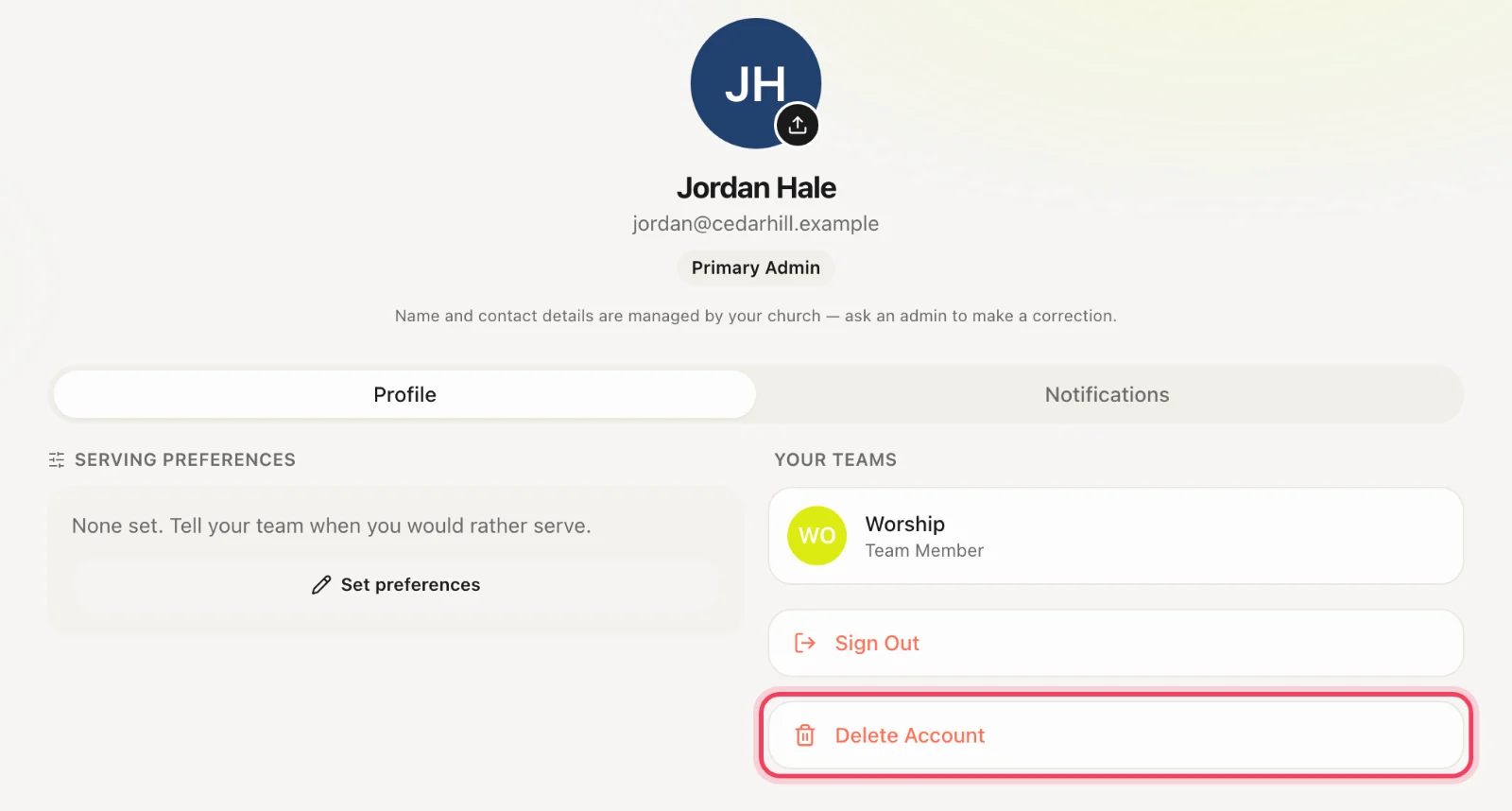
In the app
Profile → Delete account. This deletes the login, not only your data inside a church. That is what “delete account” means for the App Store, and it is what we do.
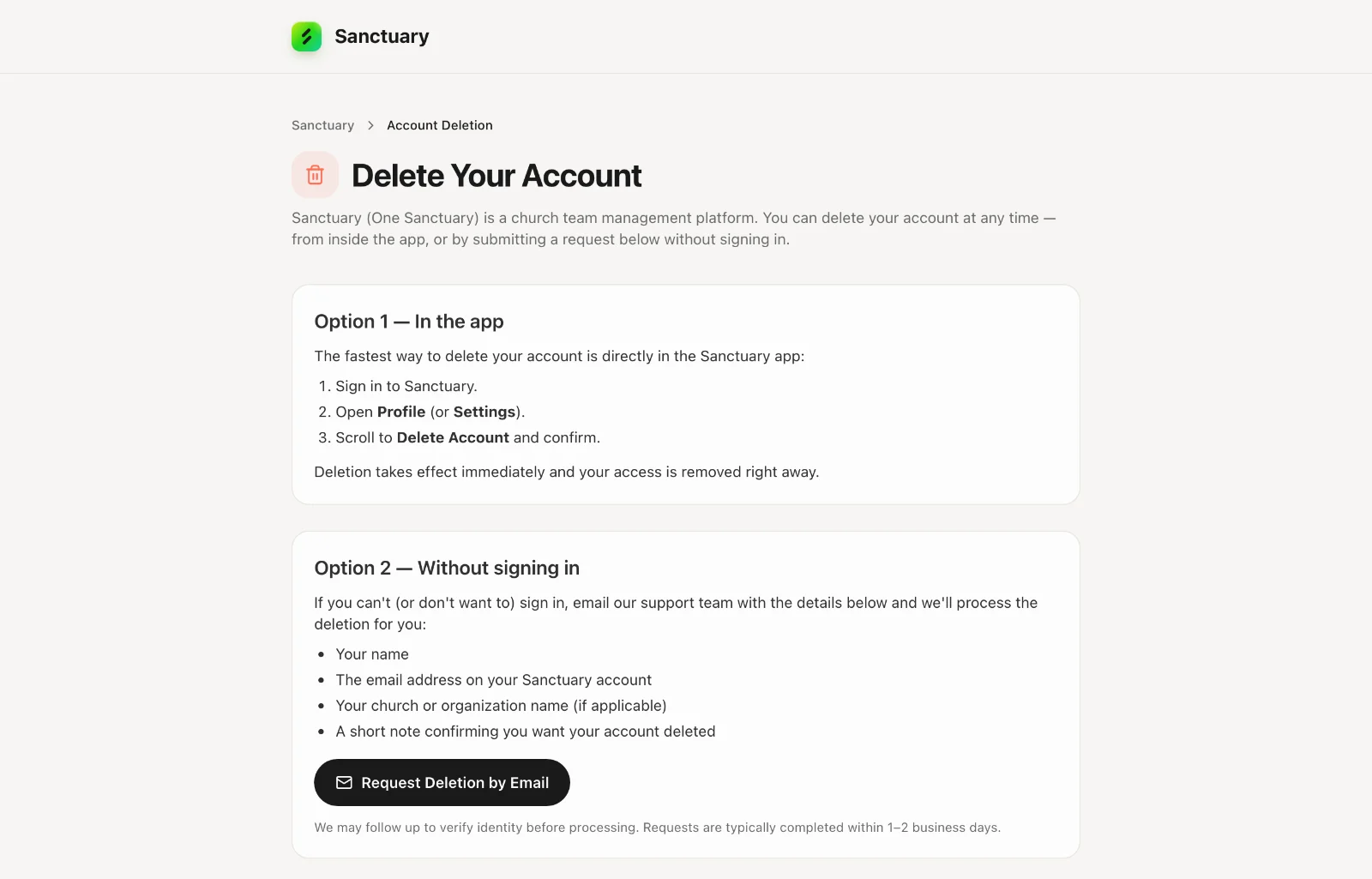
Without signing in
Use the public Account Deletion page linked from login, or email support@onesanctuary.app.
If you are the only primary admin
You cannot leave a paying church with nobody who can cancel the subscription. Promote another administrator, or cancel billing in Account settings → Plan & billing, then delete.
What remains
Some records a church is legally expected to keep (for example gift history on their books) stay on the church, detached from your login. Your ability to sign in is gone.